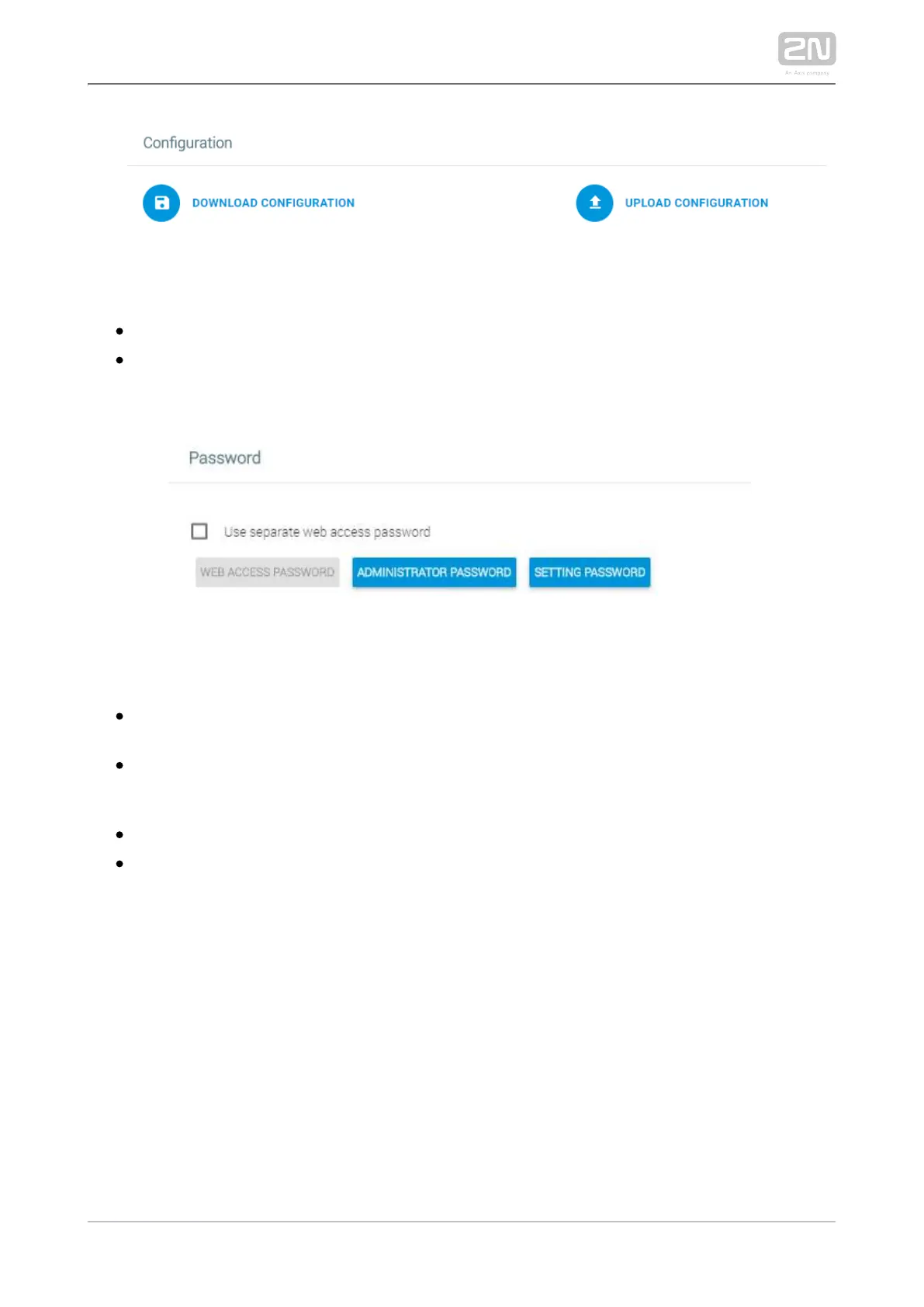
Configuration
– download the current configuration into a PC.Download configuration
– upload configuration from a PC file to the device. Click to Upload configuration
display a window to select whether the whole configuration is to be uploaded or
the part containing IP addresses should be omitted.
Password
Use separate web access password – set a separate access password for the
device web interface.
Web Access Password – set a web interface access password. Make sure that it
contains eight characters at least including one capital letter, one small letter
and one digit.
Administrator Password – set an administrator setting access password.
Setting Password – set a device setting access password.



 To Next Page