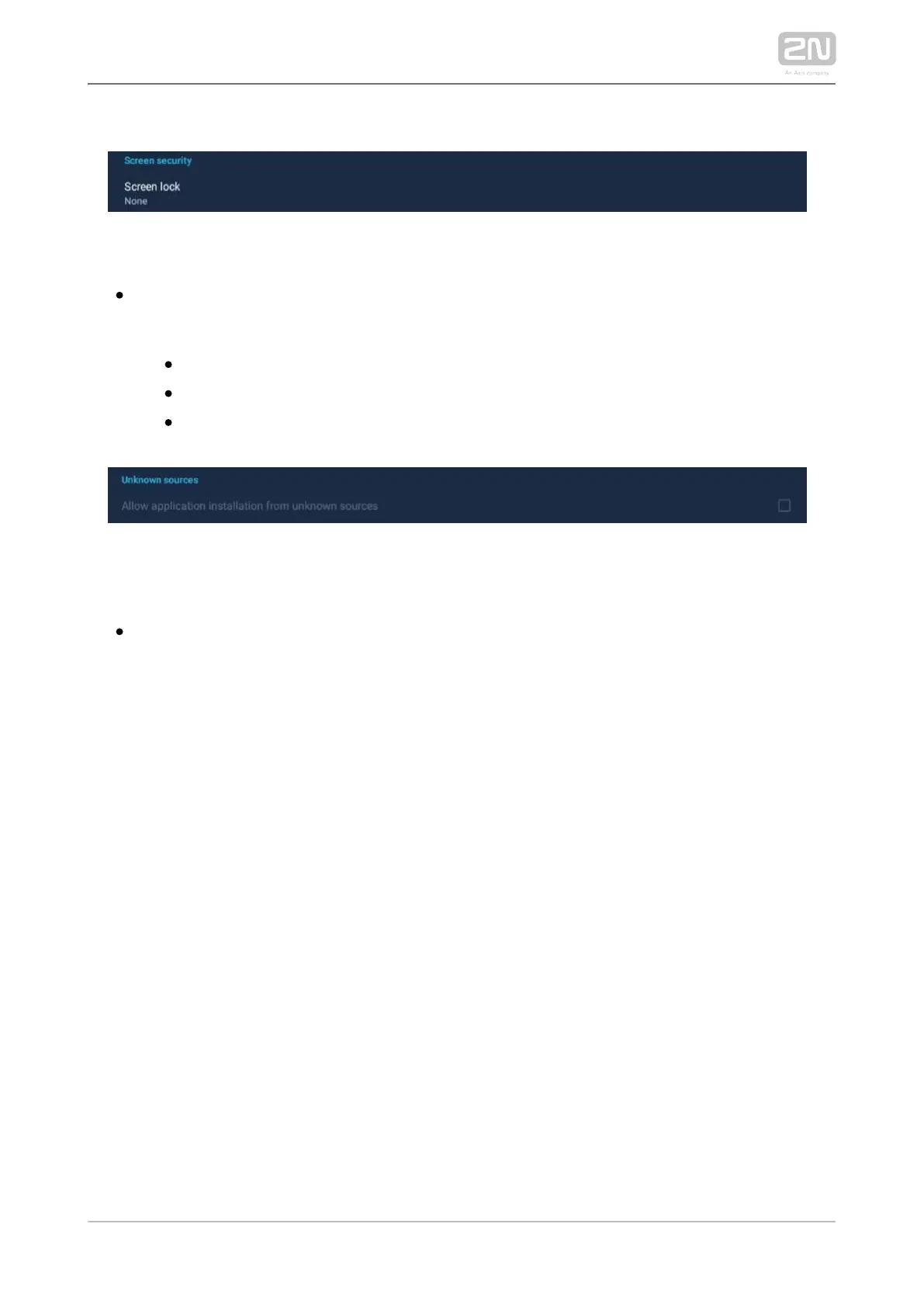
SCREEN LOCK
– set the screen lock password type The screen lock is activated Screen lock .
after the sleep mode timeout set in the Device / Screen / Sleep mode menu
elapses.
– no screen lock.None
– set the screen lock deactivation gesture.Pattern
– set the numeric PIN for screen lock deactivation.PIN
UNKNOWN SOURCES
– allow installation of Allow application installation from unknown sources
applications from unknown sources.



 To Next Page