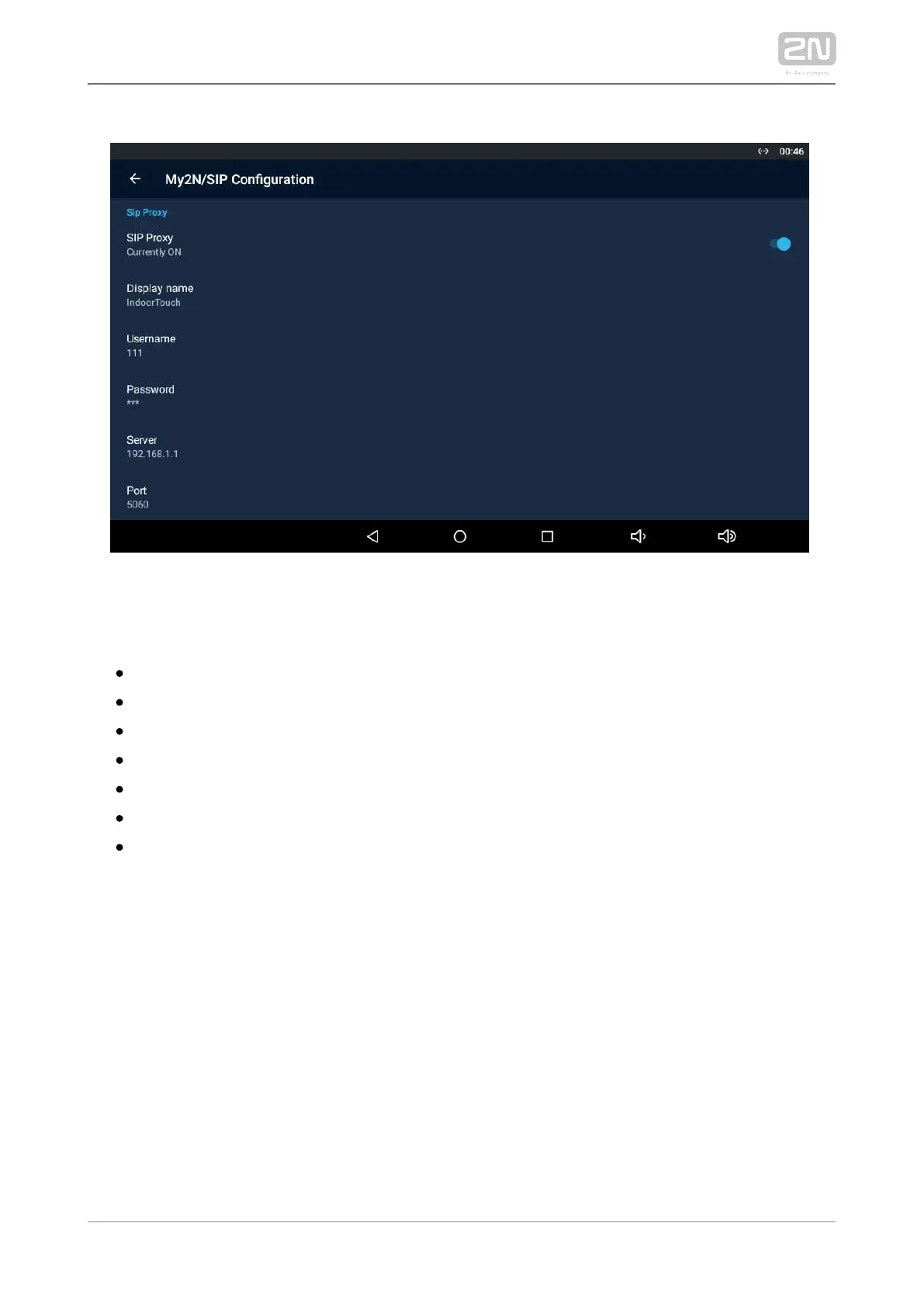
SIP PROXY
– enable/disable the SIP Proxy.SIP Proxy
– set the account name to be displayed in the application.Display name
– set the SIP Proxy server username.Username
– set the SIP Proxy server user password.Password
– set the SIP Proxy server IP address/domain name.Server
– set the SIP Proxy server port (default is 5060).Port
– select the transport protocol: TCP or UDP.Transport



 To Next Page