LAN Devices
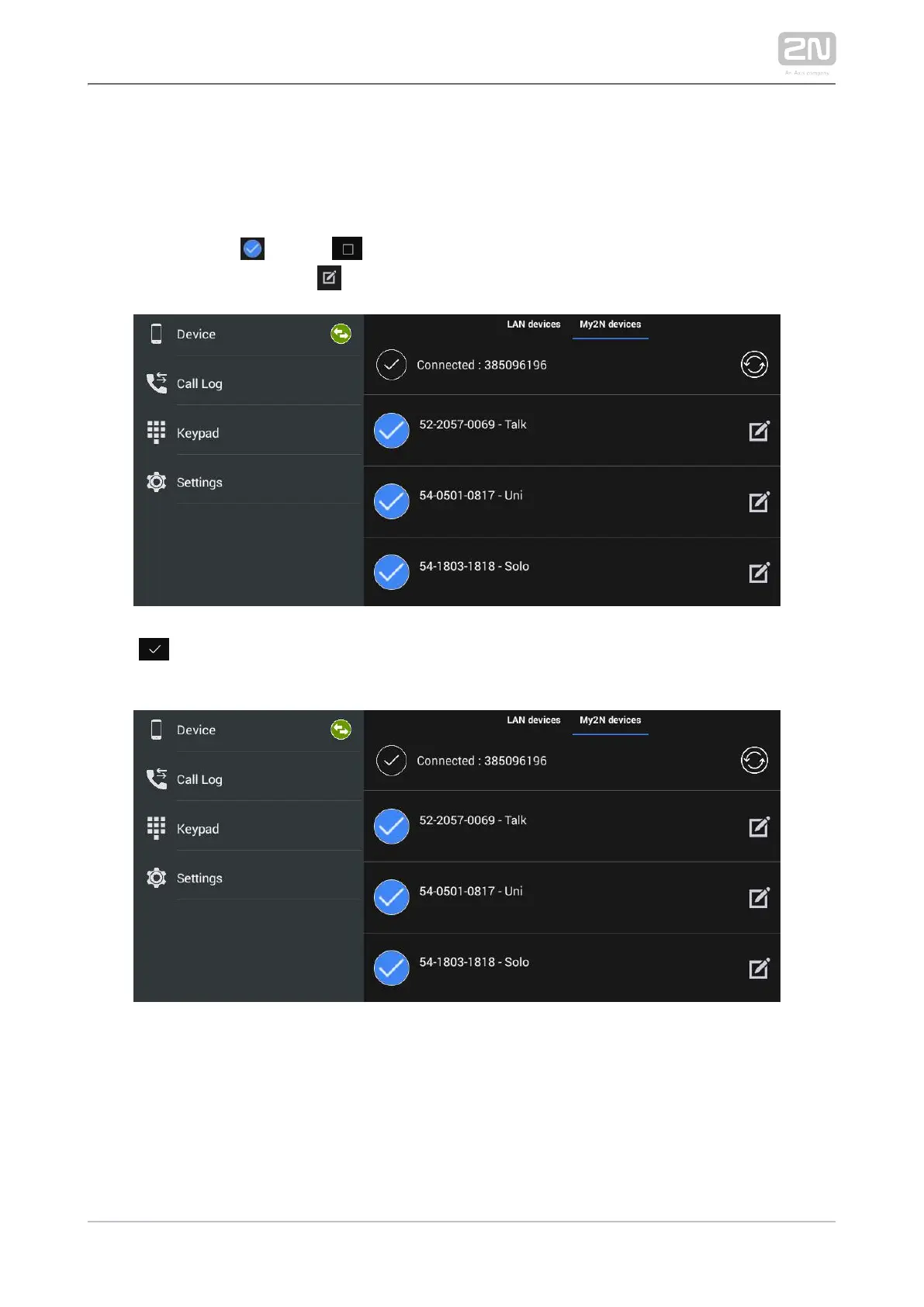
All the and devices detected automatically in 2N IP intercoms 2N Indoor Touch 2.0
®
the same LAN are displayed in the Device/LAN main window. Click a row to remove
the selected device. Each device is identified by a name and IP address. The selected
device is marked . Press to the right in the application upper toolbar to select
all the devices listed. Click to edit the device name.
Click to the right in the upper panel to save the selected LAN devices. The
application moves back to the Device menu to display the selected devices.



 To Next Page