Configuration manual for 2N IP intercoms
• Deliver In– set the time limit for delivering an e-mail to an inaccessible SMTP server.
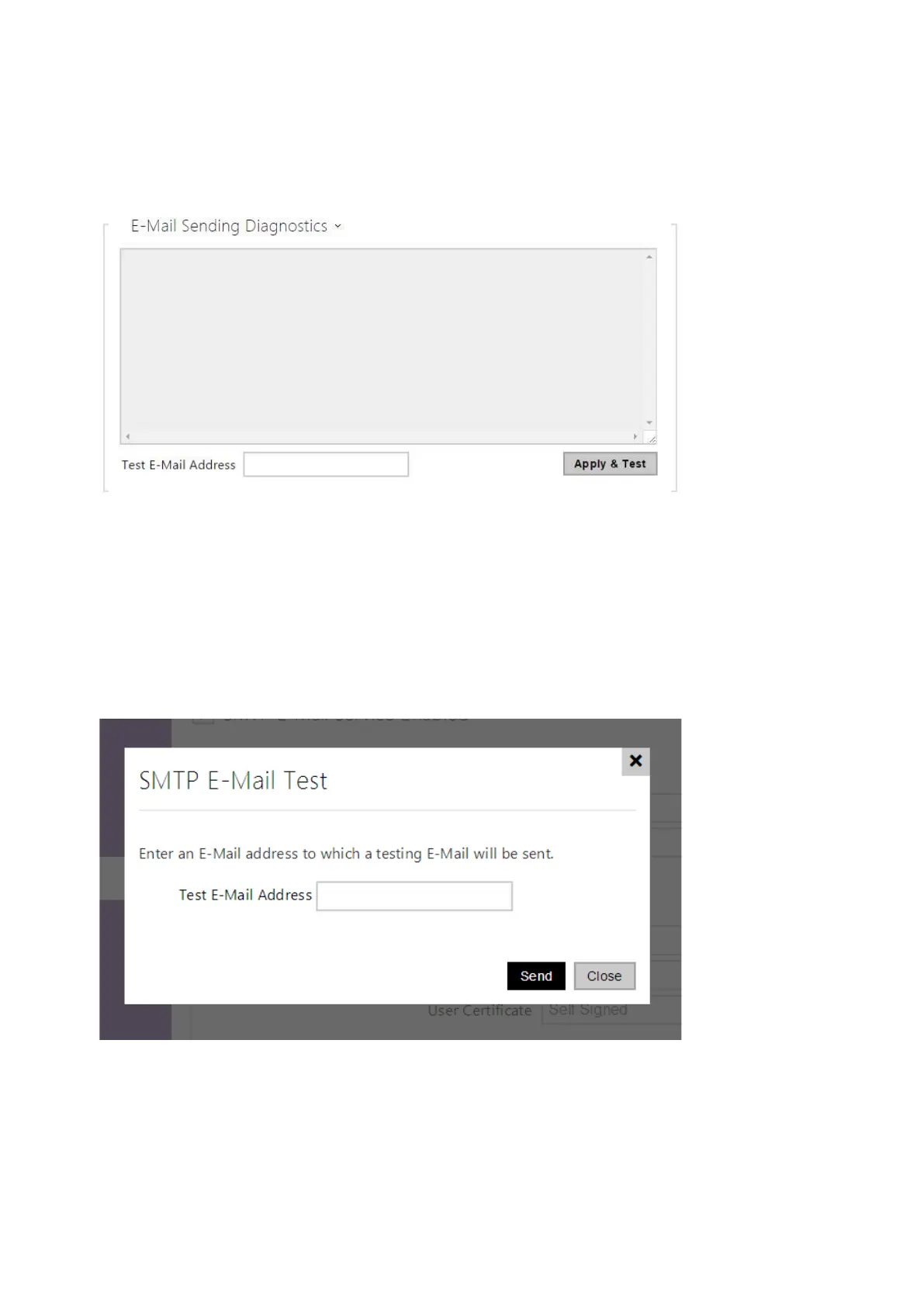
ClickApply & Testto send a testing e-mail to the defined address with the aim to test the
functionality of the current e-mail sending setting. Enterthe destination e-mail address into the
Test e-mail address field and press the button.The current e-mail sending state is continuously
displayed in the window for you to detect an e-mail setting problem if any on the intercom or
another network element.One camera shot is always attached to the e-mail even in cameraless
models where the image is sent with N/A.



 To Next Page