Configuration manual for 2N IP intercoms
•
•
•
Video Input – choose one of the analog camera inputs. You can change the input by
automation via the Action.SetCameraInput during operation.
Video Standard– set the video standard for the camera connected. Modify the value only
if the automatic video standard detection does not work well (Autovalue).
Motion Detection Enabled–enable automatic motion detection via an internal camera.
Motion is detected by monitoring of a brightness change in the selected image section in
time. When objects move within the camera range, the selected part of the image detects
an activity, which can be expressed in percentage.If the activity exceeds the upper limit,
motion is detected and indicated as long as the activity drops below the lower limit. Select
the sensitivity thresholds and detection area according to the requirements and
installation site conditions.
•
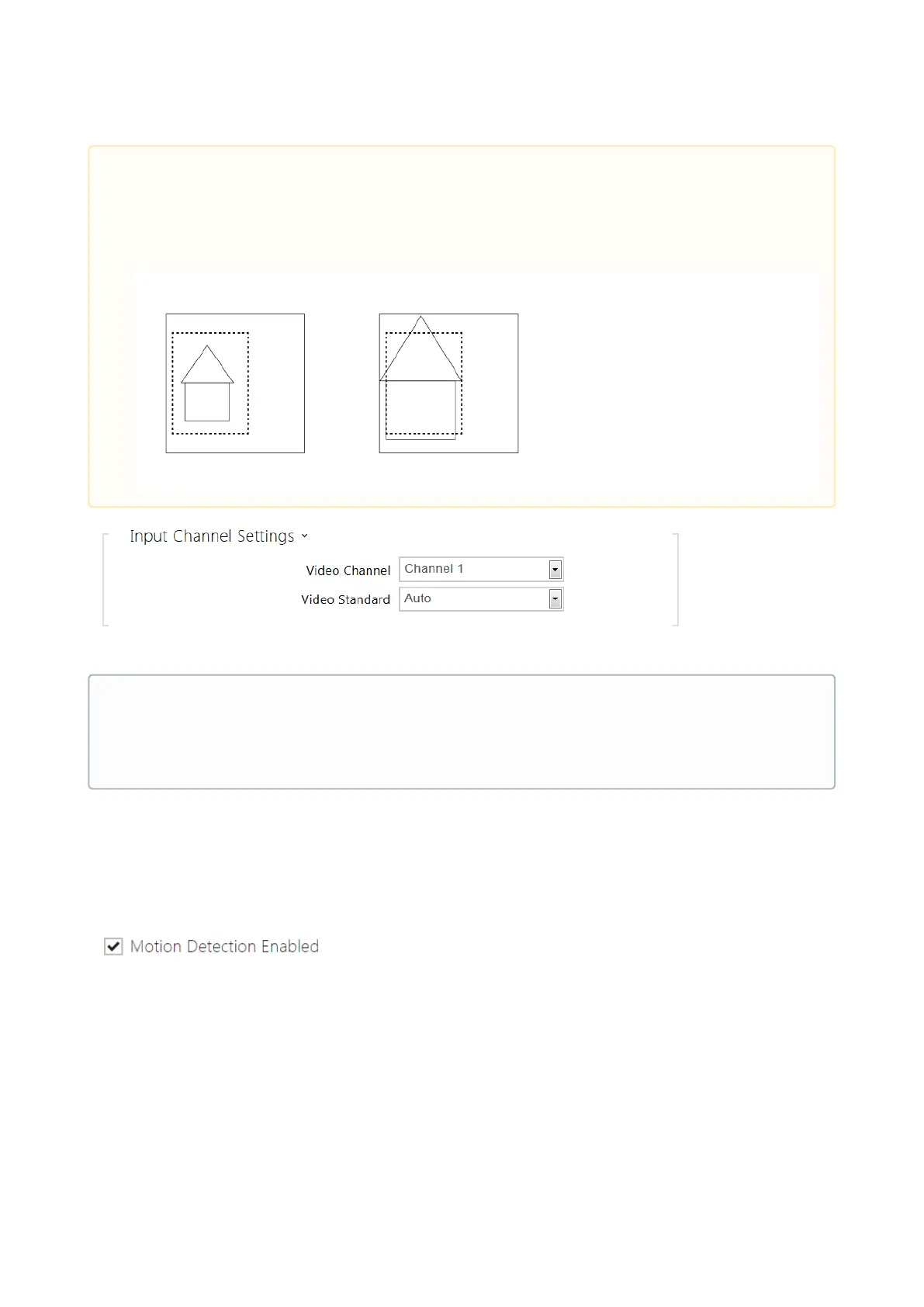
Caution
Having changed the Custom image crop parameter for devices with the ARTPEC-7
chip set, check the limits of the motion detection and privacy masking areas,
which will change spatially, see the picture.
•
Note
This setting is only available in the models equipped with an external analog camera
input.



 To Next Page