Configuration manual for 2N IP intercoms
•
•
•
•
•
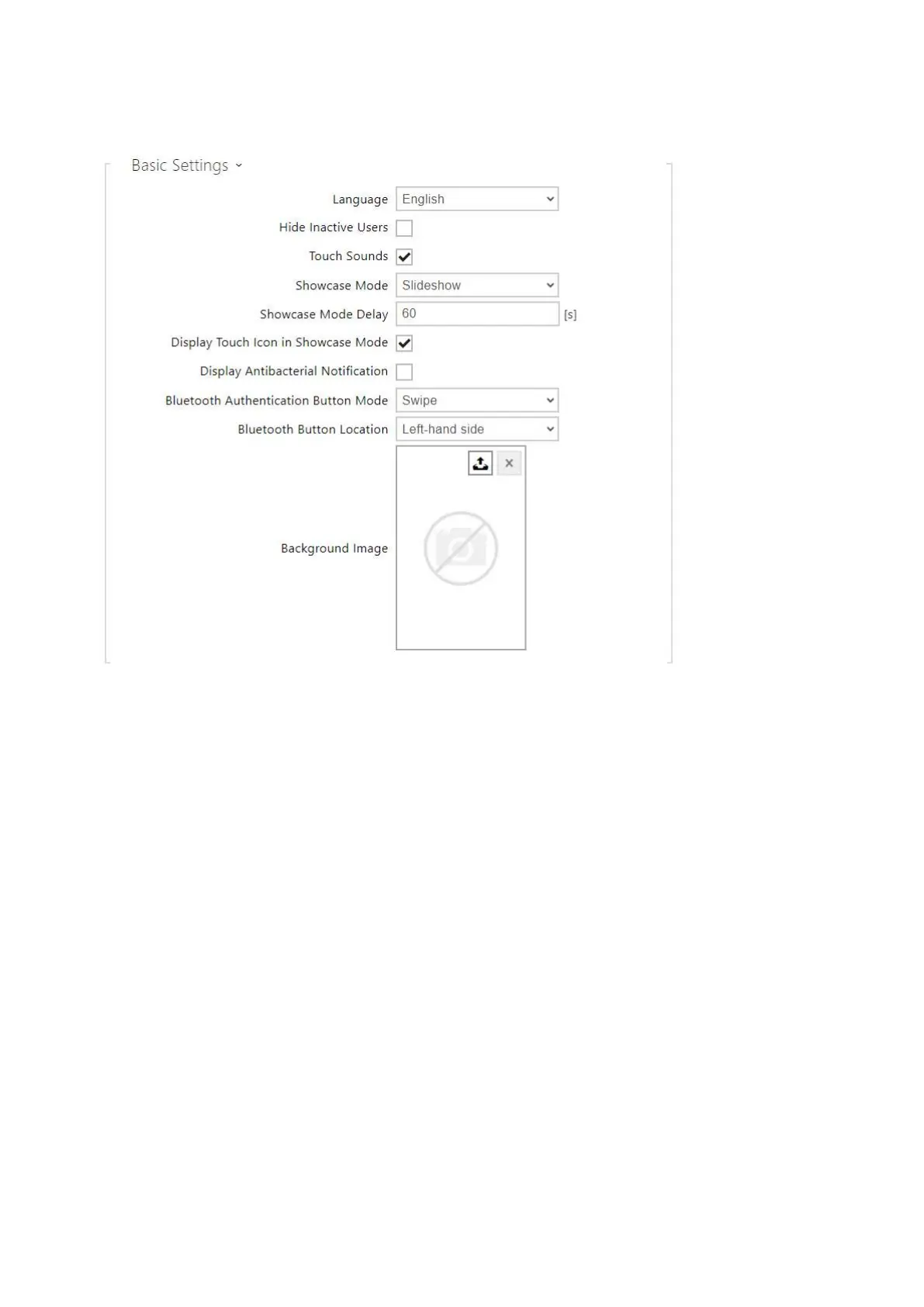
Language–set the language for the texts to be displayed. Choose one of the predefined
languages: English, Czech, German, Italian, French, Spanish, Russian, Finnish, Danish,
Polish, Dutch, Portuguese, Turkish, Norwegian, Swedish or a custom language.
Hide Inactive Users– select this to automatically hide the user on the display whose
active time profile disables contacting.
Touch Sounds– enable the acoustic display touch signaling.
Showcase Mode – set whether the device shall go into the Showcase mode when idle.
Choose various options in the Showcase mode (OFF, Slideshow, Logo, Address, Date and
Time).
Showcase Mode Delay –set the idle timeout in the range of 1 to 600 seconds after which
the device goes into the Showcase mode.



 To Next Page