Service Manual FireCR
+
Computed Radiography Scanner
FireCR
+
| Troubleshooting 37
Image artifacts related to a BLDC board and Optic board assembly
The BLDC board controls the speed of the Optic mirror motor as well as the RPM. If the BLDC
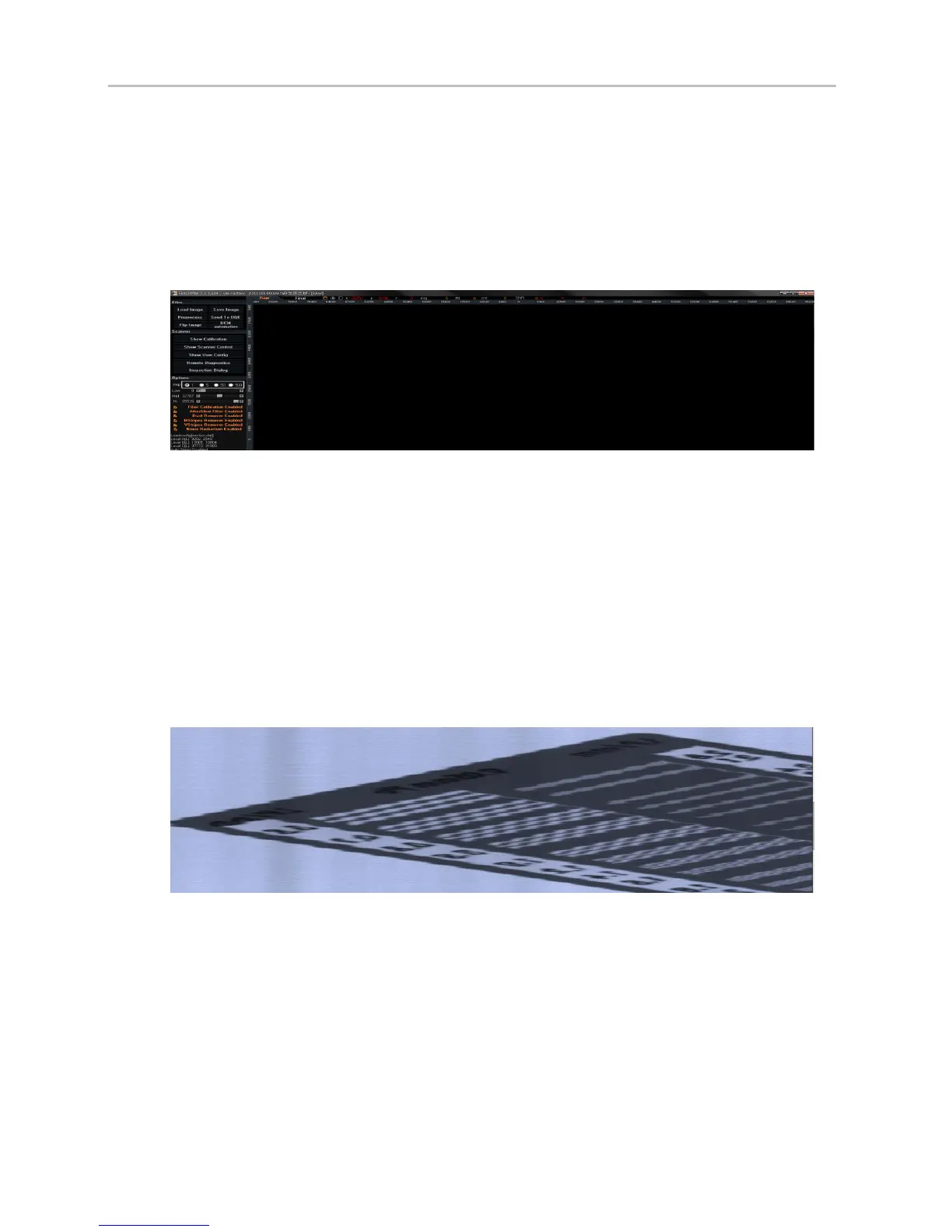
board is defective, the Optic motor will stop. This leads to blank image artifacts as below
(Figure3).
Figure 3. Example of a blank image.
Another way to check this issue is to go the Control panel=> Click “Show diagnostics” => You
should have some type of waveform in the Right Peak and Left Peak field. If there is no
waveform (flatline), it means that there is no single from the system so that the either the BLDC
board or the Optics board assembly will be the cause.
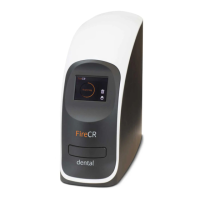
Figures 4-6 show in this case, you can also check it on the Control Panel see the “Show
Diagnostics” windows. Where there is RPM (#, #) if the figures are higher than RPM (4, 0) an
artifact appears in the images.
Figure 4. A sample artifact from an unstable BLDC motor.


 To Next Page