DIGITAL VIDEO RECORDER MANUAL
DIGITAL VIDEO RECODER MANUAL
72
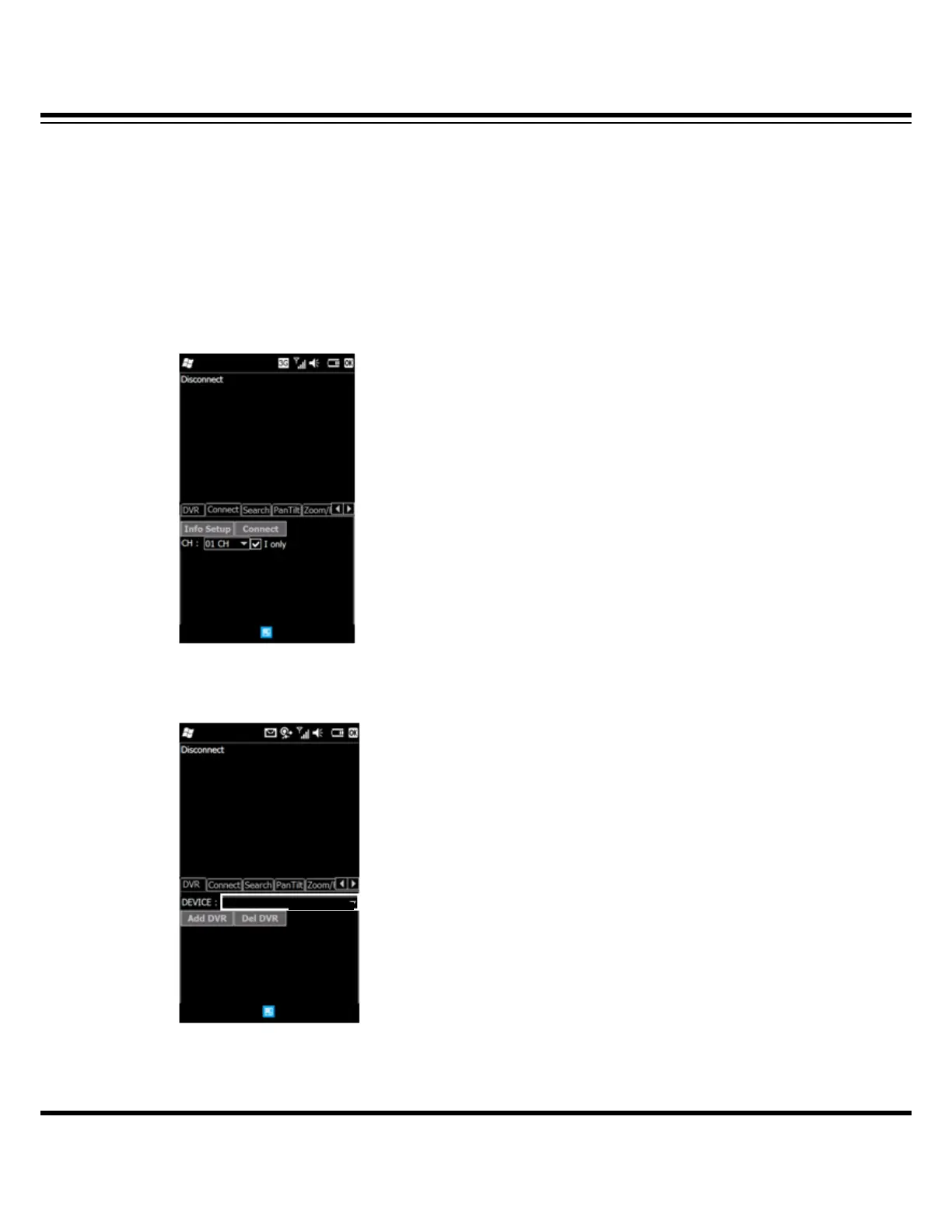
• Connect : Click the “CONNECT” tap to see the video.
• Info Setup : To modify the DVR information, click the “Info Setup” tap.
• I Only : In case of using low bandwidth, the “I only” helps to see the image
which allows to transmit the I Frame only.
[2] Disconnect
• Disconnect : Click the “Disconnect” to disconnect.
[3] Changing Channel.
ㆍCH : Click the “▼” to change a channel.
[4] Changing DVR
To connect the other DVR, click the “DVR” tap and select a registered DVR in the “DEVICE”.
After selecting a DVR, click the “CONNECT” to see video.



 To Next Page