DIGITAL VIDEO RECORDER MANUAL
DIGITAL VIDEO RECODER MANUAL
73
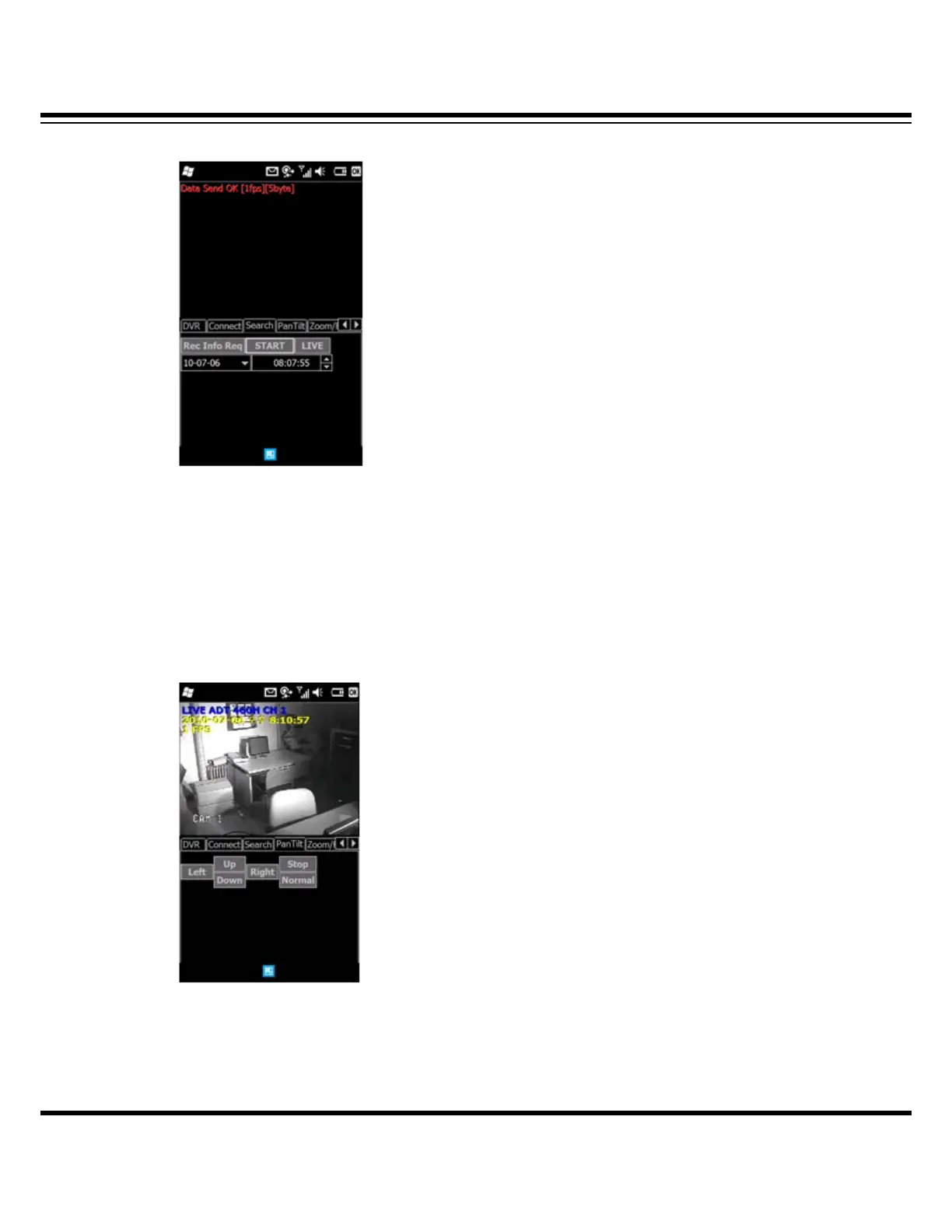
13-5 Search
To playback recorded image, click the “Search” tap then click the “Rec Info Req” menu to set
the date and time for searching.
After setting the data and time, click the “START” to start playback.
(NOTE : It might be delayed to playback that is depending on network environment.)
13-6 PTZ Control
Click the “Pan Tilt” tap to control the PTZ camera.
Press the direction button to move camera position.
[NOTE : In order to stop moving, user must press the “STOP” button.]



 To Next Page