EasyManua.ls Logo

ABB PGC5000 Series - User Manual

ABB PGC5000 Series
88 pages
Print Icon
To Next Page IconTo Next Page
Loading...
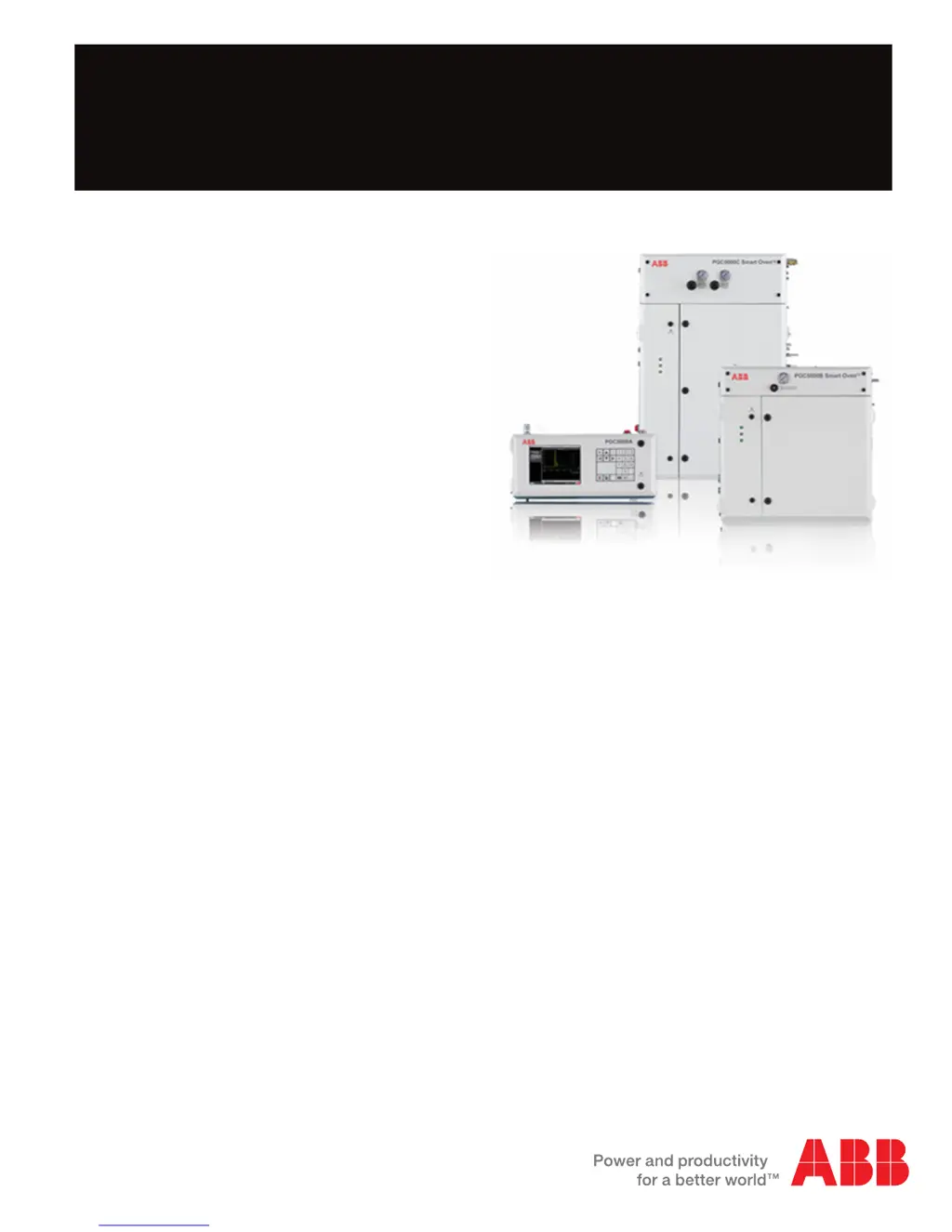
PGC5000 Series
Process Gas Chromatographs
Service Instructions SI/PGC5000-EN Rev. B
Measurement made easy

Table of Contents

Questions and Answers

  • T
    Thomas HernandezSep 12, 2025
    What to do if zone zeroed before pressure stabilized at zero PSI on ABB PGC5000?
    • J
      Jordan RichSep 12, 2025
      If the zone was zeroed before the pressure stabilized at zero PSI in your ABB Laboratory Equipment, correctly zero the zone and replace the EPC sensor as necessary.
  • K
    keith21Sep 12, 2025
    How do I troubleshoot the differential pressure sensor in ABB PGC5000?
    • L
      Lauren BookerSep 12, 2025
      To troubleshoot the differential pressure sensor on your ABB Laboratory Equipment: * Check the purge pressure settings at the oven’s front panel gauge and adjust as necessary. * Check the instrument air supply pressure. * Check the oven gauge pressure switch. * Ensure all oven doors are closed and secure.
  • N
    Natalie RogersSep 12, 2025
    What does it mean when the internal power test failed in ABB PGC5000 Laboratory Equipment?
    • K
      Kristine OsbornSep 12, 2025
      If the internal power test failed on your ABB Laboratory Equipment, it could be a result of PIC supervisor shutdown or T-Rating failure. Verify the heaters and temperature feedback, and check for other faults.
  • L
    Luis SmithSep 9, 2025
    What should I do if the retry of Automatic Ignites has been exceeded on my ABB PGC5000?
    • A
      Angela PatelSep 9, 2025
      If the retry of automatic ignites has been exceeded in your ABB Laboratory Equipment, check the utilities, igniter (including fuel), burner, and connection. Verify flows, burner air.
  • S
    stevenstracySep 8, 2025
    What should I do if the RTD or thermocouple reading is out of range in ABB PGC5000?
    • S
      shane85Sep 8, 2025
      If the RTD or thermocouple reading is out of range on your ABB Laboratory Equipment: * Measure the resistance of the RTD with one lead disconnected; it should measure about 425 ohms at room temperature. Replace as necessary. * Disconnect the TC and use a TC tester to verify proper operation of the TC. Replace as necessary. Refer to the oven wiring diagram for RTC and TC connections.
  • L
    Lisa StarkSep 7, 2025
    What to do if autozero attempted during peak measurement in ABB Laboratory Equipment?
    • S
      shannon66Sep 7, 2025
      If autozero was attempted during peak measurement on your ABB Laboratory Equipment, move the autozero TCF to a time into the analysis when a component is not being measured.
  • J
    Julie RyanAug 23, 2025
    What to do if the FID or FPD flame is not detected in ABB Laboratory Equipment?
    • B
      Beth MartinezAug 23, 2025
      If the FID or FPD flame is not detected in your ABB Laboratory Equipment, check the utilities, igniter (including fuel), burner, and connections. Also, verify the flows and burner air.
  • J
    Judith WebsterSep 5, 2025
    What should I do if I failed to send executable code to a device in ABB PGC5000 Laboratory Equipment?
    • K
      Kristen ArroyoSep 6, 2025
      If you failed to send executable code to the device in your ABB Laboratory Equipment, check the board LEDs for error indications.
  • J
    Jennifer JohnsonSep 4, 2025
    What should I do if the temperature deviates > ±10° from setpoint during Temperature Ramp in ABB Laboratory Equipment?
    • L
      Lauren FitzgeraldSep 5, 2025
      If the temperature deviates more than ±10° from the setpoint during Temperature Ramp in your ABB Laboratory Equipment, check the analysis temperature control TCF settings, zone indicators, and Diagnostic Displays.
  • C
    Cynthia HoffmanSep 3, 2025
    What should I do if the temperature deviates > ±10° from the setpoint in ABB Laboratory Equipment?
    • S
      Sara PetersonSep 4, 2025
      If the temperature deviates more than ±10° from the setpoint in your ABB Laboratory Equipment, check the analysis temperature control TCF settings, zone indicators, and Diagnostic Displays.

Summary

Safety and symbols

Diagnostics and troubleshooting

Power

Troubleshooting power-related issues with the Master Controller and ovens.

Indicator troubleshooting procedures

Steps for identifying and troubleshooting issues based on status indicators.

Operation troubleshooting

Categorized troubleshooting for operational issues like baseline noise and offsets.

Baseline noise

Troubleshooting causes and symptoms of baseline noise in the detector signal.

Baseline or signal offset

Identifying and correcting baseline offsets due to incorrect temperatures or gas issues.

No peaks

Troubleshooting scenarios where no peaks are detected in the analysis.

Flame out led on (flame will not ignite)

Troubleshooting the flame out LED and ignition failures.

Software

Procedures for software repair and system recovery using USB flash drives.

System backup, restore and recovery

Options for creating restore points and managing chromatogram data files.

Plasma will not light

Diagnosing and resolving issues where the DID plasma fails to ignite.

No signal

Troubleshooting low or no signal output from the DID detector.

Low signal

Identifying causes for low signal output from the DID, such as restrictors or bias voltage.

Noisy

Troubleshooting causes of noisy signals in the DID detector, including connections and leaks.

High baseline

Diagnosing and resolving high baseline issues in HID mode, related to gas quality or leaks.

Drifting baseline

Troubleshooting causes of baseline drift, including pressure control and column bleed.

Spikes

Identifying causes of signal spikes, such as loose connections or unstable bias voltage.

Component repair

Replacing the EPC control pcb

Procedure for replacing the EPC Control PCB in Class B and Class C ovens.

Removing a sensor pcb

Procedure for removing a sensor PCB from the EPC control assembly.

Installing a new sensor pcb

Procedure for installing a new sensor PCB into the EPC control assembly.

Removing a proportional valve

Procedure for removing a proportional valve from the EPC control assembly.

Installing a new proportional valve

Procedure for installing a new proportional valve into the EPC control assembly.

Removing the control pcb

Procedure for removing the control PCB from the EPC enclosure.

Installing a new control pcb

Procedure for installing a new control PCB into the EPC enclosure.

Removing the heater

Procedure for removing the heater from the EPC control assembly.

Installing a new heater

Procedure for installing a new heater into the EPC control assembly.

Flame ionization detector amplifier assembly

Instructions for removing and replacing the FID Amplifier Assembly.

Flame photometric detector electrometer

Instructions for removing and replacing the FPD Electrometer.

Thermal conductivity detector amplifier assembly

Instructions for removing and replacing the TCD Amplifier Assembly.

Replacing the dtc analog pcb, version 1

Procedure for replacing the DTC Analog PCB (version 1).

Replacing the digital pcb, version 1

Procedure for replacing the DTC Digital PCB (version 1).

Replacing the dtc master analog board, version 2

Procedure for replacing the DTC Master Analog board (version 2).

Replacing the dtc digital pcb, version 2

Procedure for replacing the DTC Digital PCB (version 2).

Subassembly repair

Column repair

Procedures for removing, installing, and cutting columns.

Repairing the flame ionization detector

Instructions for repairing components of the Flame Ionization Detector (FID).

Replacing the thermocouple assembly

Procedure for replacing the thermocouple assembly in the FID detector.

Replacing the polarizer

Procedure for replacing the polarizer assembly in the FID detector.

Replacing the igniter assembly

Procedure for replacing the igniter assembly in the FID detector.

Repairing the single port thermal conductivity detector

Instructions for repairing the Single Port Thermal Conductivity Detector (TCD).

Installing the filaments

Procedure for installing new filaments in the single port TCD.

Repairing the multiport thermal conductivity detector

Instructions for repairing the Multiport Thermal Conductivity Detector (TCD).

Removing the filaments

Procedure for removing filaments from the multiport TCD.

Installing new filaments

Procedure for installing new filaments in the multiport TCD.

Repairing the flame photometric detector

Instructions for repairing components of the Flame Photometric Detector (FPD).

Replacing the photomultiplier assembly

Procedure for replacing the photomultiplier assembly in the FPD.

Replacing the burner block

Procedure for removing and installing the burner block in the FPD.

Liquid sample valve repair

Instructions for repairing the Liquid Sample Valve (LSV).

LSV disassembly on the analyzer

Step-by-step guide for disassembling the LSV on the analyzer.

CP valve repair

Instructions for repairing CP valves, including slider, wedges, and O-rings.

Replacing diaphragm valves

Instructions for replacing diaphragm valves, including four and one screw types.

Optional discharge ionization detector

Instructions for replacing components of the Optional Discharge Ionization Detector (DID).

Replacement parts

Class b main interior, both versions

List of common interior components for both Class B oven versions.

ABB PGC5000 Series Specifications

General IconGeneral
Analyzer PlatformPGC5000
TechnologyGas Chromatography
Hazardous AreaATEX, IECEx
CommunicationModbus
Measurement PrincipleGas Chromatography
Response Time30 seconds
Output Signal4-20 mA
Power Supply24 VDC or 100-240 VAC
Operating Temperature-20°C to +55°C
Enclosure RatingIP66

Related product manuals