8 2TLC172011M0205_B
4 Gateway Default Configuration
4.1 Gateway Configuration
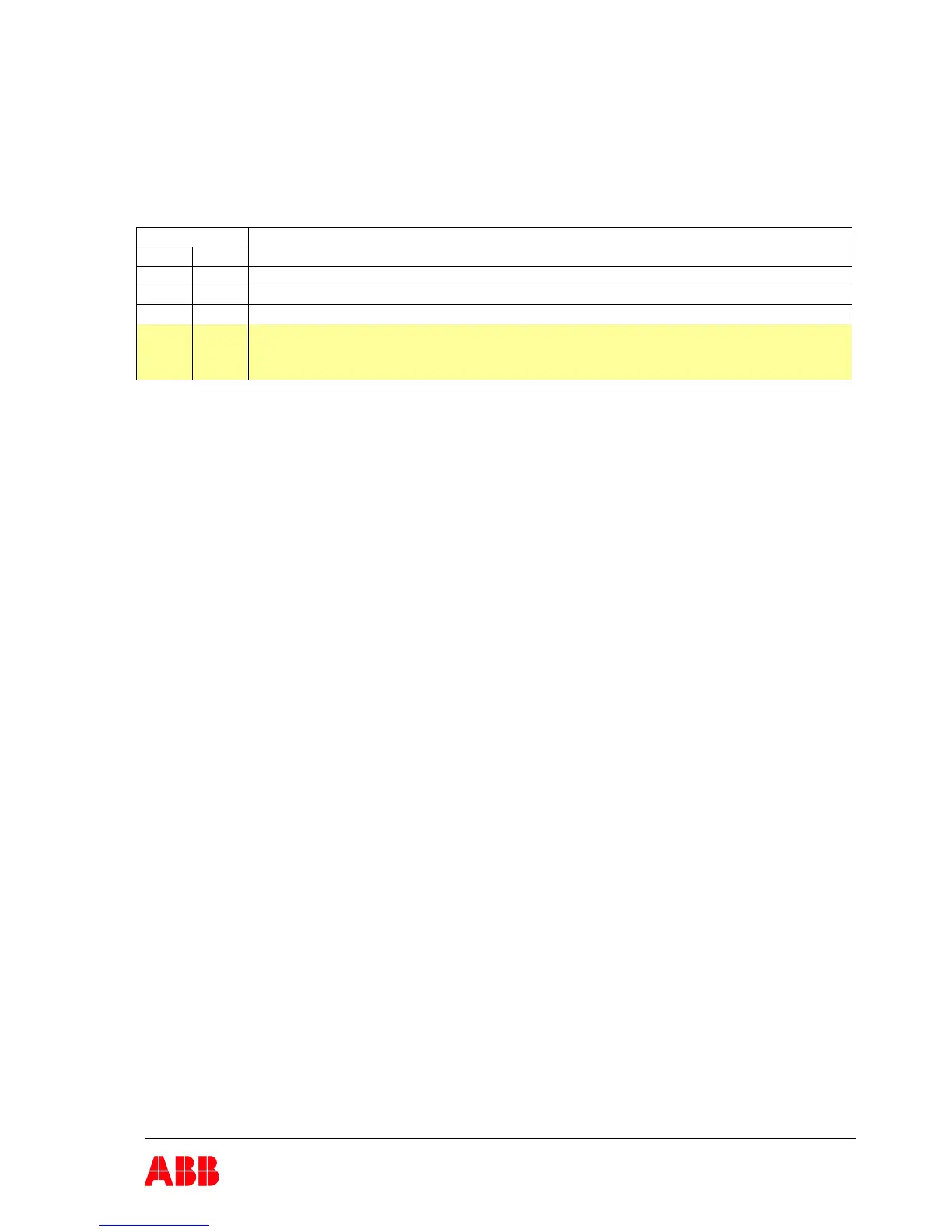
The Pluto gateway default configuration is very limited. The configuration is done on the gateway
by setting switch 1-2 of the DIP switch SW2. When this can be used is listed in the table below.
DIP-switch
1 2
Description
0 0 Only to read status from Pluto station 0 and 1.
0 1 Only to read status from Pluto station 0 – 7.
1 0 Only to read status from Pluto station 0 – 15.
1 1 Only to read status from Pluto station 0 – 31.
This configuration is current not possible to use because of limitations in the I/O
size in the ABB robotic system.
Note:
• The ABB robotic system can with the “default” configuration mode only read data from
the connected Pluto system.
• To be able to write data to the Pluto system you can’t use the “default” configuration
mode.
• If the Pluto system has any Pluto with station number above 15 the “default”
configuration mode can’t be used.
4.2 Commissioning
During commissioning;
• At ABB robotic system start it will do a DeviceNet IO connection with the gateway.
• If the MNS LED is steady green the gateway is connected and normal operation.


 To Next Page