7.4.3.5 Setting system time and time synchronization
• Select Configuration> Time> System time to set the system time and time
zone.
• Select Configuration> Time> Synchronization> Synch source to set the
synchronization source.
Setting daylight saving time
The protection relay can be set to determine the correct date for the DST shift every
year. The local time is used to set the DST.
1. Set the
DST on day (weekday)
and
DST off day (weekday)
parameters to define
on which week day the time shift occurs.
2. Set the
DST on date (day)
,
DST on date (month)
and
DST off date (month)
parameters to define on which month and week the time shift occurs.
The DST on/off date must precede the selected DST on/off day and be within
the same week as the DST shift.
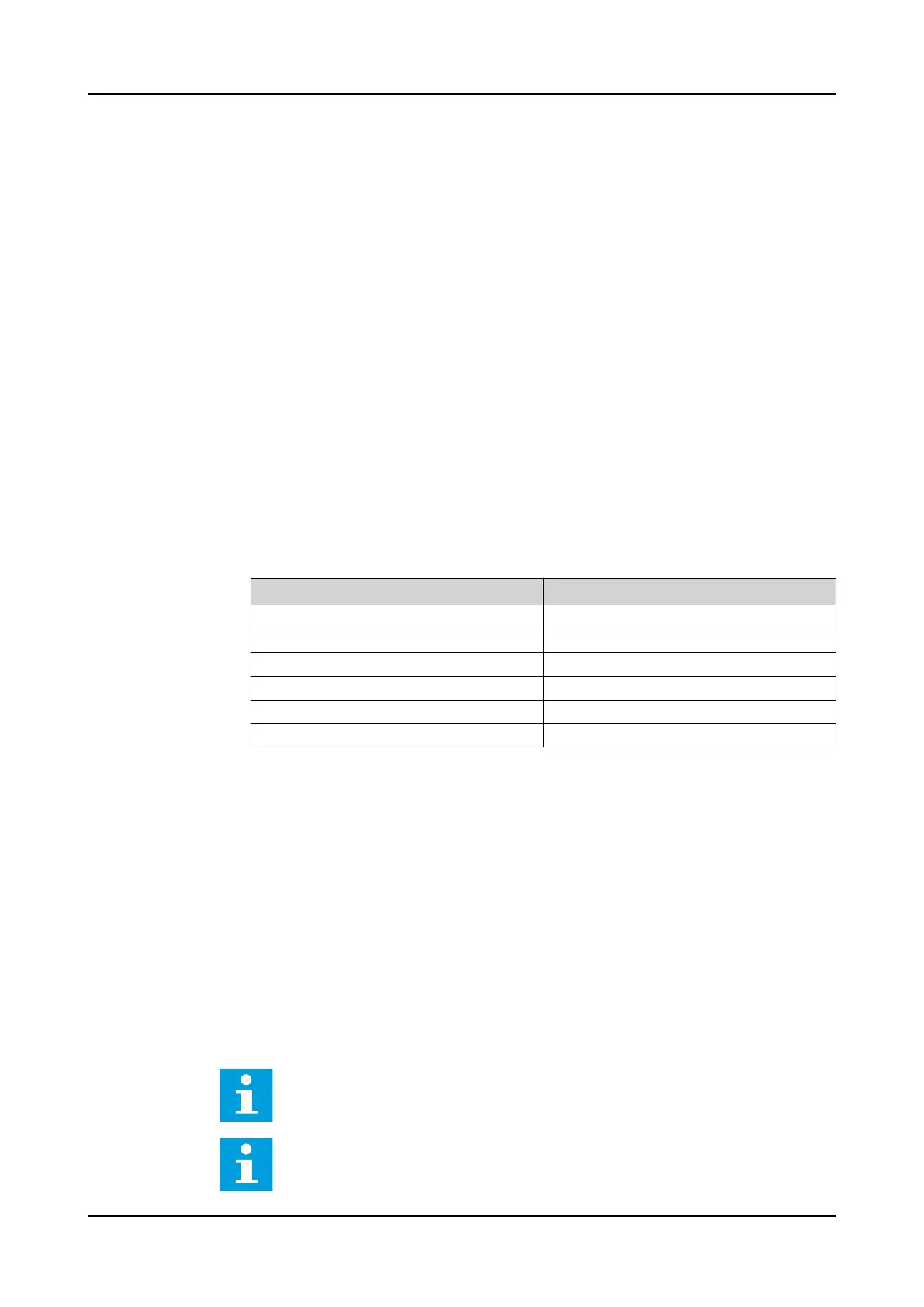
Table 27: Possible date values for DST change on Sunday
Day of the DST shift DST on/off date (day)
First Sunday of the month 1
Second Sunday of the month 8
Third Sunday of the month 15
Fourth Sunday of the month 22
Last Sunday, if the month has 30 days 24
Last Sunday, if the month has 31 days 25
For example, if DST on time shift occurs on the last Sunday in March, at 03:00
local time and DST off time shift occurs on the last Sunday in October, at 04:00
local time, the settings are the following.
DST on time (hours): 3 h
DST on time (minutes): 0 min
DST on date (day): 25
DST on date (month): March
DST on day (weekday): Sunday
DST off time (hours): 4 h
DST off time (minutes): 0 min
DST off date (day): 25
DST off date (month): October
DST off day (weekday): Sunday
Set the
DST on day (weekday)
and
DST off day (weekday)
to "reserved" to
determine the exact date and time for the DST shift. Repeat the setting
yearly, as the time for the DST shift is not on the same date every year.
To disable the DST, set the
DST in use
parameter to "False".
1MRS759118 D Commissioning
REX640
Operation Manual
137













 To Next Page