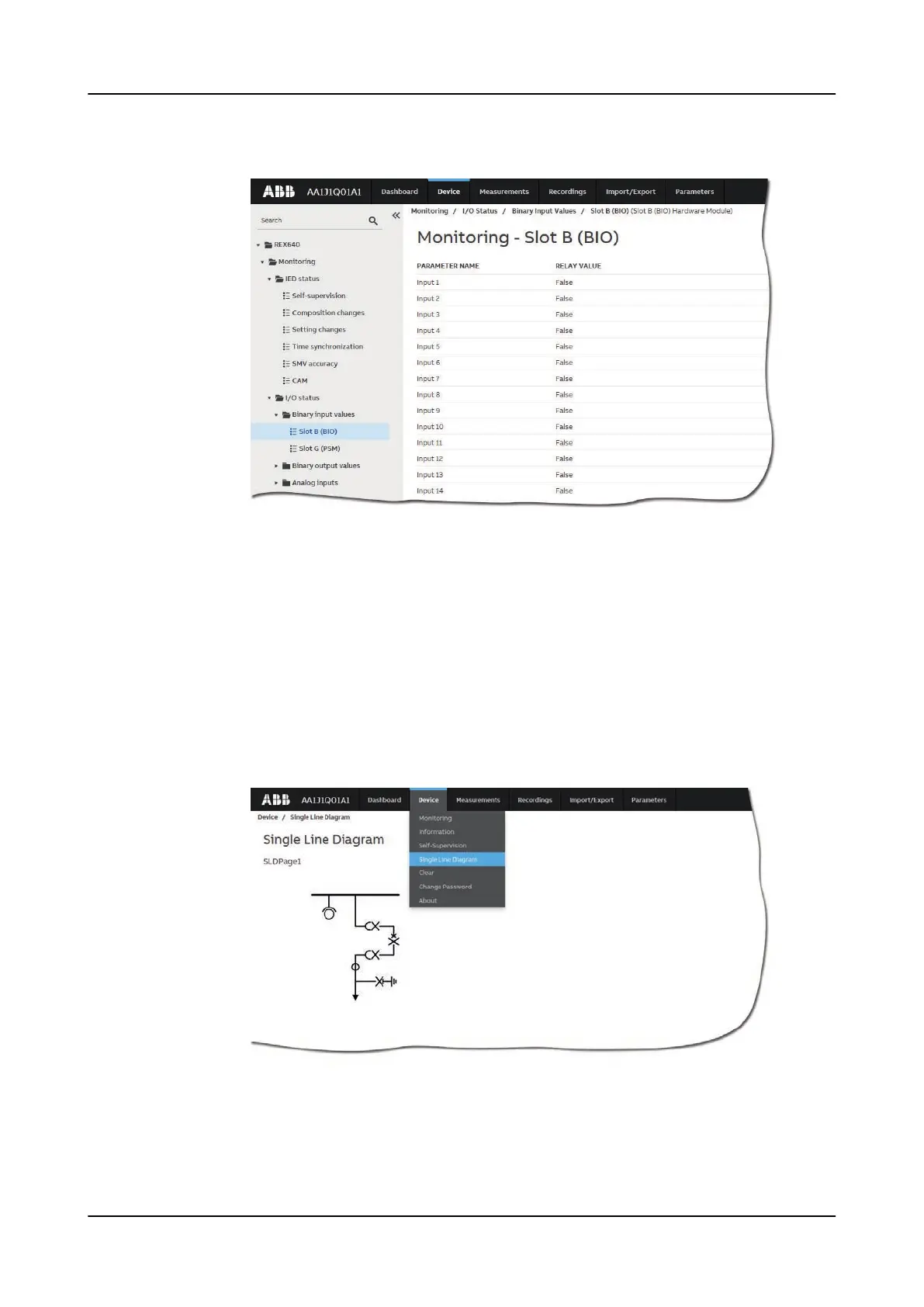
3. Select the monitored view from the left navigation bar.
Figure 58: Monitoring data
5.10 Viewing single-line diagram
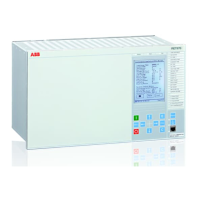
The single-line diagram is displayed on the dashboard and the Single Line Diagram
page. If there are more than one page, the first page is displayed and the others are
included in the drop-down list.
1. Select Device on the menu bar.
2. Select Single Line Diagram to view the single-line diagram page.
Figure 59: Viewing the single-line diagram with IEC symbols
Using Web HMI
1MRS759118 D
70 REX640
Operation Manual










 To Next Page