ABEM Terraloc Pro 2
20
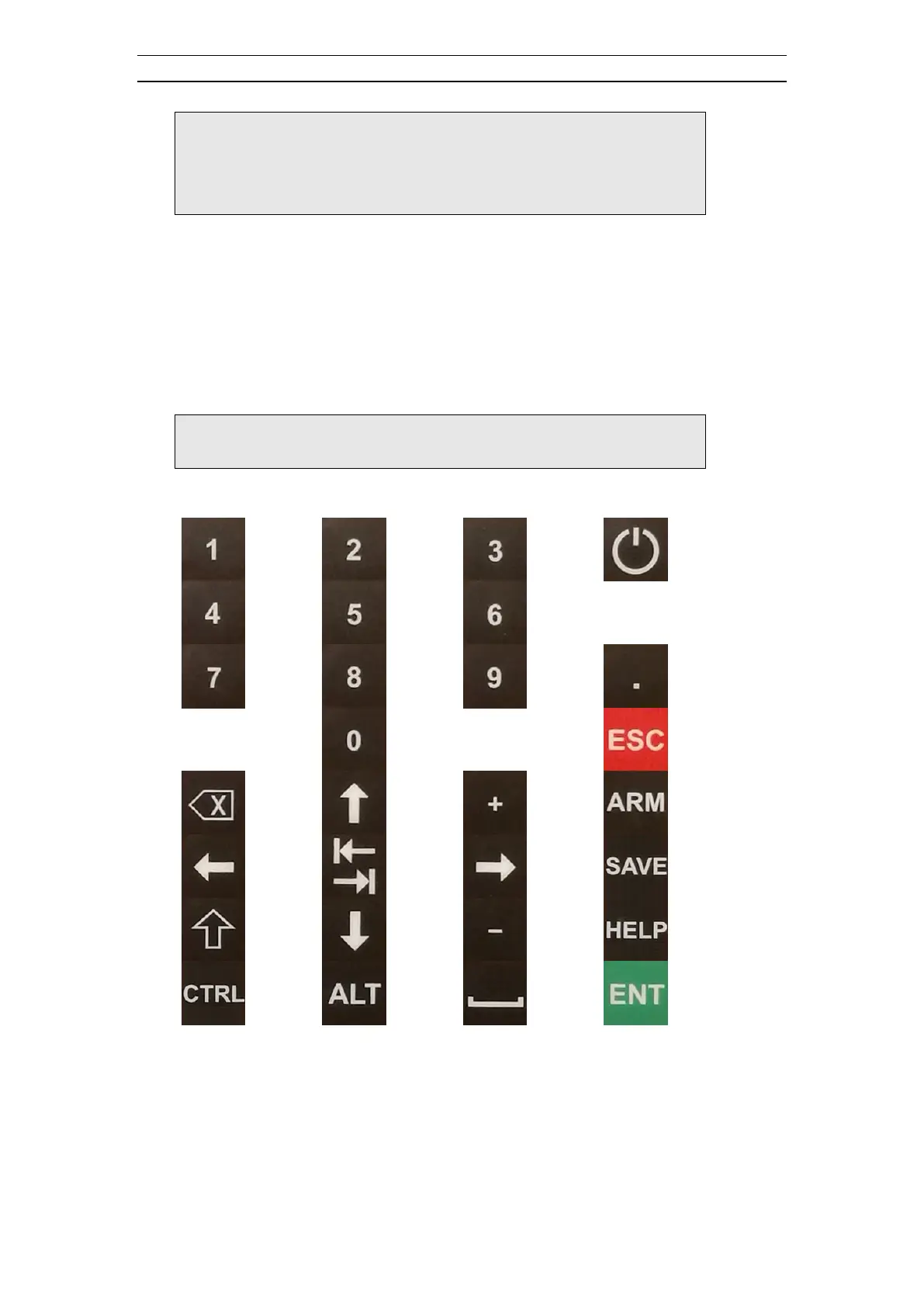
Note! Where <ARROWS> is used in the text it means all
four arrow keys (up, down, left and right)
Where <NUMBERS> is used in the text it means all
numerical keys (0-9)
4.2.2 An External Keyboard
A standard USB computer keyboard can be connected to one of the USB ports of the
Terraloc Pro 2 and used as a complement to the built-in keyboard. The mapping
between the built-in buttons and the computer keyboard is listed in Table 2.
Note! The only way to enter and edit text is to use an
external keyboard
Table 2 Mapping between built-in keyboard and external keyboard
4.2.3 An External Mouse
A standard USB mouse can be connected to one of the USB ports of the Terraloc Pro 2
and used as a normal mouse.



 To Next Page