ABEM Terraloc Pro 2
23
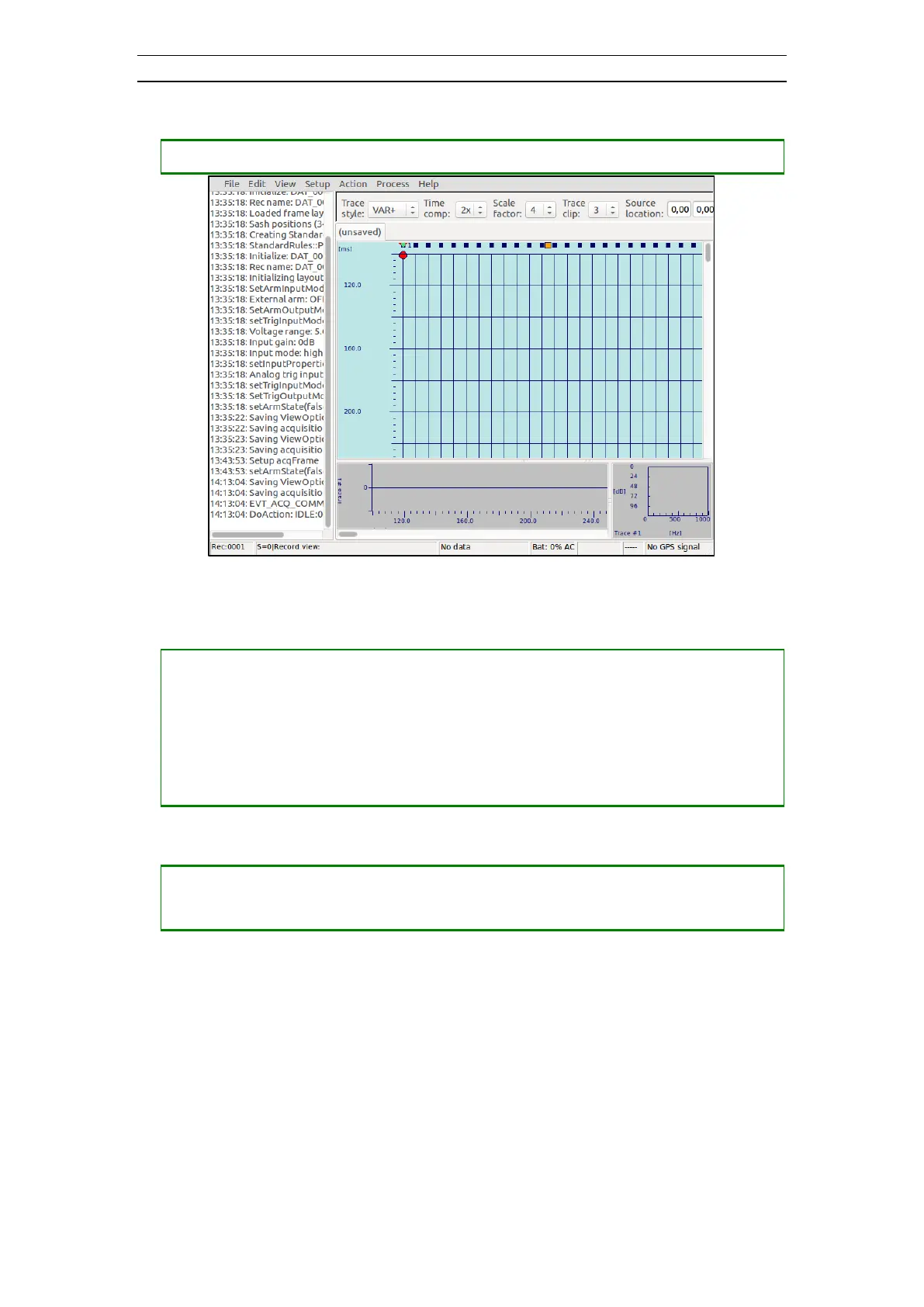
• Showing or hiding the Logging Window.
― Press <SHIFT> + <SPACE> to alternately hide and show the Logging Window
Figure 13 The Logging Window on the left side
• Opening and stepping through Menu Bar items
― Press <ALT> + <SPACE> to set focus on the Menu Bar
― Press <RIGHT> then <DOWN> to open the File menu list
― Press <DOWN> or <UP> to highlight a menu item
― Press <LEFT> or <RIGHT> to open another top level menu list
― Press <ENT> to execute the highlighted menu item
• Navigating between input fields on dialogs
― Press <TAB> to highlight the next input field
― Press <SHIFT> + <TAB> to highlight the previous input field



 To Next Page