ABEM Terraloc Pro 2
69
Figure 59 The Velocity Analyzer; Dialog and Velocity Marker
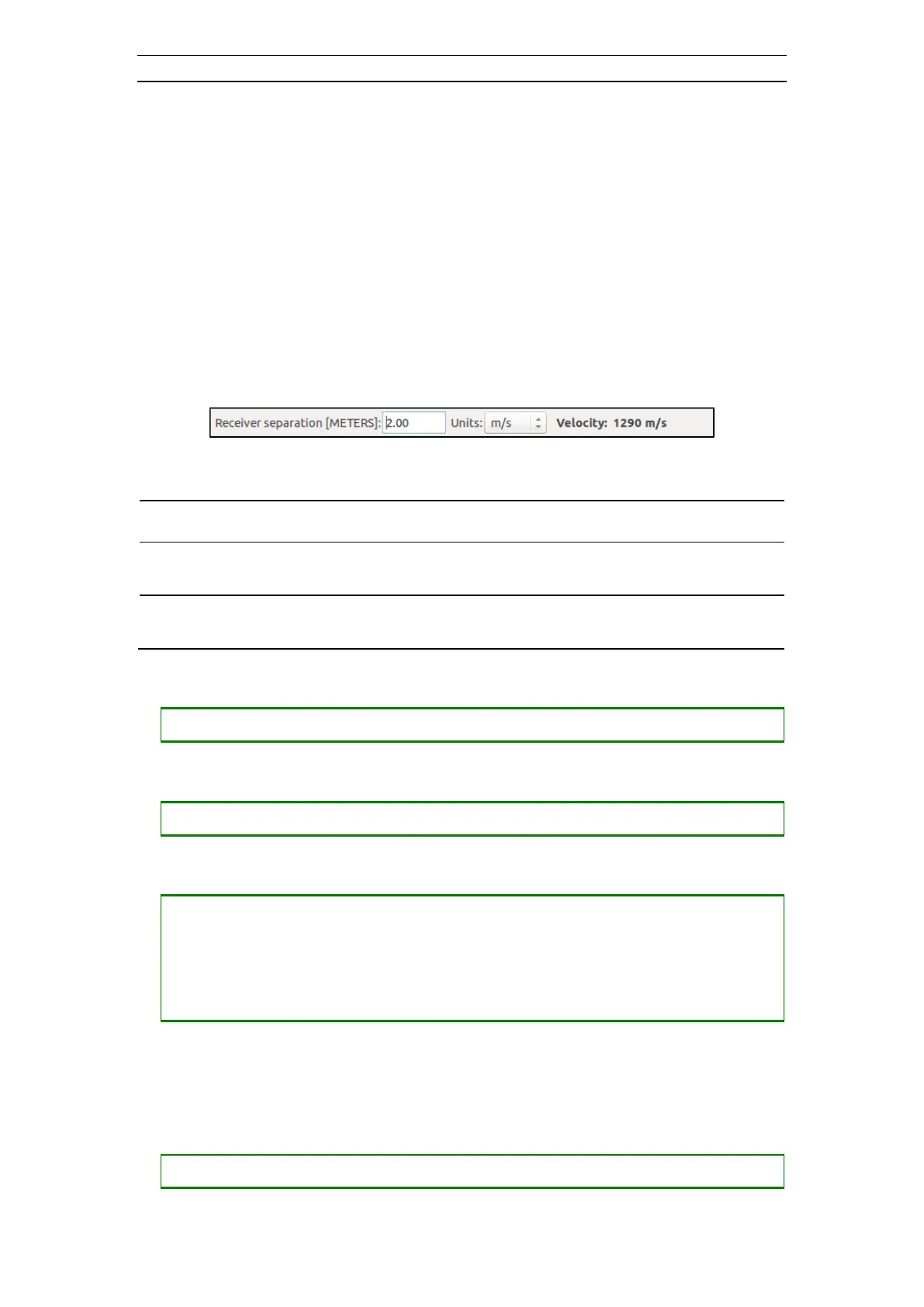
When the Velocity Analyzer starts, it checks the receiver locations and calculates the
receiver separation. If the receiver separation seems to be erroneous, or the receiver
locations are not specified, a valid separation value can be entered in the dialog (Figure
60).
When the Velocity Marker is tilted a velocity value is displayed in the dialog. The value
is calculated from the slope of the line as a function of receiver separation. This way,
you can move and tilt the Velocity Marker in such a manner that it correlates with for
example first arrivals in a refraction record. Thus it is easy to find out velocities for
different layers.
Figure 60 The Velocity Analyzer Dialog
- The calculated value can be changed.
- The unit for the velocity value is set here. Available values are:
None, m/s, cm/s, ft/s and in/s
• Opening the Velocity Analyzer
• Closing the Velocity Analyzer
• Moving the Velocity Marker (see the figures below)
― Press <+> to move the line down
― Press <-> to move the line up
― Press <SHIFT> + <+> to move the line to the right
― Press <SHIFT> + <-> to move the line to the left
The end of the Velocity Marker that has the little circle is the anchor point of the line.
The other end is called the free end. This end moves when the Velocity Marker is being
tilted and stretched.
• Tilting the Velocity Marker (see the figures below)
― Press <CTRL> + <RIGHT> to move the free end to the right



 To Next Page