Ins t all i n g a n d co n nec t i n g | Se t t ing t h e s wit c hin g p o i nts o f a n e le c t r o n ic hoi s t li m it s wi tch
27
SETTING THE LOWER SWITCHING
POINT
Overview of setting the lower switching
point:
(Described in detail below)
─ Move to the new switching point.
─ The last movement command before teach-
in must be the “Lower” button.
─ Only with teach-in module: Remove the
pendant control, plug in the teach-in
module, wait 5 seconds, then remove the
teach-in module and insert the pendant
control.
Only with pendant control with teach-in
button: Press teach-in button for 5 seconds.
Only with ABURemote AC with teach-in:
Press “teach-in” direct access button (T
with arrow) for 5 seconds.
Moving to the lower switching point:
Lower the load hook to the desired
switching point.
─ The load hook must not come into contact
with the floor of building.
─ The chain must not be slack.
─ The C-link in the chain box must not come
into contact with the housing.
This would trigger the friction clutch and
then damage it in regular movement.
─ The hook path (distance between the
highest hook position and the lowest hook
position) must not be greater than specified
on the type plate.
─ The new switching point must not be too
close (about 10 cm) to a previous switching
point. If it is too close, the following
sequence is interpreted as the “Overrun
previous switching point” function.
If a new switching point is to be set within
this range, a switching point further away
must first be temporarily set and only then
the switching point at the desired hook
position set.
Finally, briefly press the “Lower” button.
Before teach-in, the “Lower” button must be
pressed last if the lower switching point is to
be set.
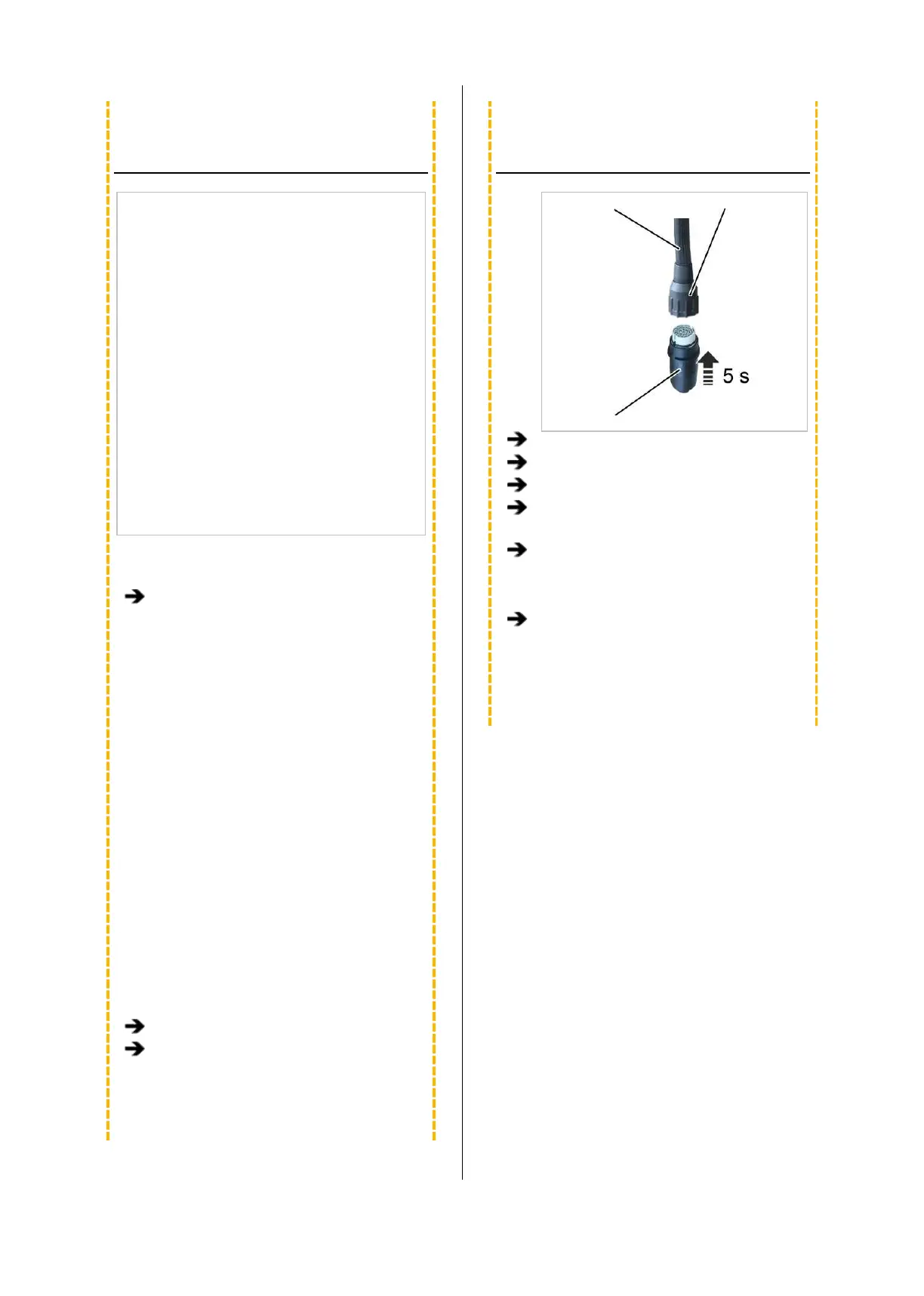
INSERTING THE TEACH-IN
MODULE
Control cable Bayonet nut
Teach-in module
Remove the pendant control.
Insert the teach-in module.
Wait at least 5 s.
Remove the teach-in module.
Only with pendant control with teach-in
button: Instead of inserting the teach-in
module, press and hold the teach-in button
for 5 seconds.
Only with ABURemote AC with teach-in:
Instead of inserting the teach-in module,
press and hold the “teach-in” direct access
button (T with arrow) for 5 seconds.



 To Next Page