99
5) “Assistant-connected devices”
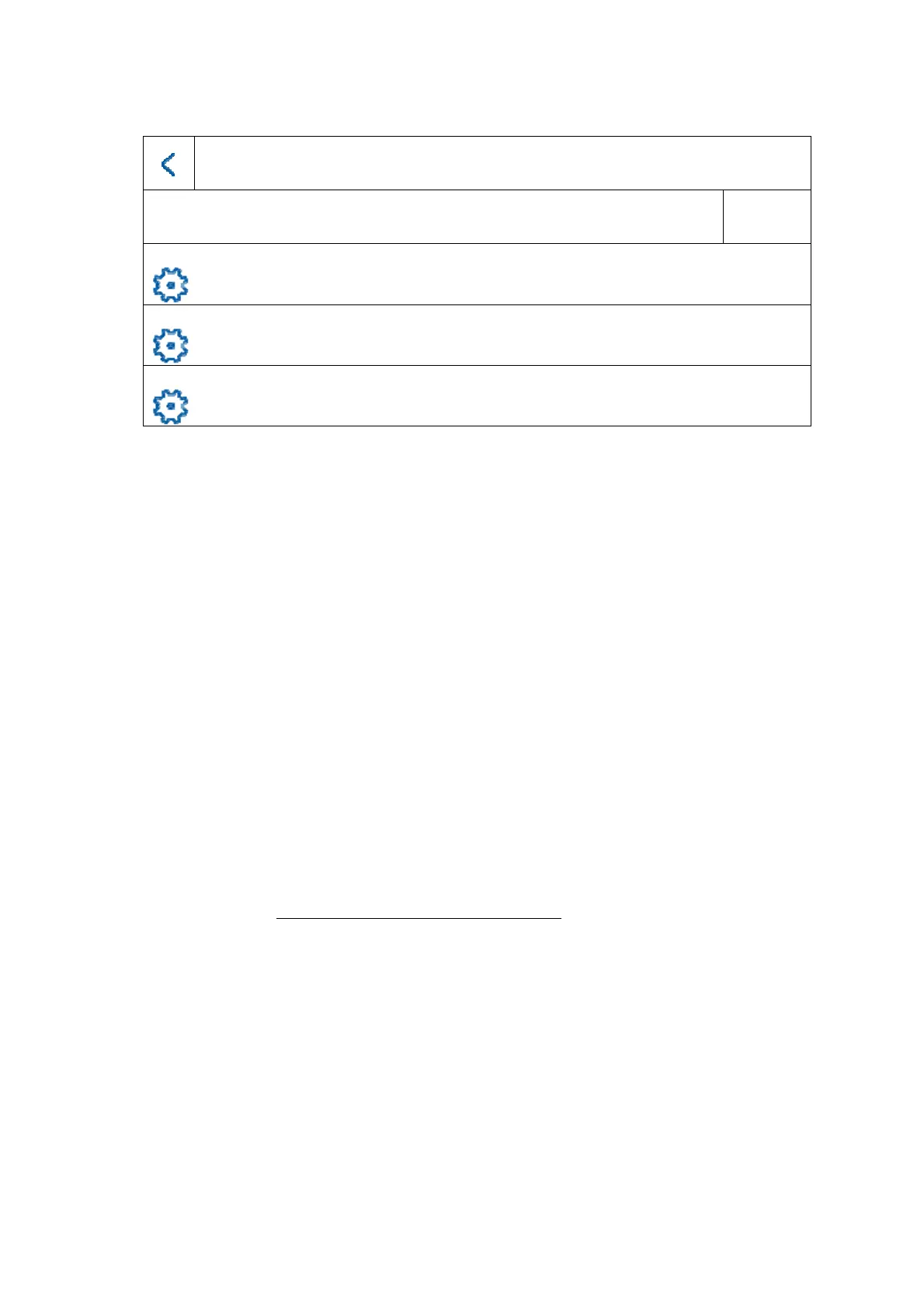
Assistant-releated devices
Search by serial number
ABUS item no. IP address Firmware version Enable
ABUS item no. IP address Firmware version Enable
ABUS item no. IP address Firmware version Enable
Here you can see the available network devices in the TVHS20xxx door station series.
The main door station must be selected here if you are setting up a main monitor.
The main monitor must be selected here if you are setting up an extension monitor.
You can also “enable” the door station here. The main monitor will then automatically
activate the door station with the same password used on the monitor.
Select the main door station from the list and click “Enable” to do this. After successful
activation, please select the door station. A green confirmation tick will appear on the
left side of the list. The door station is now activated and successfully linked.
If no device is found in the network, make sure that the door station is located in the
same network and supplied with power.
Open the IP settings for the device by clicking the corresponding “cog”. This allows you
to change the IP address of the door video module.
If you would like to add other back doors, please turn to chapter “
9.2 Setting up
back doors” under Installation and operating information.



 To Next Page