118
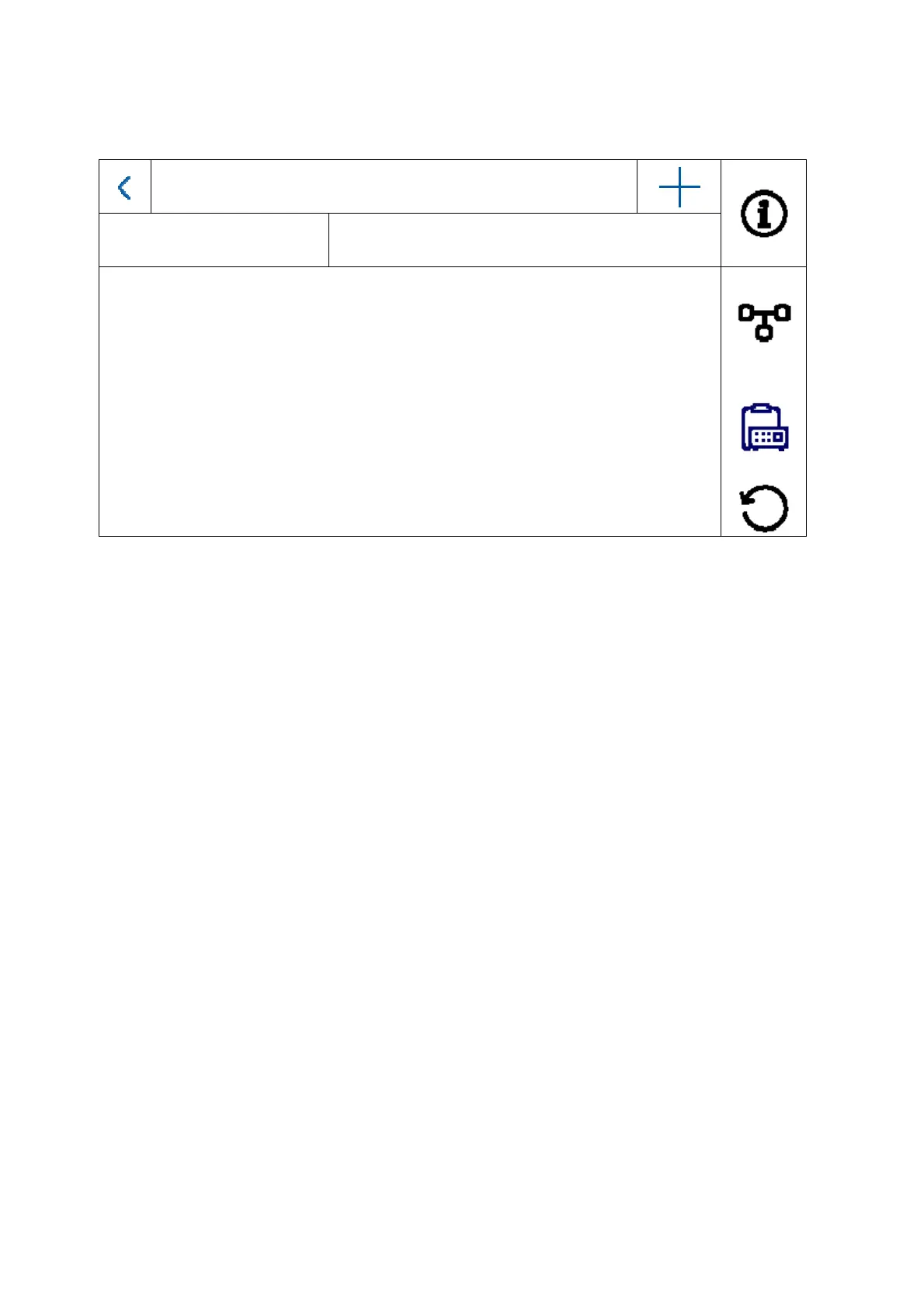
5.2.4.3 Configuration – device management
Device Management
Main door station
192.168.0.26
The function of this menu is different for the indoor station and interior extension. You can change
the device assignments here.
Attention:
The main monitor in a system must always be connected to the main video module.
An extension monitor in a system must always be linked to the main monitor in the system.
Indoor station: - Assigning the main door station
- Add other IP network cameras for a live view. To do this, click the “+”
symbol at the top right and select “Private protocol” for an ABUS network
camera.
Indoor extension: - Assigning the indoor station (main monitor)
The following interactions can also be carried out from this menu:
Set network parameters (DHCP, IP address etc.) for door stations
Reset door stations to factory settings



 To Next Page