107
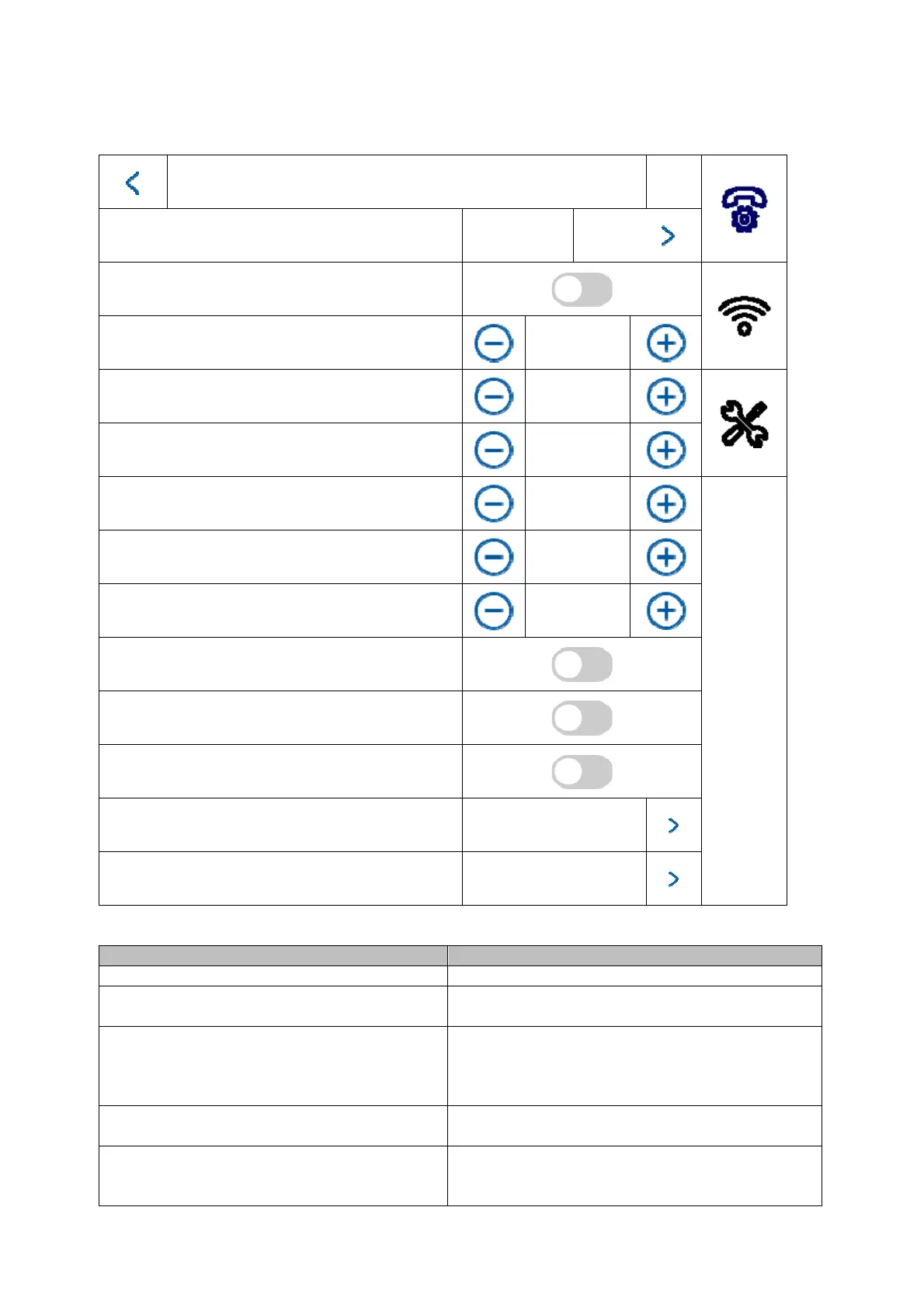
5.2.1 Menu item: Call settings
Call settings
Door bell tone
Door bell
tone 6
Enable door bell tone
Door bell duration
30 seconds
Call duration
30 seconds
Call re-routing
0 s
Microphone volume
10%
Door bell volume (monitor)
70%
Conversation volume
10%
Key tone
Auto answer
Auto Anwer Immediately
Do not disturb mode
Indoor station
Do not disturb
All day
Button/display Description
Door bell tone (1~6): Choose between 6 default door bell tones.
Enable door bell tone: You can enable or mute the door bell tone
here.
Door bell tone (1~60s): Sets the door bell tone for an incoming call.
After the set time, the door bell tone will
automatically be muted. The call will still be
active.
Call duration (1~60s): Sets the call duration. After the set time, the
incoming call will automatically be ended.
Call re-routing (0~20s): Call re-routing delays the call to the ABUS Link
Station app.
Example: 10 seconds. After a door bell call,



 To Next Page