140
9.10 ABUS CMS: Perform firmware update for Moduvis components
Attention: Never disconnect the power supply or network cable during an upgrade
Attention: Only perform the update in a stable network environment (LAN).
We recommend setting each device to factory settings after a firmware update.
The ABUS CMS software is required to upload a firmware update to a monitor or the video door.
Connect the devices to the network and open the remote configuration for the respective devices.
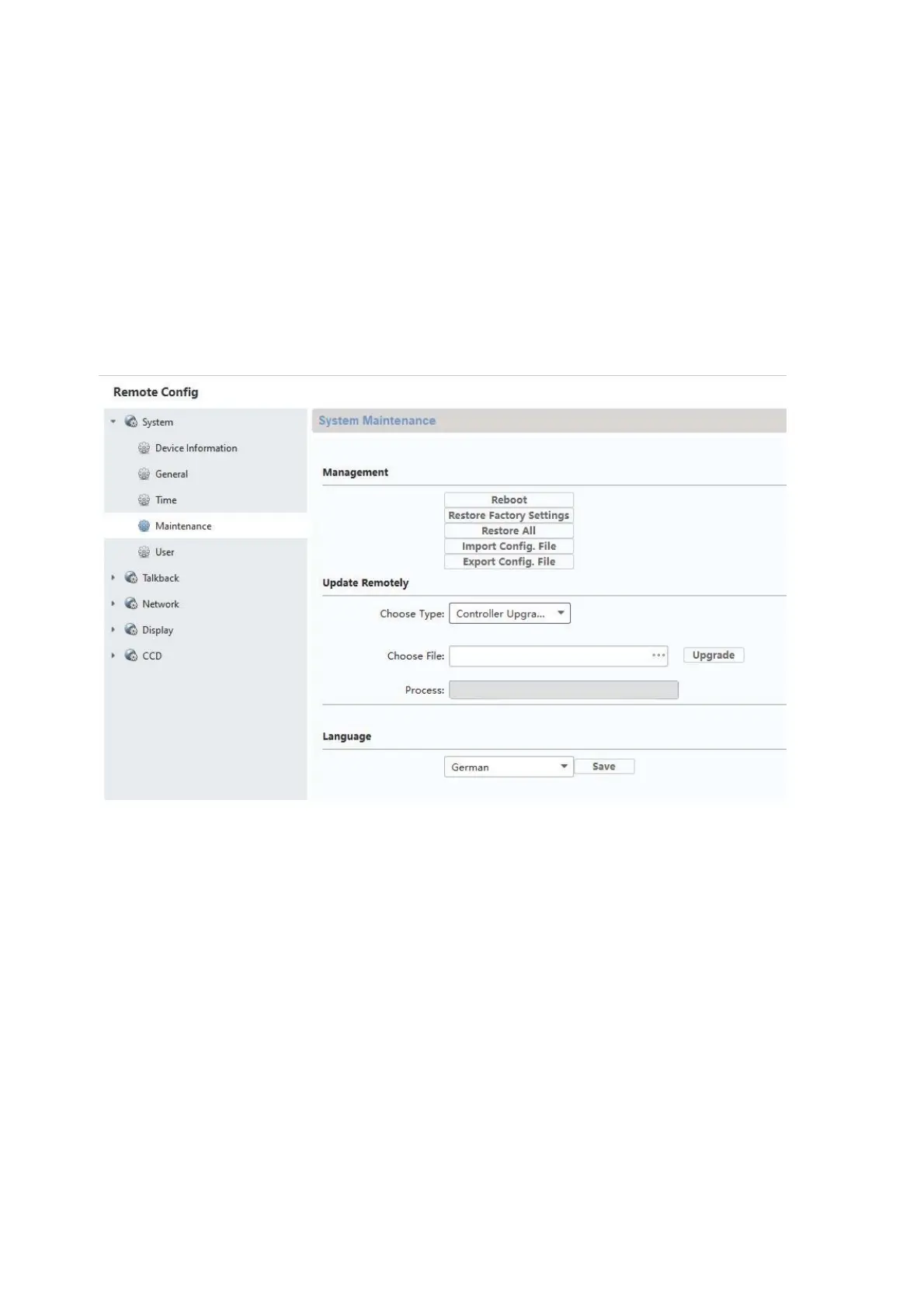
Go under “Maintenance” / “System Maintenance” and select the corresponding file for the device.
“Controller upgrade” must be selected when updating a door video module (TVHS20000(S),
TVHS20010(S)).
The current firmware version can be determined using ABUS IP Installer or in the CMS software
in the respective device configuration under “Device Information”.



 To Next Page