113
5.2.4 Other settings
5.2.4.1 Configuration – local information
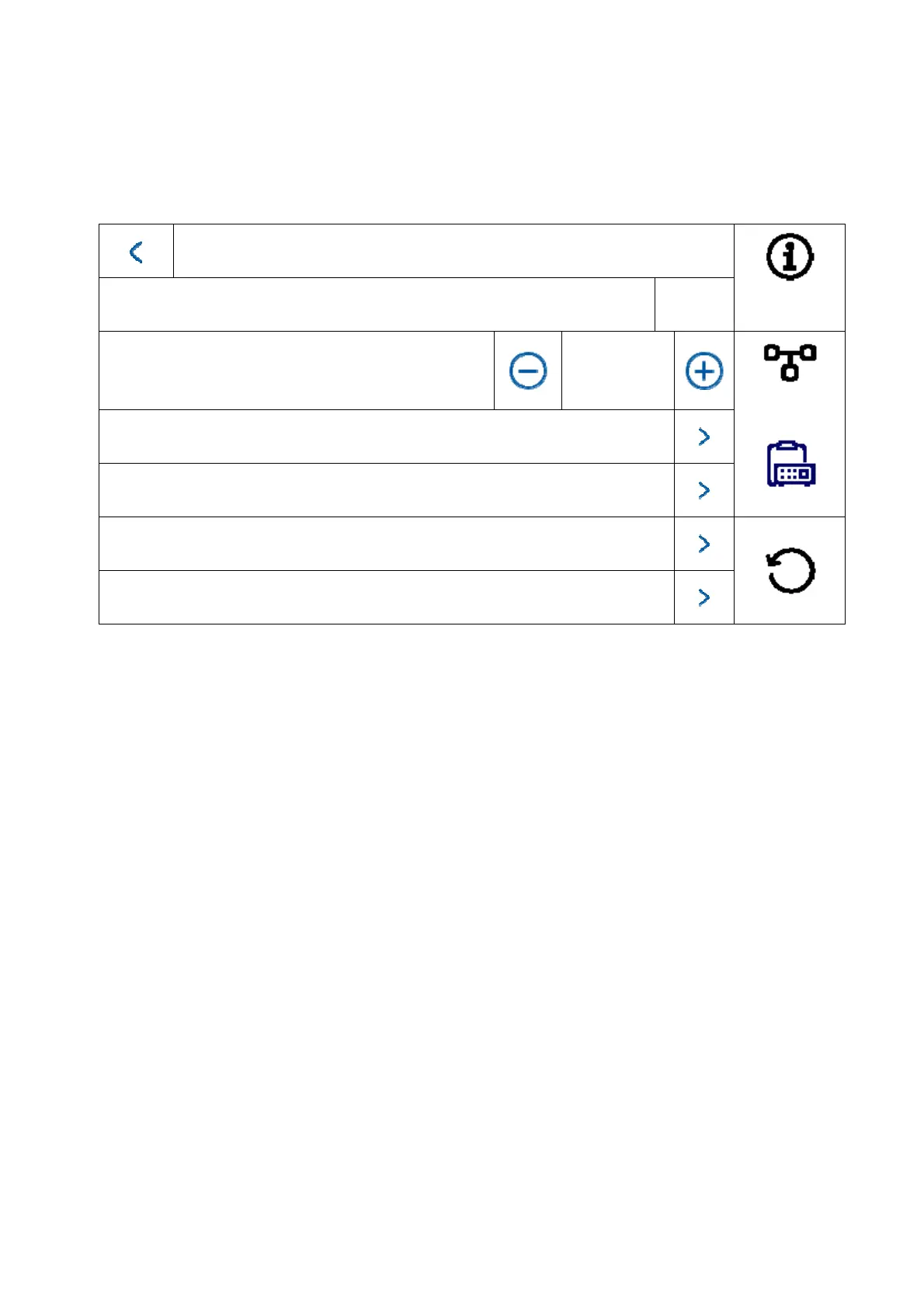
Local information
Apartment no.
1
Live image duration
30 seconds
ABUS Link Station service settings
Synchronise time
Summer Time
Assistant
This area is password-protected. Please enter the password for initial setup.
Note: The following menu items are not available on the monitor for the installation type “interior
extension”. They can only be set/accessed on the system’s main monitor:
Switch “automatic acceptance” for answering machine on/off.
Listen to answering machine messages
ABUS LINK Station App – menu
Add network cameras
Configure network address and set factory settings on end devices
Installation type: Options: indoor station, interior extension
Indoor station: Main monitor for door intercom system in a
home/apartment
Interior extension: up to 5 more monitors can be connected within
a home/apartment
Example: Video module + indoor station + 5 interior extensions



 To Next Page