114
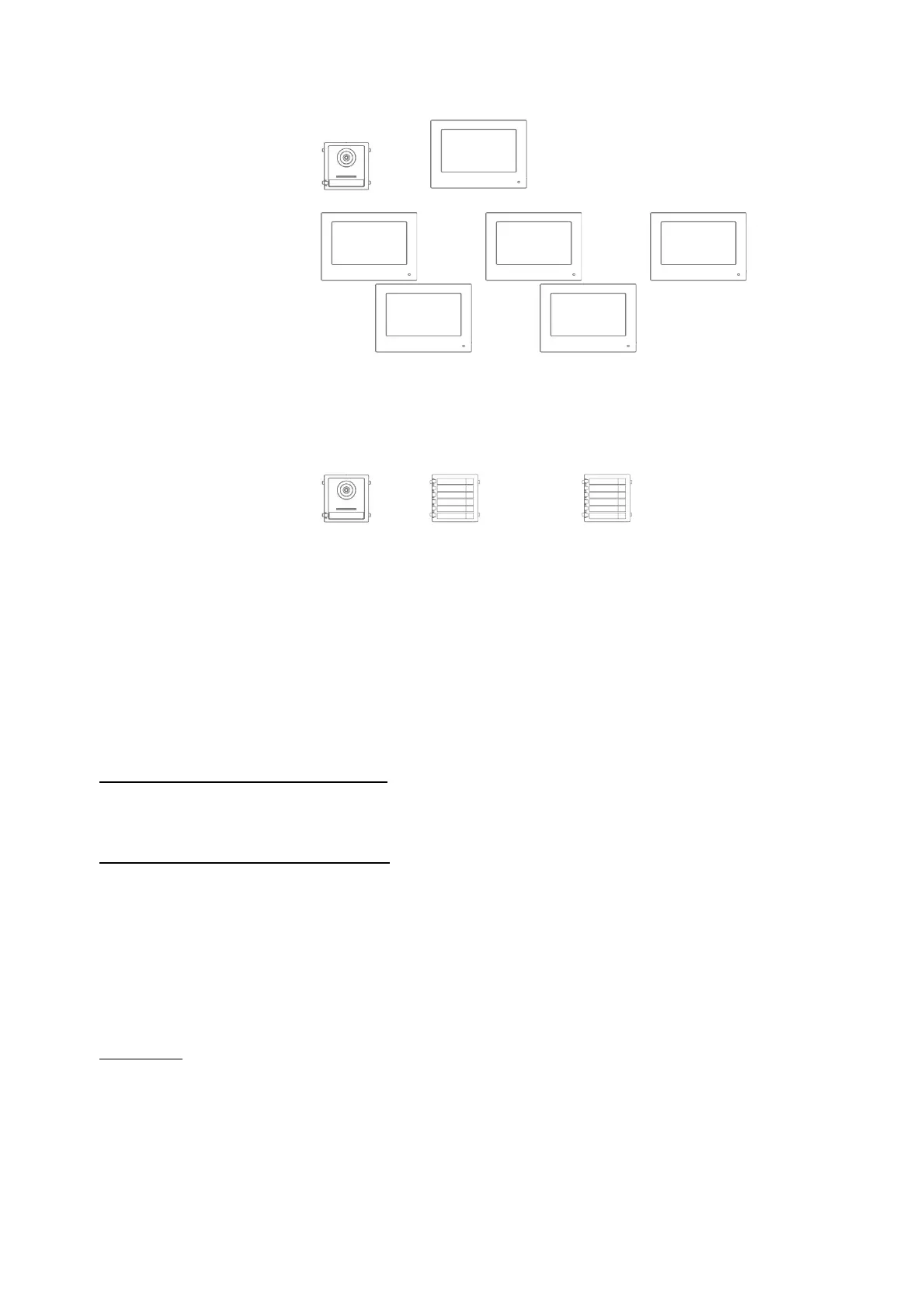
Apartment no.: This is the maximum number of indoor station monitors that can be
connected to a door video module with 8 call button extensions.
This maximum number is 49 indoor station monitors or 49
homes/apartments.
+ … 1-8 … (equals 49 call buttons)
Only for setting “Interior extension”:
No. (1~5): Number configuration for interior extension. A maximum of 5
extension monitors are possible.
Room name: Name for the room where the extension monitor is located.
Live image duration (10~60s): Duration of the manually triggered live image display for a
door video module or connected IP camera.
(can be accessed via the main page/live image)
Information about setting up other call buttons in a multi-family home can be found in section
Installations and operating information in chapter “
9.3 Setting up extended call buttons
(TVHS20020) for multi-family homes”.
ABUS Link Station service settings:
The ABUS Link Station function helps make it easier to set up and connect a smartphone app to
the door intercom system. It only takes a few steps. The door station must have an active internet
connection in order to do this.
This menu only exists on monitors with the setting “Indoor station” (main monitor).
Enable this function if you would like to use the app to access the door intercom.
Procedure:
1. Install the ABUS Link Station APP (lite/pro) (Android/iOS)
2. Click “Add device” or “Scan QR Code” in the app.
3 Scan the QR code in the settings page for the ABUS Link Station service. Each indoor
station monitor has its own QR code.
4. You will need to enter the verification code during the setup process. It is also on the
setup page and can be changed as you like.



 To Next Page