117
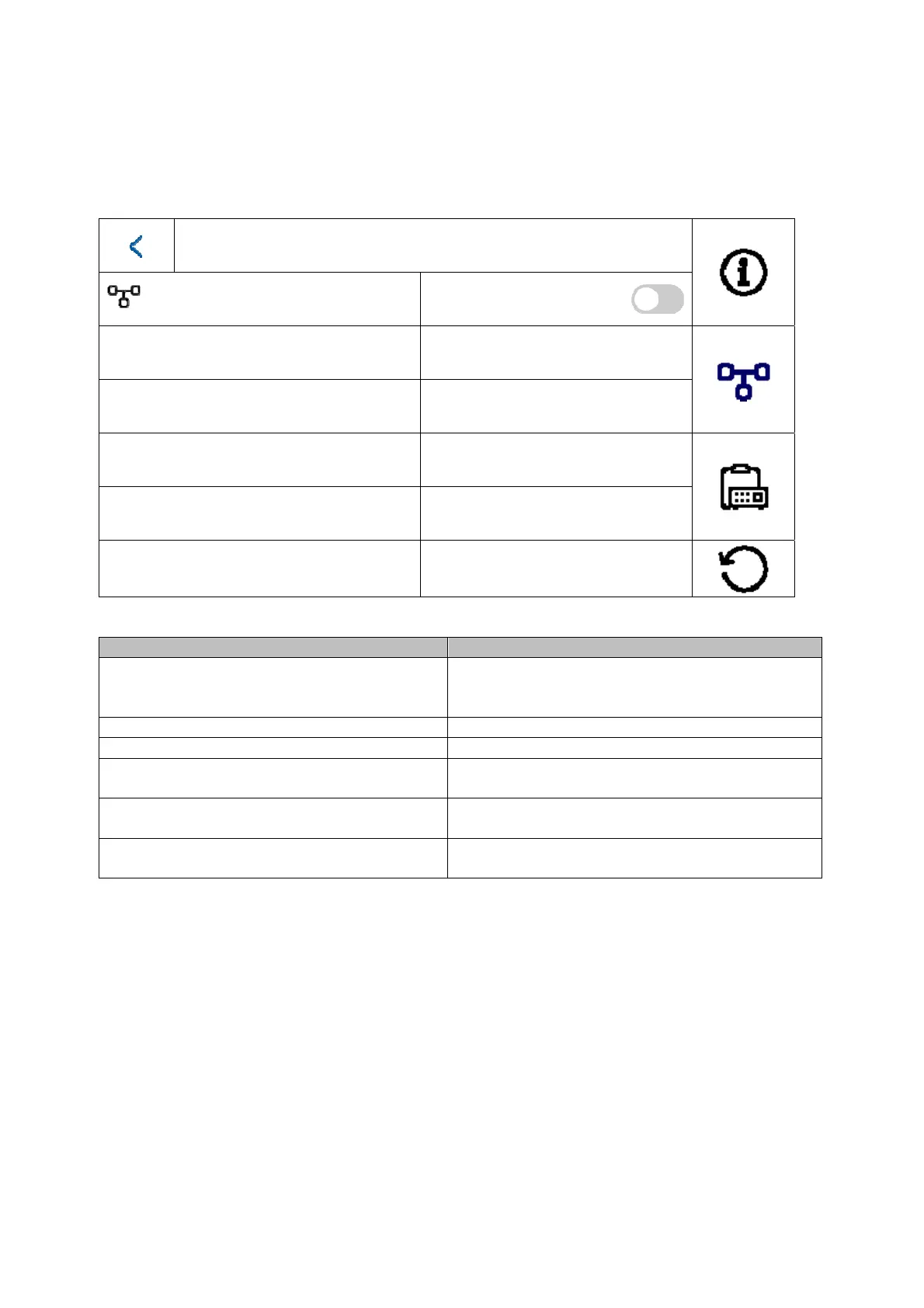
5.2.4.2 Configuration – network settings
This menu primarily concerns the settings for the wired network interface
Network settings
DHCP
Local IP
192.168.0.11
Subnet Mask 255.255.255.0
Gateway 192.168.0.1
DNS address 192.168.0.1
DNS address 2
194.25.2.129
Button/display Description
DHCP Switch DHCP on/off. It is highly recommended
to set all door intercom system components to
a fixed IP.
Local IP Set the device’s local IP here
Subnet Mask Set the device’s subnet mask here
Gateway Set the device’s Gateway here. The router IP
is generally used here.
DNS address Set the device’s DNS address here. The router
IP is generally used here.
DNS address 2 Set the device’s alternative DNS address here.
The router IP is generally used here.



 To Next Page