102
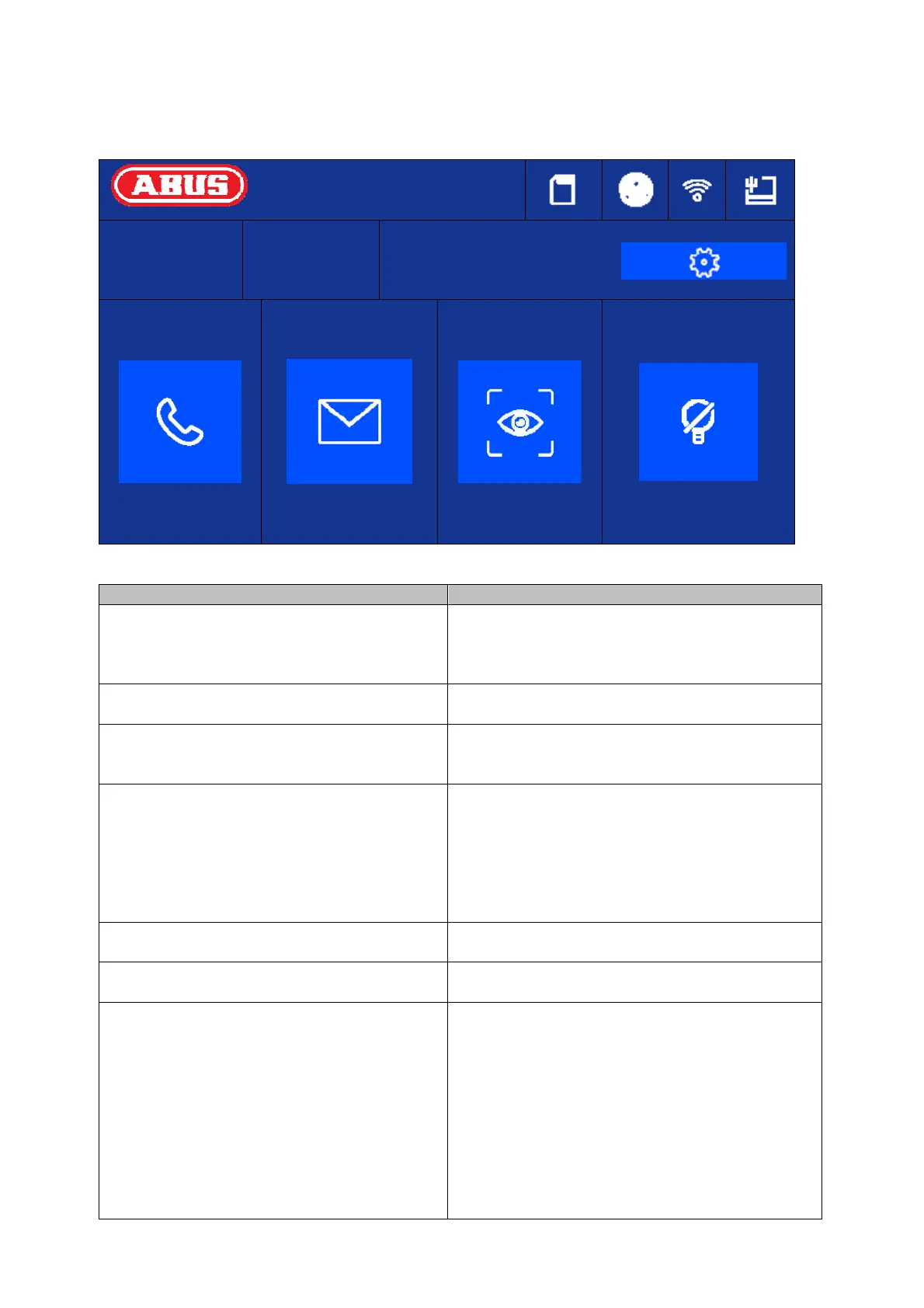
5.2 Main page overview
14:25
Wednesday
18 March 2020
Apartment no.:
1
Call
Message
G
Live view
Hibernate
Button/display Description
Time Displays time
Typing in the display field will open the
dialogue to set the date and time.
Day of week/date Current weekday display
Date display
Apartment number Display of configured apartment numbers for
this indoor station.
Up to 49 apartments per system possible.
[Call] Set up intercom to indoor station or interior
extension.
Display/manage contacts
View call log (including information about the
door bell station, single frame, date, time)
[Message] Information about notes, visitor notifications
and single frames of the answe
[Live View] Display live image of connected door stations
and configured network cameras
[Settings/cog] General call settings: Ring tone, ring duration,
call duration, call re-routing, microphone
volume, ring volume, conversation volume, key
tone, auto accept, do not disturb mode
WLAN settings for the monitor (only use for IP
variant!)
Other device settings: Configuration (system),
relay behaviour, microSD card, time, screen
brightness



 To Next Page