112
5.2.3 Floor buttons
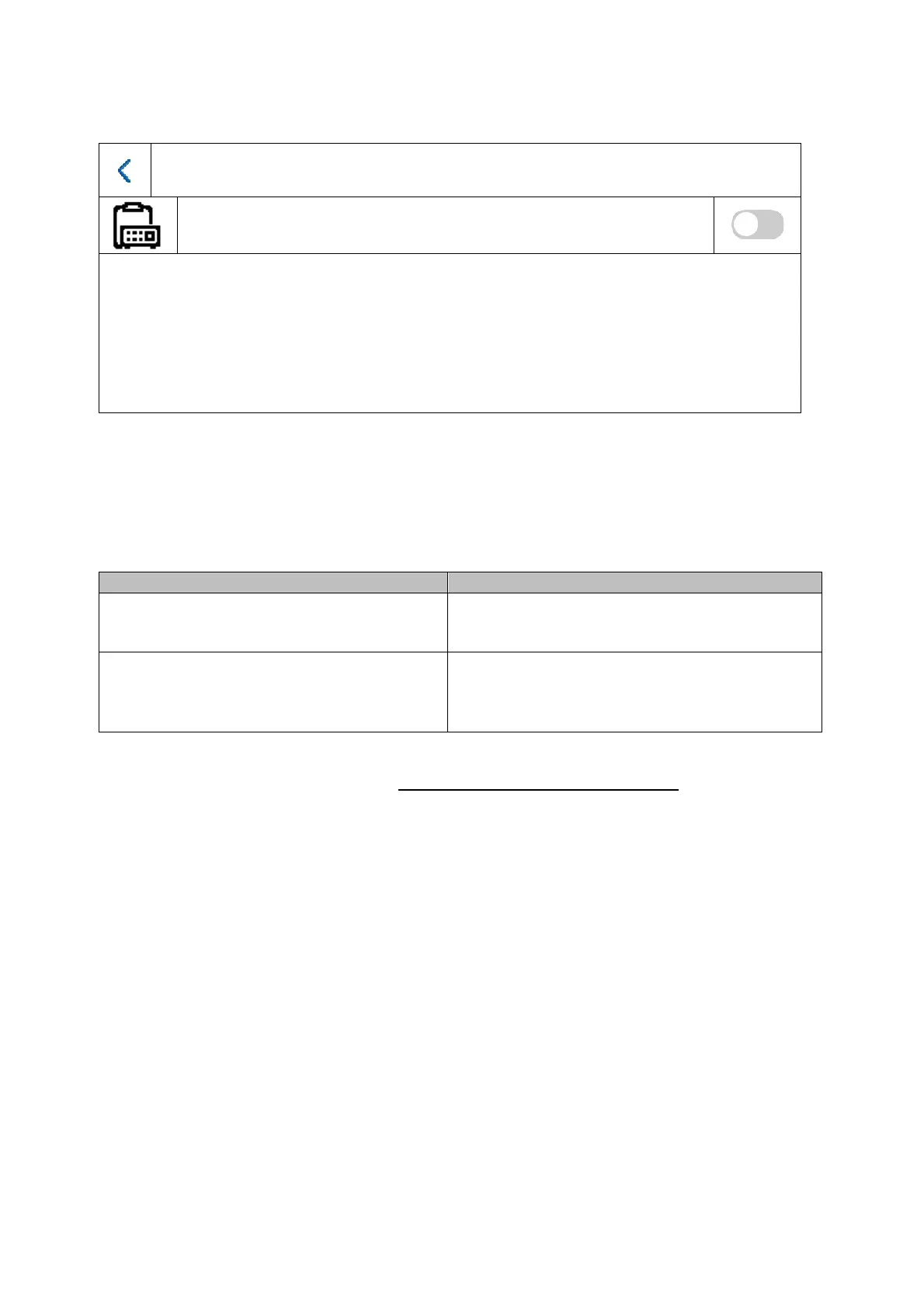
Floor bell
On/Off
The floor button is connected directly to the monitor via the wired inputs and creates a direct door
bell on the front door. This function is primarily used in multi-family homes. The main-door station
is at the bottom of the main entrance here. Each home has a direct door bell button on the front
door, however. The ring tone for the floor button is different from the normal ring tone of the
video door module.
Button/display Description
Line 1 – Line 8
Describes which input on the monitor is used
for the floor button. Input 1 (line 1) is used as
standard.
NO / NC
Normally Open / Normally Closed. This
determines whether the call button on the front
door is an open or closed contact. Typically it
is a “NO” contact switch.
Further information can be found in the Installation and operating information section in chapter
“9.7 Connecting floor call buttons to the main monitor”.



 To Next Page