111
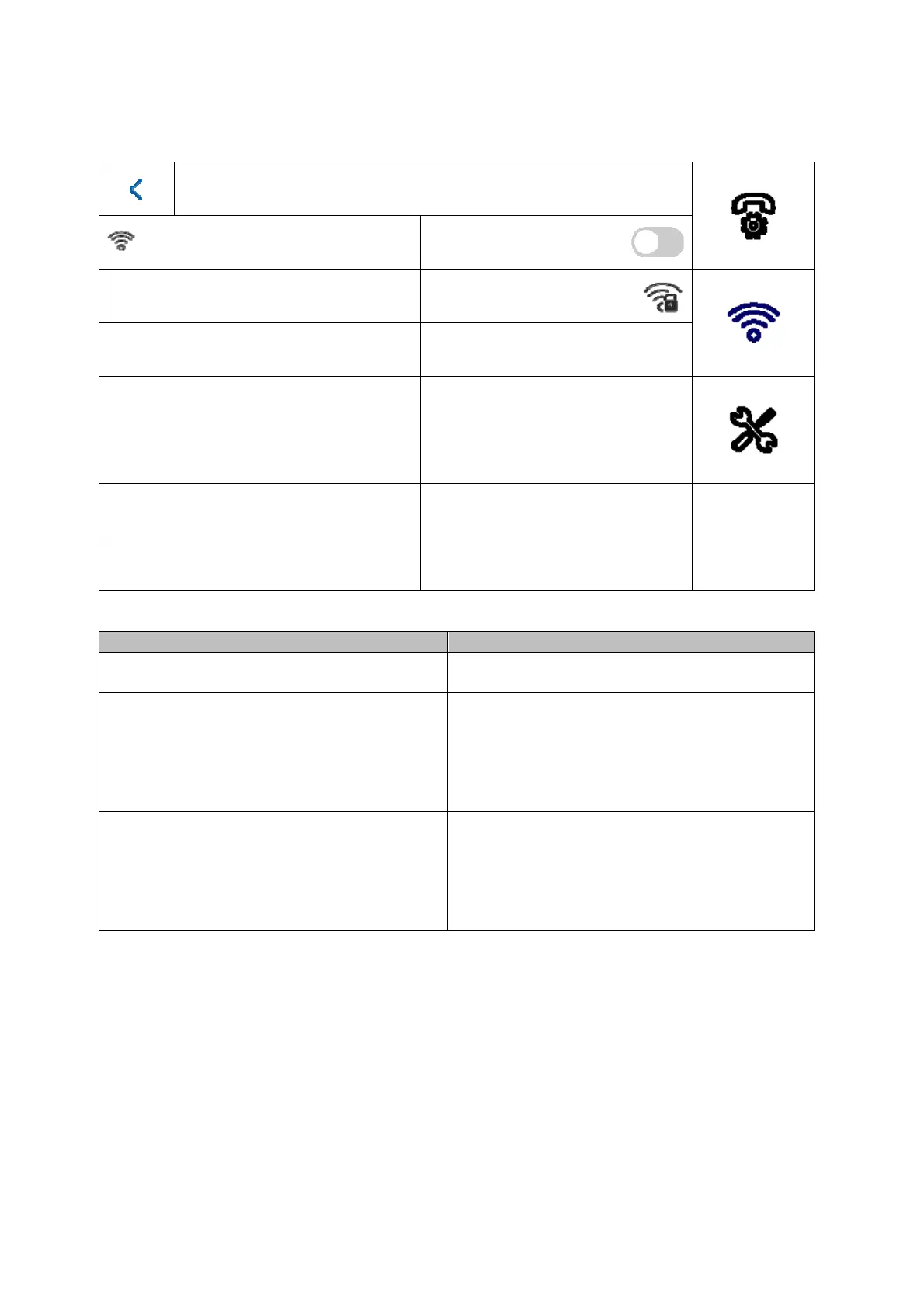
5.2.2 Wi-Fi settings
Wi-Fi settings
MAX_MUSTERWLAN
Button/display Description
Arming/disarming
Enable/disable the Wi-Fi interface on the
monito
WiFi network list
You can find available Wi-Fi networks in your
area here. By selecting an entry, you will be
prompted to enter the Wi-Fi password.
After connecting successfully, a green
confirmation tick will appear in the list in front
of the selected network.
Wi-Fi Info Icon
You can see the Wi-Fi parameters such as
network name, signal level and IP parameters
here.
Click “Disconnect” to disconnect the monitor
from Wi-Fi.



 To Next Page