119
Setting the network parameters of the video door module
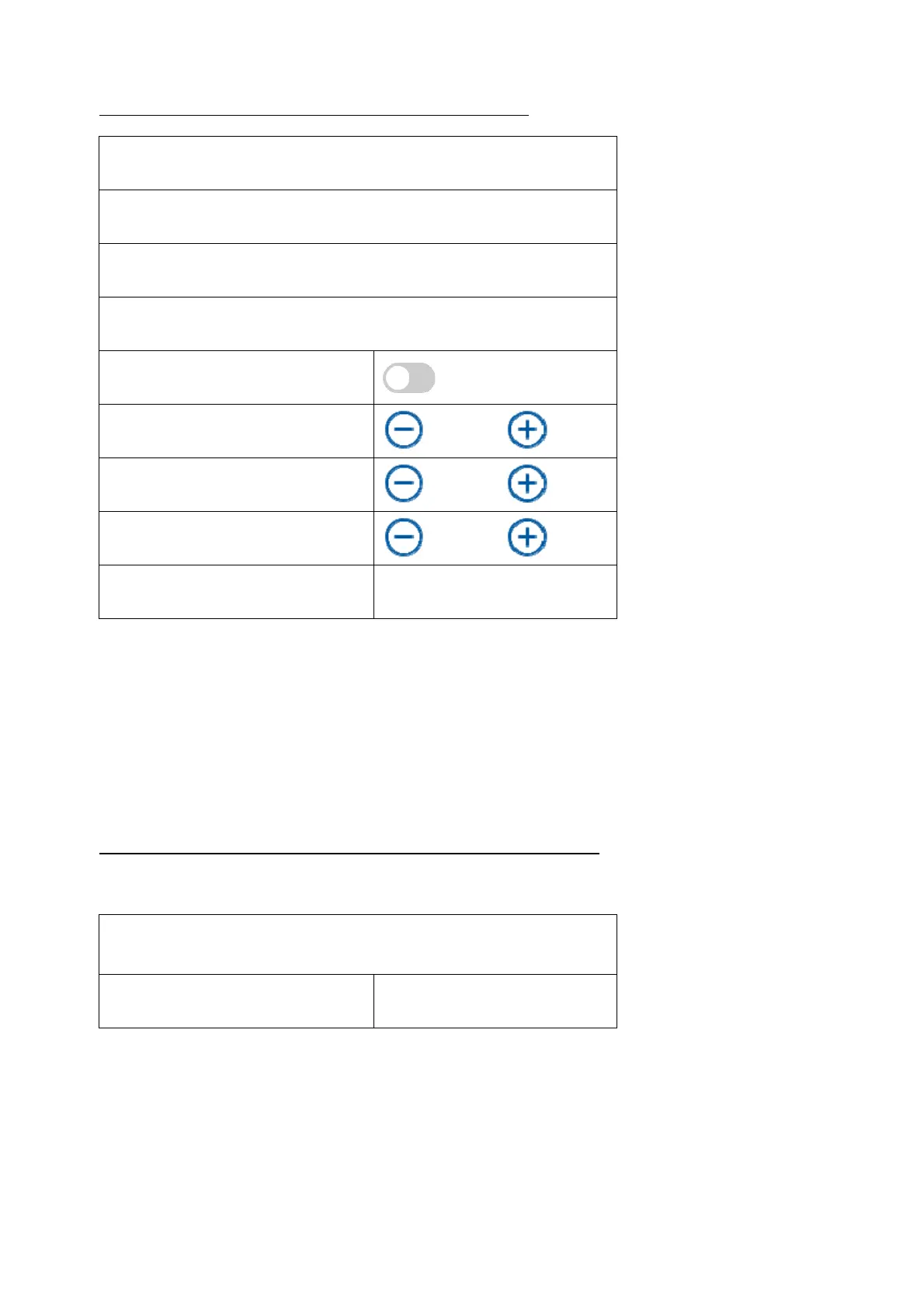
Door Station Settings
192.168.0.26
255.255.255.0
192.168.0.1
DHCP
Microphone volume
70%
Ring tone volume
70%
Talk volume
70%
Cancle OK
Lines 1 -3: IP address, gateway and subnet mask
DHCP: When the button is pressed, the request for the IP address data from
the DHCP server is started. The switch then goes back to the left.
The received IP address data are then set as fixed data. There is no further automatic query of
the data.
Microphone volume: Setting the sensitivity of the microphone in the video door module
Ring tone volume: Setting the volume of the ring tone after pressing the bell button on the
video door module
Call volume: Setting the volume during a call on the video door module
Performing a reset to the factory settings of the video door module
All settings of the video door module can be reset here via the main monitor.
Reset all settings to default?
Cancle OK



 To Next Page