6-14 The Accutech Software Us
Quick Transfer
Tag Transfer is the process of transferring Tag Details between two
server databases. At no time is the protection of the system
compromised. Any alarm event will register and display before, during,
or after a Tag Transfer. In installations with multiple servers
(i.e., multiple protected areas or floors), due to floor-to-floor
discrimination and potential global band removal lockdown protocol,
the Accutech Software requires Tags to be designated in their respective
databases where they are in use and physically reside. Utilize Tag
Transfer for staff escorted transfer of currently assigned Tags. Use Quick
Transfer for transfer of unassigned Tag inventory.
These instructions assume Suite Control settings are already established.
To Quick Transfer a Tag, use the following instructions:
1. Select the Quick Transfer button (1).
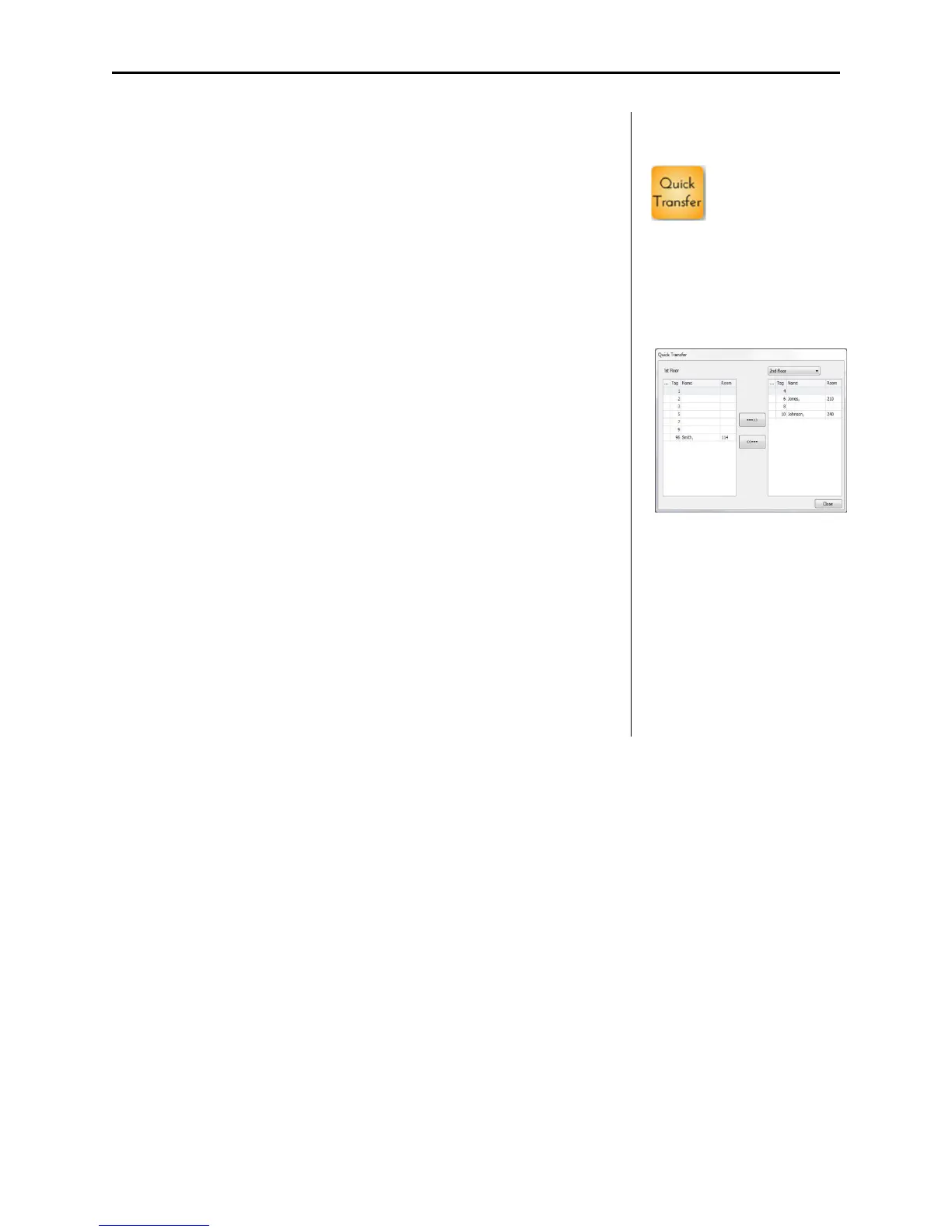
The Quick Transfer dialog box appears (2).
The current database is listed in the left column.
Available databases are listed in the right column.
2. From the Area Name pull-down list, select the desired database.
3. Select the desired Tag and use the right and left arrow buttons to
transfer accordingly.
4. When finished, select the close button to exit.
1
2



 To Next Page