User Manual The Accutech Software 6-15
Reports
Alarm events set to log under Event Groups can be queried to examine
alarm frequency, duration, and patterns. Use this information to make
adjustments to zone equipment to alleviate staff alarm fatigue or during
system evaluations from internal or external parties. Reports may be
saved to various electronic file formats or sent to available printers.
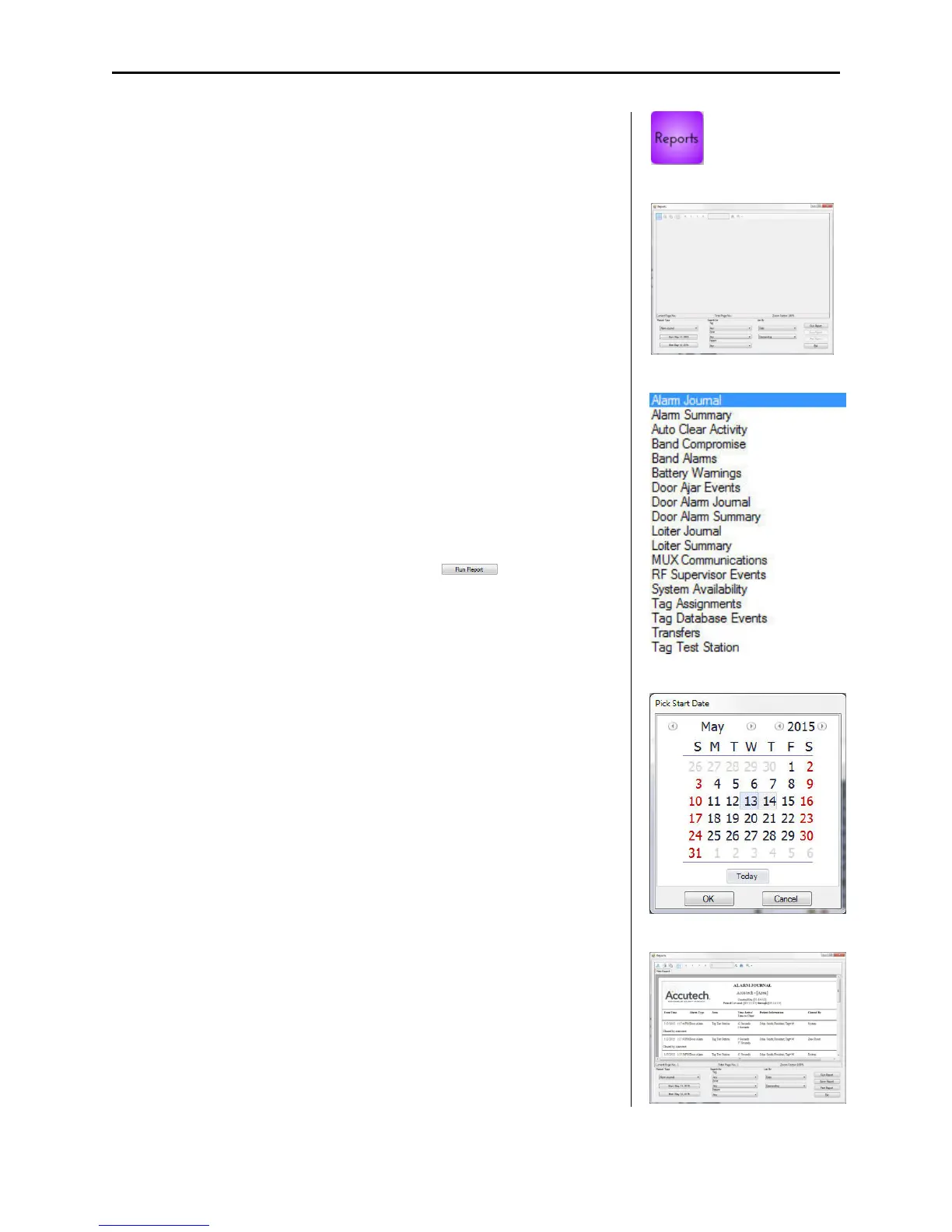
To generate a Report, use the following instructions:
1. Select the Reports button.
The Reports dialog box (2) appears.
2. Select the desired report from Report Type pull-down list (3).
3. Select the desired Start and End Date parameters from their
respective buttons (4).
4. Select the parameters desired under the Search for and List By
section to further filter report results
5. Once all parameters are set, select the button.
The report is generated and displayed.
6. Save or Print the Report as desired.
1
2
3
4
5



 To Next Page