Channel Configuration
87
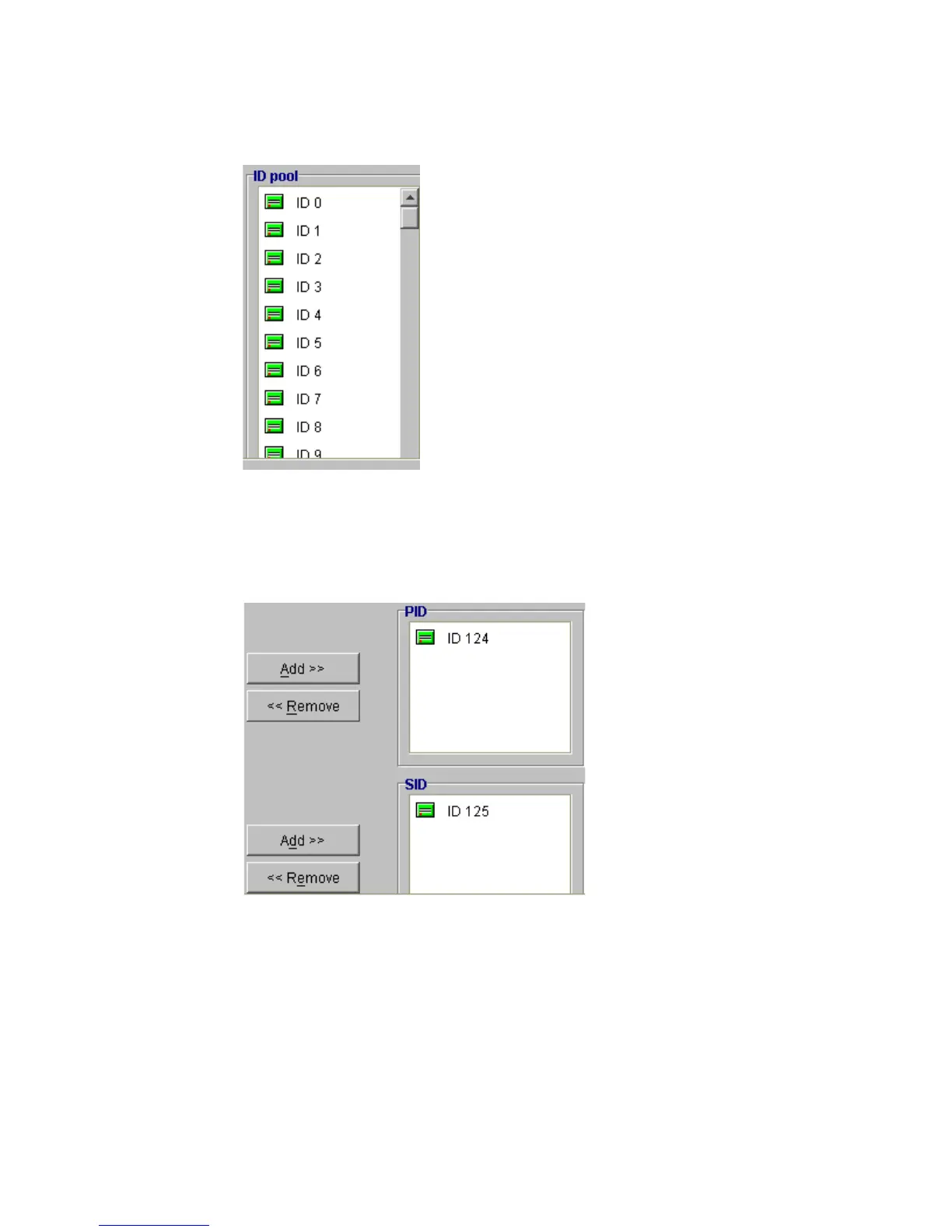
When selecting an ID, be sure that it does not conflict with the other devices on the channel. The
ID pool lists all of the channels. Highlight the ID you want to use and click Add next to either the
PID (Primary ID) or SID (Secondary ID) window (see below).
4 To change the speed of the bus synchronous transfer clock, choose the new value from the options
listed in the Def Xfer Clock drop-down list box.
Figure 7–1 ID Pool Menu
Figure 7–2 Specifying Channel PID or SID



 To Next Page