32
Options
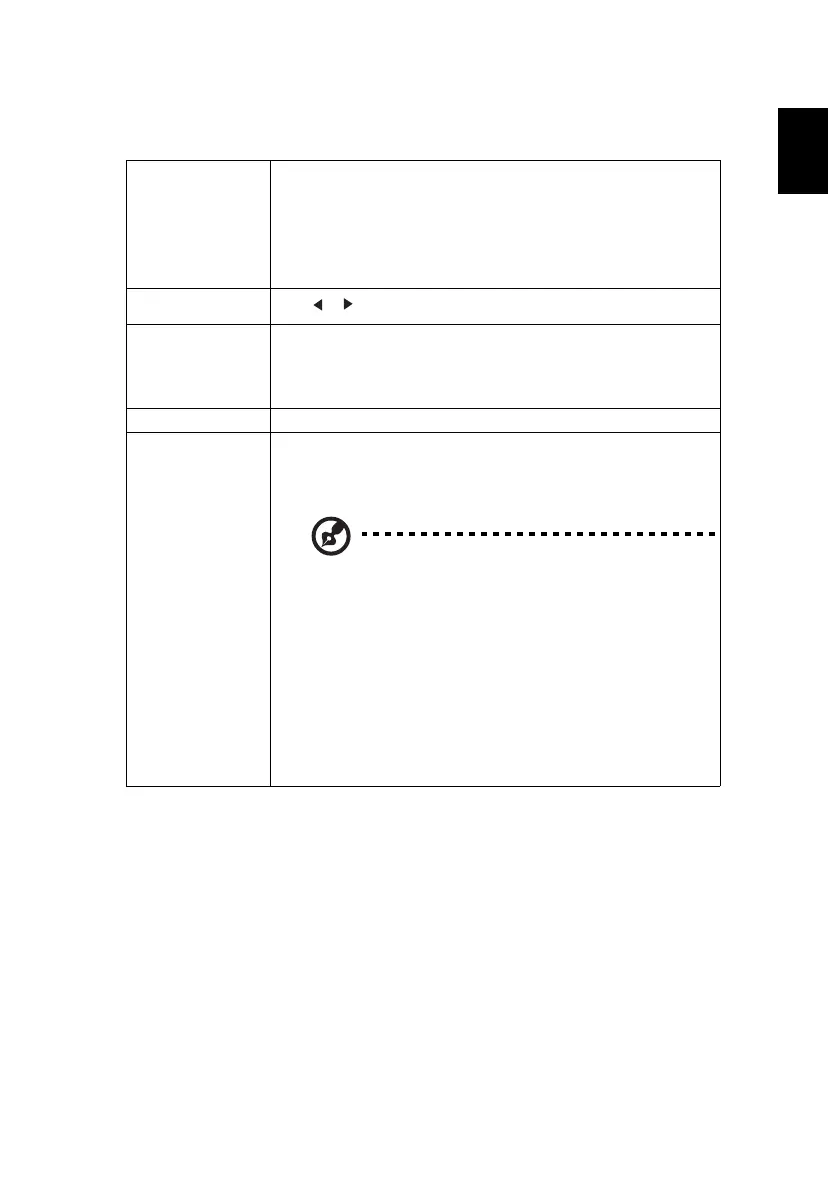
Laser Mode
Sets the brightness mode.
• Normal: Increases the brightness.
• Eco.: Dims the projector light source which will lower
power consumption and extend the light source life.
• User: Memorize user’s settings.
User
Use to adjust the brightness to your desired level.
High Altitude
Mode
Choose "On" to turn on the High Altitude mode. When
this function is turned on, the projector fans operate at full
speed continuously to cool down the projector’s
temperature.
Status Display When "On" is selected, the status will be displayed.
Control
HDMI CEC
Selecting "On" allows synchronized power ON/OFF
operation between the projector and a CEC-compatible
device connected to the HDMI/MHL port of the projector.
This function is only available for the HDMI/MHL
port.
Projector ID
Sets the remote control ID for this projector. When
multiple adjacent projectors are in operation at the same
time, switching the remote control codes can prevent
interference from other remote controls. After the
Projector ID is set, switch to the same ID for the remote
control to control this projector.
Trigger Out
Sets the port to provide trigger out function.


 To Next Page