Using your smart camera - 11
Camera mode
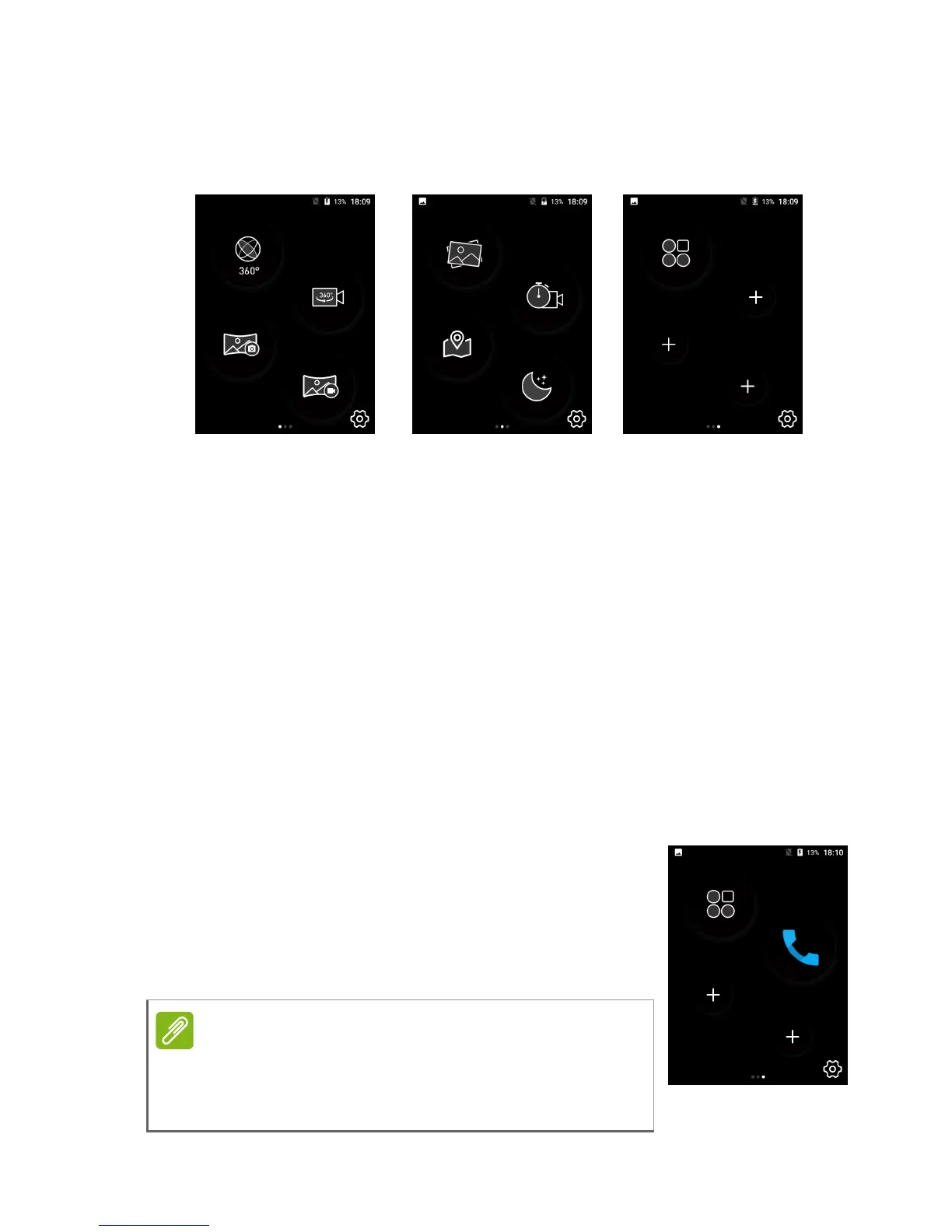
Camera mode provides quick access to camera features. Each screen
shows four options; swipe the screen left to see the next screen.
Tap an icon to open use your camera. For more information about the
camera app see Using the Camera on page 13.
First screen:
• Take a 360° image.
• Take a 360° video.
• Take a Panoramic photo.
• Take a Panoramic video.
Second screen:
• Open the HoloGallery to view images.
• Take a time-lapse video.
• Add your location and a weather report to a photo.
• Use settings for improved night-time shots.
Third screen:
• Open the App List
• Custom app shortcuts.
• Open the App List then tap and hold an app to
replace a ’+’ icon with an app shortcut.
If you add more than three shortcuts then a
fourth screen will be added with additional
spaces for app shortcuts.



 To Next Page