20 - Using the Android OS
USING THE ANDROID OS
If you are not familiar with the Android OS, then you can find some
information about using the Home screen and apps.
The Home screen
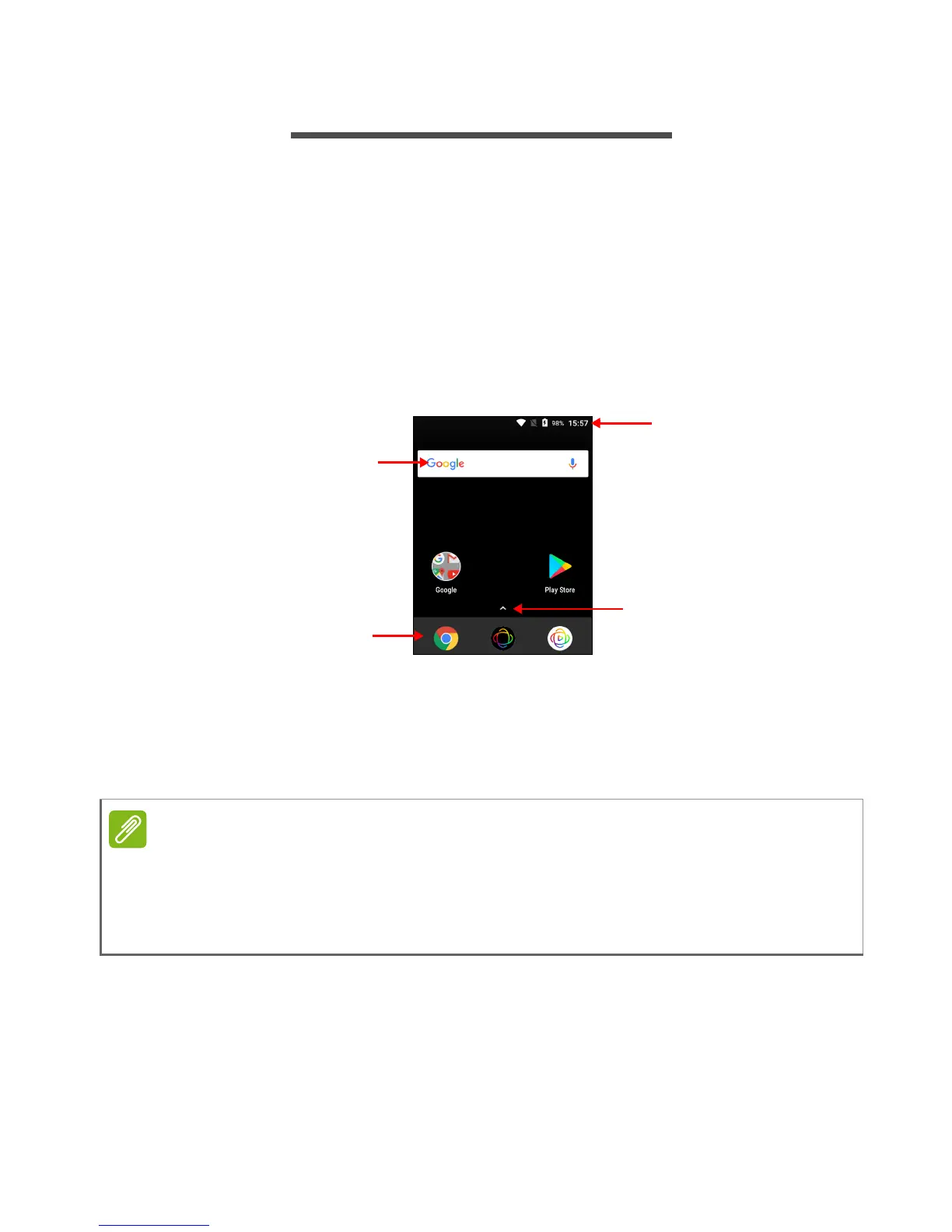
When you start your camera, or wake it from power saving, it will
display the Home screen. This screen gives you quick access to apps
("applications"), widgets, and folders.
The Home screen provides controls and information
At the bottom of the screen is the Favorites tray which displays useful
apps. Tap an icon to open the app. Tap the arrow above the Favorites
tray to view more apps. To change which apps are in the favorites
tray, see Changing Favorites tray icons on page 21.
You may tap and hold certain apps to open a list of shortcuts to common
tasks; for example, tap and hold the Play Store icon to open the My Apps
section of the app.
Drag the icon normally to move or remove it.



 To Next Page