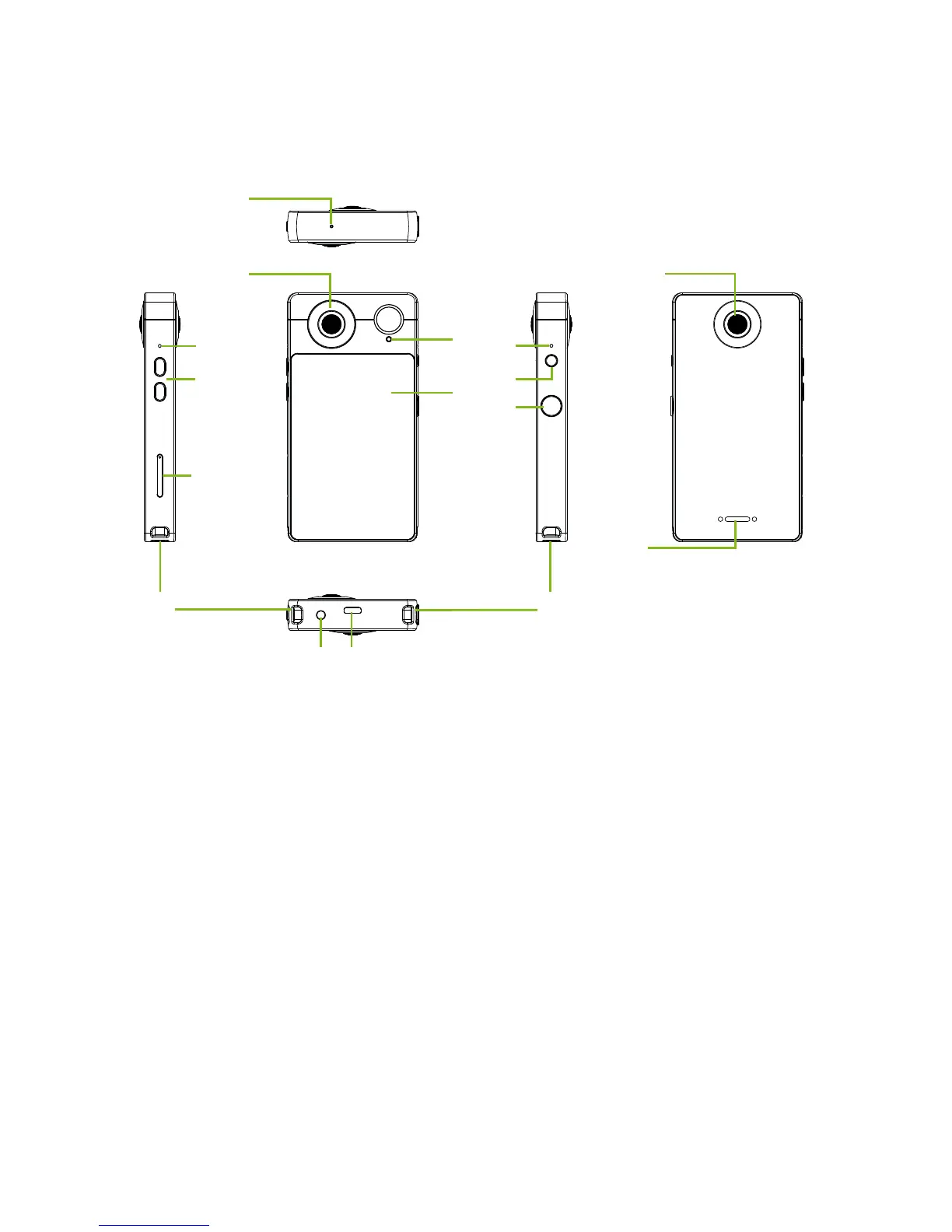
1. Pressure opening
Equalizes pressure inside and outside the camera.
2. Microphone
For capturing audio.
3. Volume up/down buttons
Increase or decrease the audio volume.
Camera app: Adjusts EV.
4. Card tray
Accepts a microSD card and, on certain configurations, a nano SIM card.
5. Strap loop
Attach a wrist or neck strap here.
6. Camera
187° cameras for taking high-resolution images.
7. Power LED
Indicated the power or charging status.



 To Next Page