Using the Camera - 13
USING THE CAMERA
Your smart camera features two 187° cameras mounted on the front
and on the rear, which can combine to create a 360° image of your
surroundings.
To activate the camera:
• if you are in Camera mode (see Camera mode on page 11), tap an
icon from the Home screen.
• swipe the camera icon up from the Lock screen,
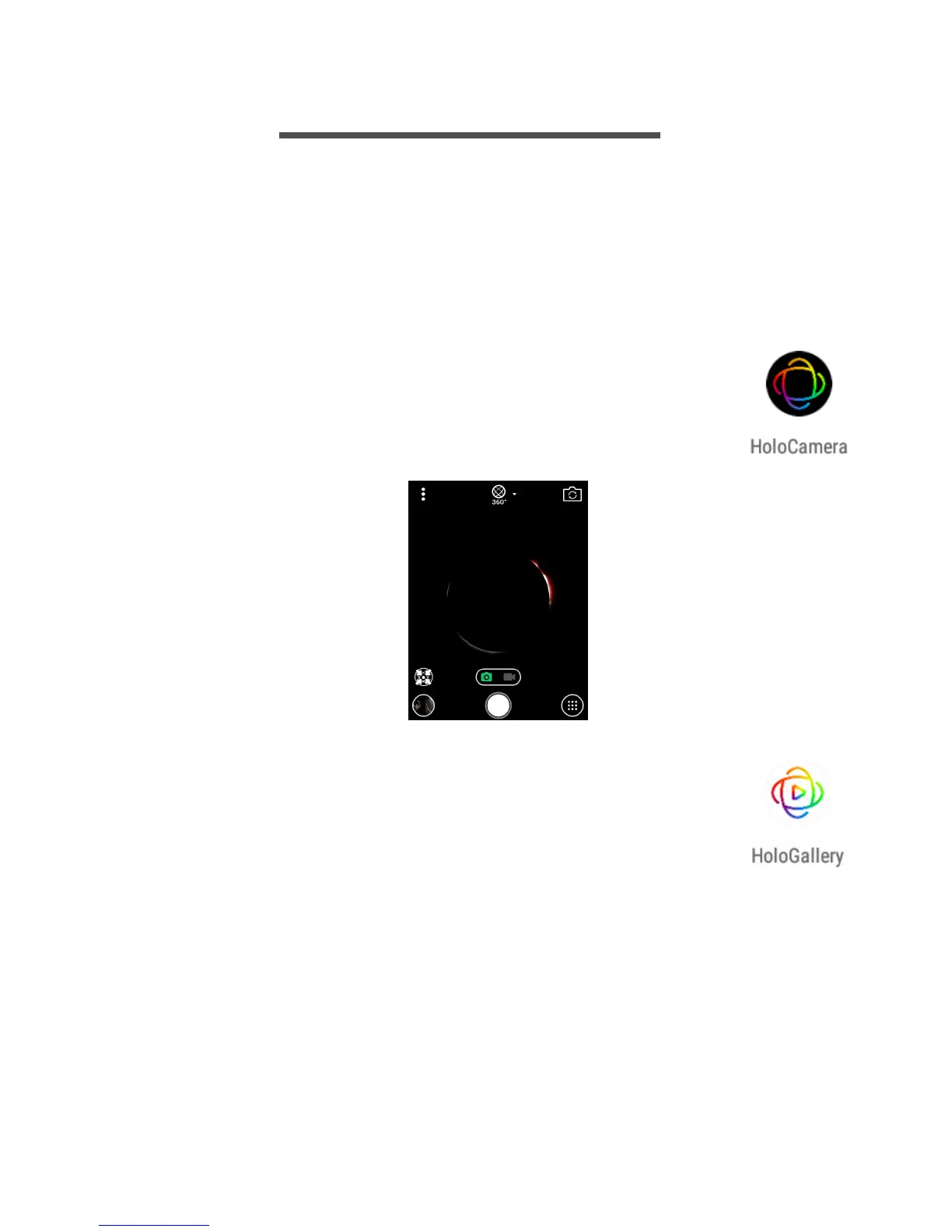
• open HoloCamera from the Apps list or the Favorites
tray, or
• swipe right from the Home screen.
You can view photos or videos (and other images on your
camera) in the HoloGallery app. Open the HoloGallery
app from the Home screen or tap the thumbnail of the last
image in the corner of the HoloCamera screen. See
Viewing photos and videos on page 18.



 To Next Page