Advanced settings - 39
Setting alarms
There are two predefined alarms on your camera by default. Open
Clock from the Apps list, and then tap to view the alarms. Tap and
hold an alarm to change its settings. You may:
• Turn the alarm on or off.
• Set the alarm time.
• Set which days to repeat the alarm.
• Set a ringtone.
• Enable or disable vibrate.
• Give it a label.
Changing language and text options
Set your location and language input preferences by opening
Settings > Language & input.
Connecting to a PC
If you wish to transfer information between
your device and your computer (either the
microSD card in your device or the device’s
internal memory), you can connect your
device to a PC using the supplied USB
cable.
1. Plug the USB sync cable into the USB
connector on your camera.
2. Plug the USB client connector into an
available USB port on your computer.
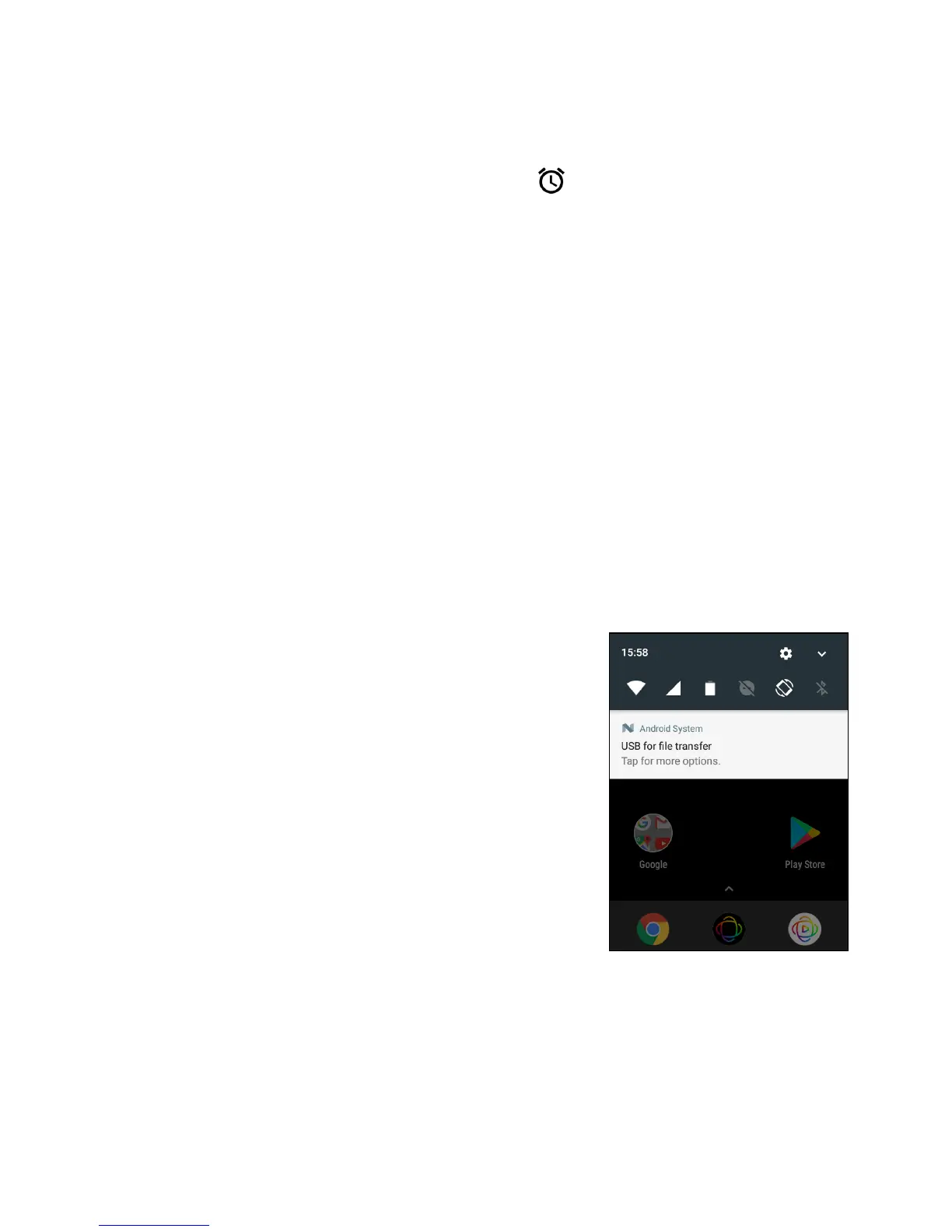
3. Open the notification area and tap USB
charging this device then choose
Transfer files.
Your device will now be available as a drive in your computer’s file
explorer.



 To Next Page