6 - Setting up
8. Touchscreen
For viewing content from your camera or entering data.
9. 3.5 mm headphone jack
Connects to stereo headphones.
10.Micro USB port
For connecting to a PC or a charger.
11.Power button
Suspends or wakes the camera (long press to turn the camera on or off).
12.Camera button
Opens the Camera app (long press to open the Camera app from
suspend).
Camera app: Takes a photo or starts video recording.
13.Camera
187° cameras for taking high-resolution images.
14.Speaker
Emits audio from your camera.
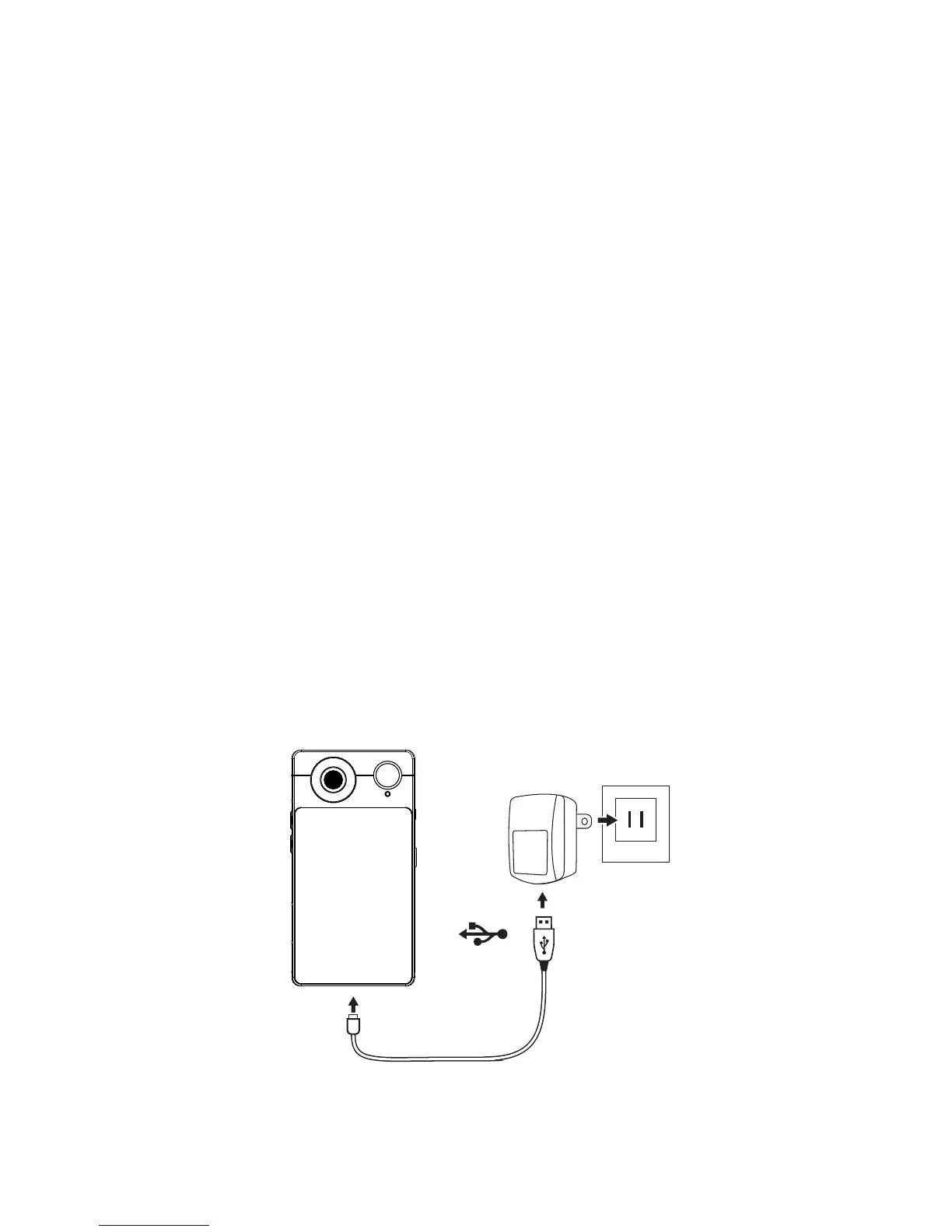
Charging the battery
For initial use, you need to charge your camera for eight hours. After
that you can recharge the battery as needed.
Connect the AC adapter cord to the USB connector on your camera.



 To Next Page