Using the Camera - 17
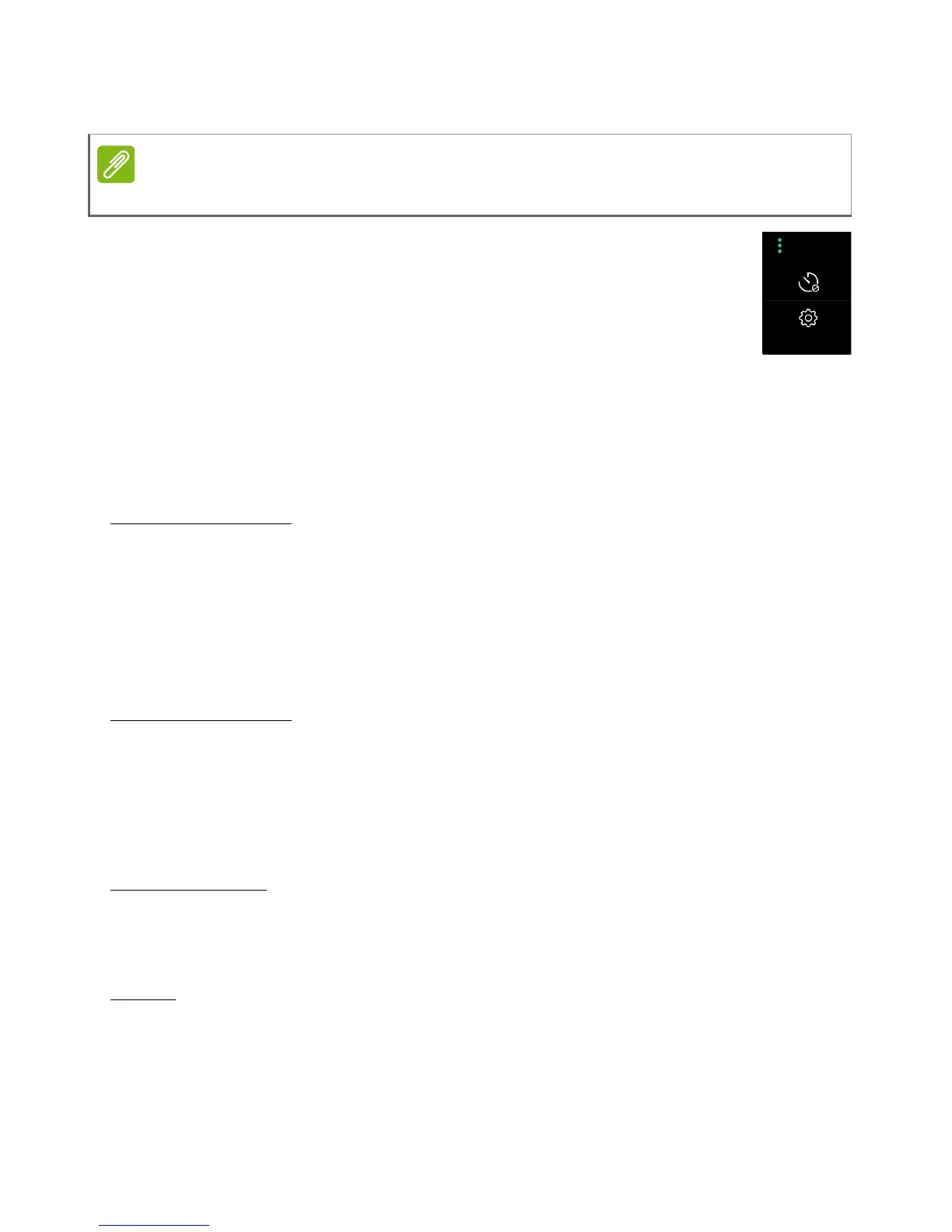
More and Settings menu
Tap the More icon to view some image options and
Settings. Tap an icon to turn that feature on or off
(described below), or tap the Settings icon for more
settings.
Timer
Set a delay of 3, 5, or 10 seconds before the image is taken.
Settings
General settings
Power saving mode - adjust screen and power settings to increase
battery life when the battery is low.
Location - store the location in the image data.
Storage - store images and video on the internal memory or an SD
card (if installed).
Capture settings
Stabilizer - turn stabilization on or off.
Continuous shot - tap and hold the shutter button to take a series of
rapid-fire images.
Grid - display a grid on the camera screen.
Video settings
Video stabilizer - turn stabilization on or off.
Audio mode - turn audio on or off (normal or mute).
Reset
Restore all settings to their original values.



 To Next Page