Making calls - 29
MAKING CALLS
Certain models of the smart camera may make phone calls. Other
models may use messaging services that provide calls over the
internet; see the messaging app’s help for more information.
Before making a call
Check that the phone function is on before you make a call. You can
confirm the phone status from the notification area.
Making a call
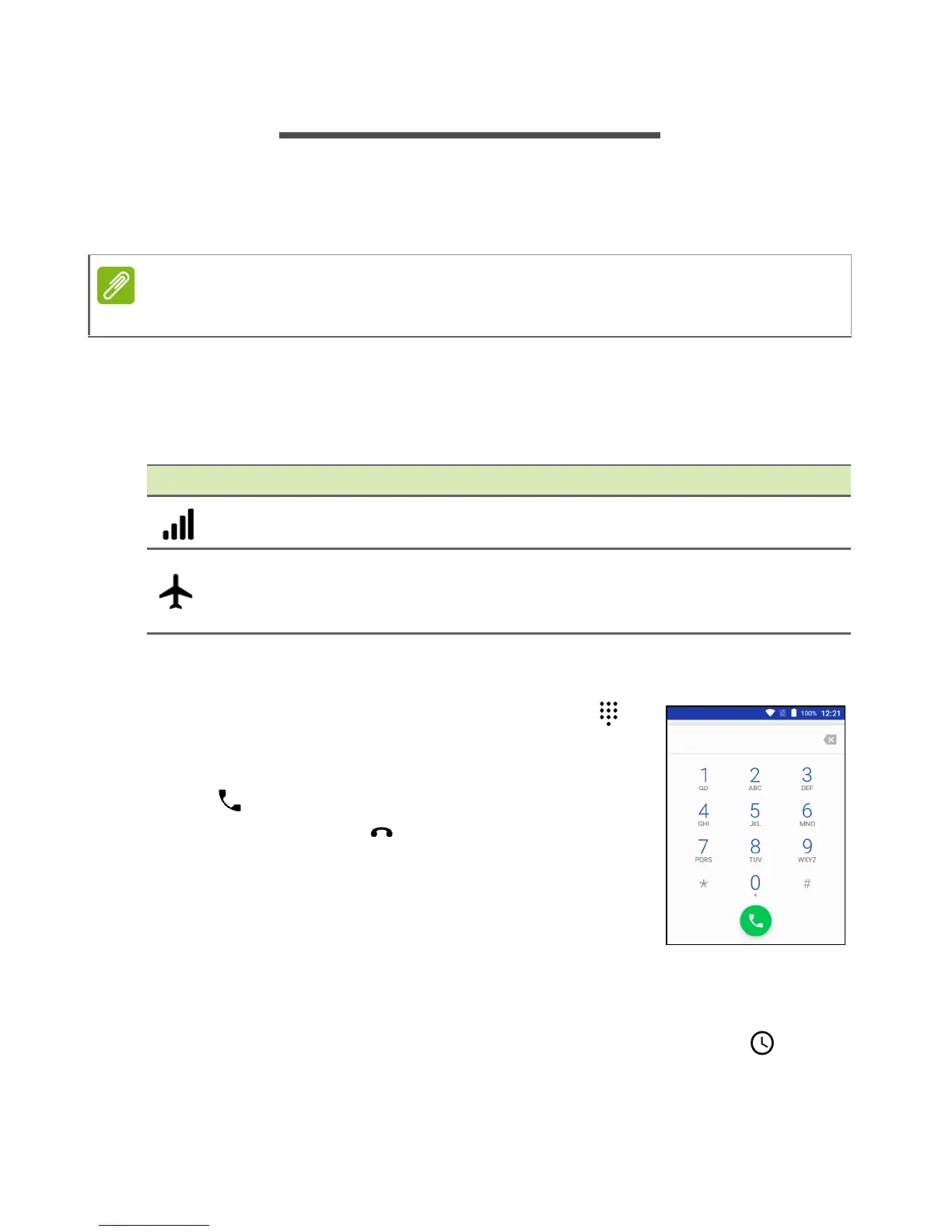
1. From the Home screen tap Phone then to
open the onscreen number pad.
2. Enter the number you wish to dial.
3. Tap to make the call.
4. To end the call, tap .
If the contact you need is displayed, simply tap
the contact name to make a call.
Dialing a number from Call History
Your call history can be viewed by tapping the Call History icon. It
displays recent received, dialed, and missed calls.
Tap the phone icon to redial. To view call details and other options,
tap the number or contact’s name.
Cellular calls are only available on LTE models with an installed SIM card.
Icon Description
Connected to the network: You may make a call.
Airplane mode: Wireless connectivity disconnected (Wi-Fi,
Bluetooth, and cellular). Please disable airplane mode
before trying to make a call.



 To Next Page