Using the Camera - 15
Camcorder mode
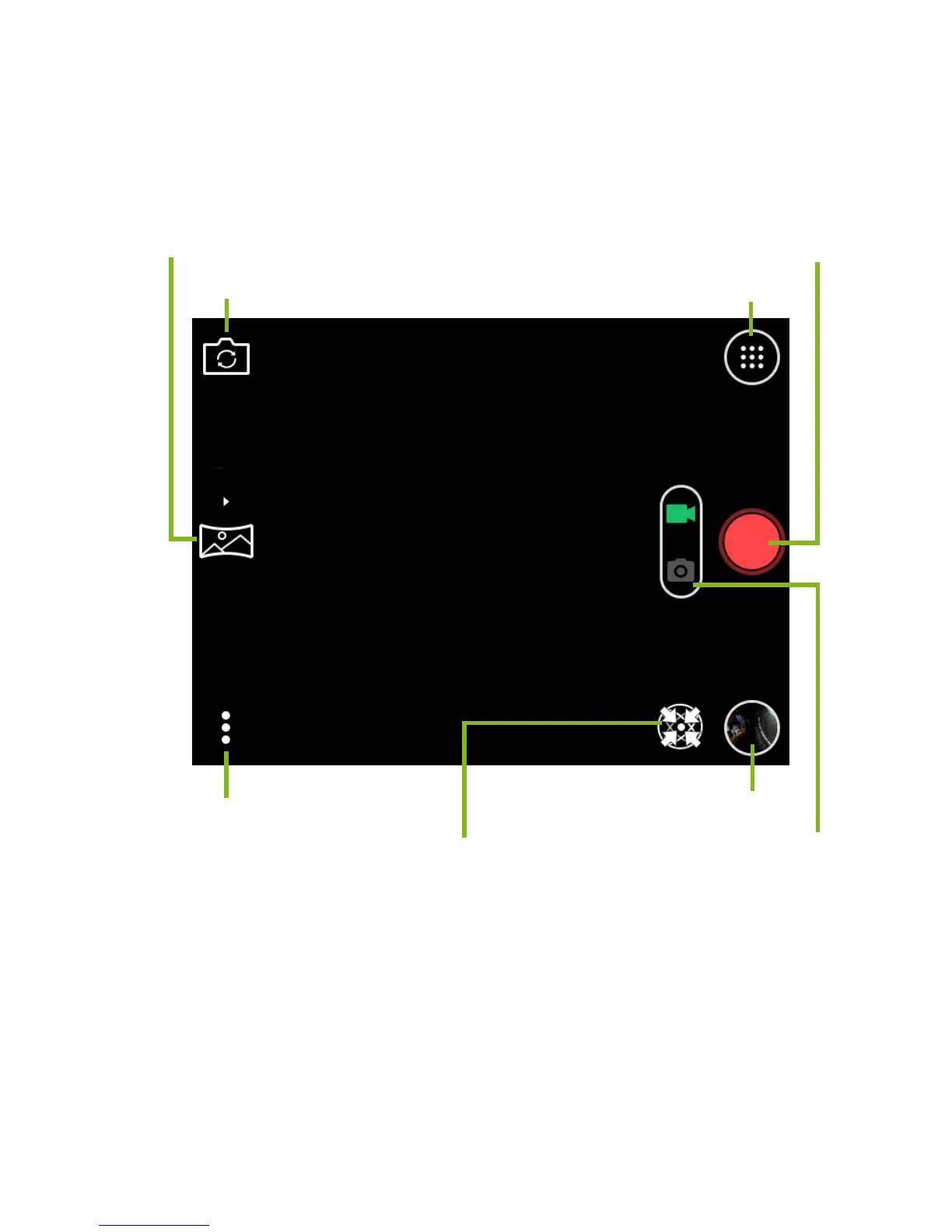
Tap the Camera / Camcorder switch to enter camcorder mode. Tap
the shutter to begin filming. While filming, you are unable to access
most settings.
While filming, tap the camera icon next to the Shutter button to
capture a photo of the scene.
Tap the Shutter button again to stop filming.
Additional controls
The volume buttons on the side of the camera adjust EV levels
(brightness).



 To Next Page