16 - Using the Camera
Press and hold the camera button to switch between camera and
camcorder modes.
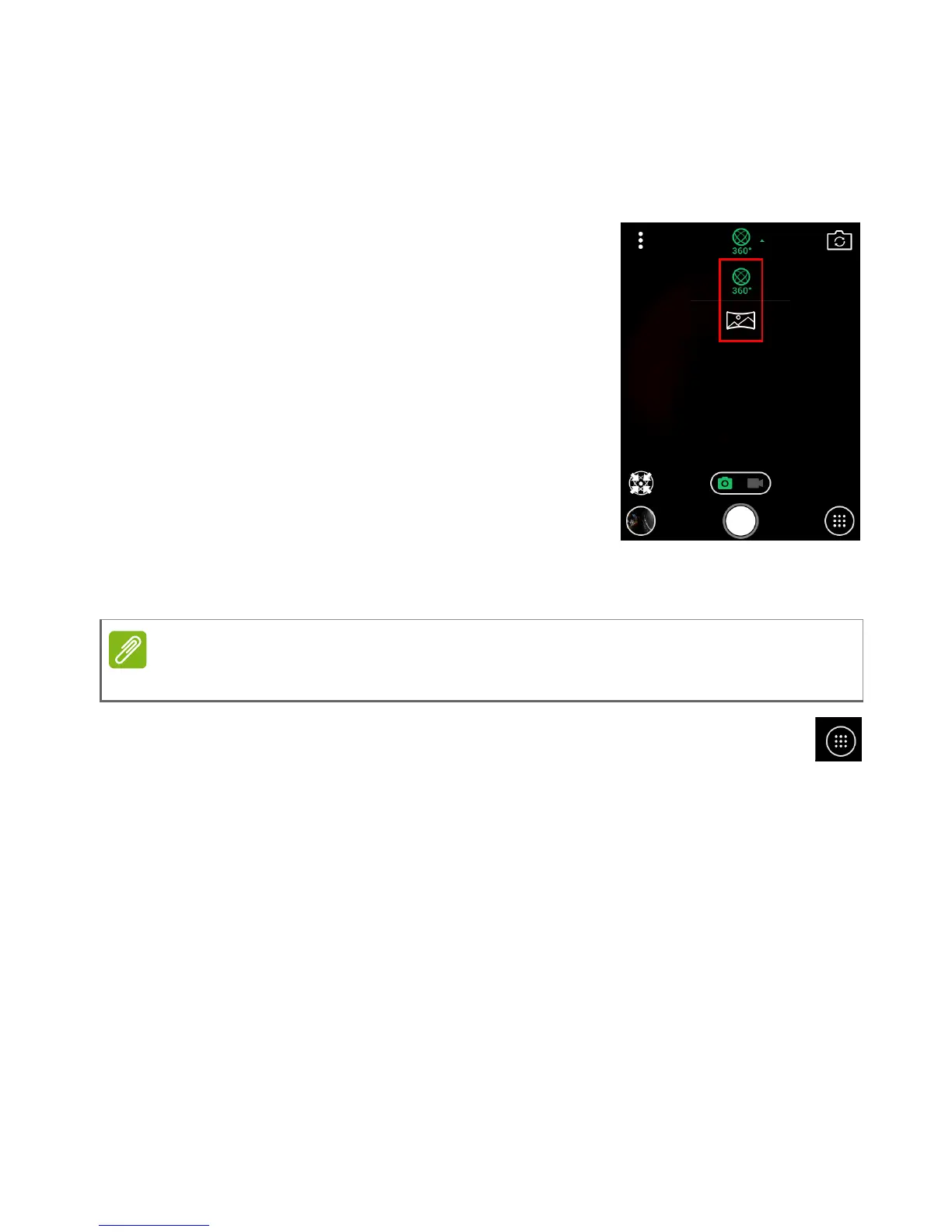
Mode Selector
Tap the Mode selector icon to open a list of
modes. Tap an icon to select a mode.
Modes
360° - Take a 360° image, using both
camera lenses.
Panorama - Take a wide panorama image.
Picture options menu
Tap the Picture options icon to see options.
Auto - Use automatic settings for best results.
Night - Use settings for improved night-time shots.
I’m here - Add text with your location and a weather report to a photo
(camera only).
Slow motion - capture video at a higher speed so playback will be in
slow motion (video only).
Time lapse - capture video at a slower speed so playback will be
accelerated (video only). Tap the icon to change the delay between
captures frames (2 - 10 seconds).



 To Next Page