AcerPower Minitower (M11E/IDCATX-2) User's Guide
xxx
1.8 Memory Upgrade
The three 168-pin sockets onboard support synchronous DRAM DIMMs. You may install
16, 32, 64, or 128-MB DIMMs for a maximum of 384-MB system memory. Each of the
sockets represents one independent bank. This allows you to install DIMMs with different
capacities in each bank.
1.8.1 Memory Configurations
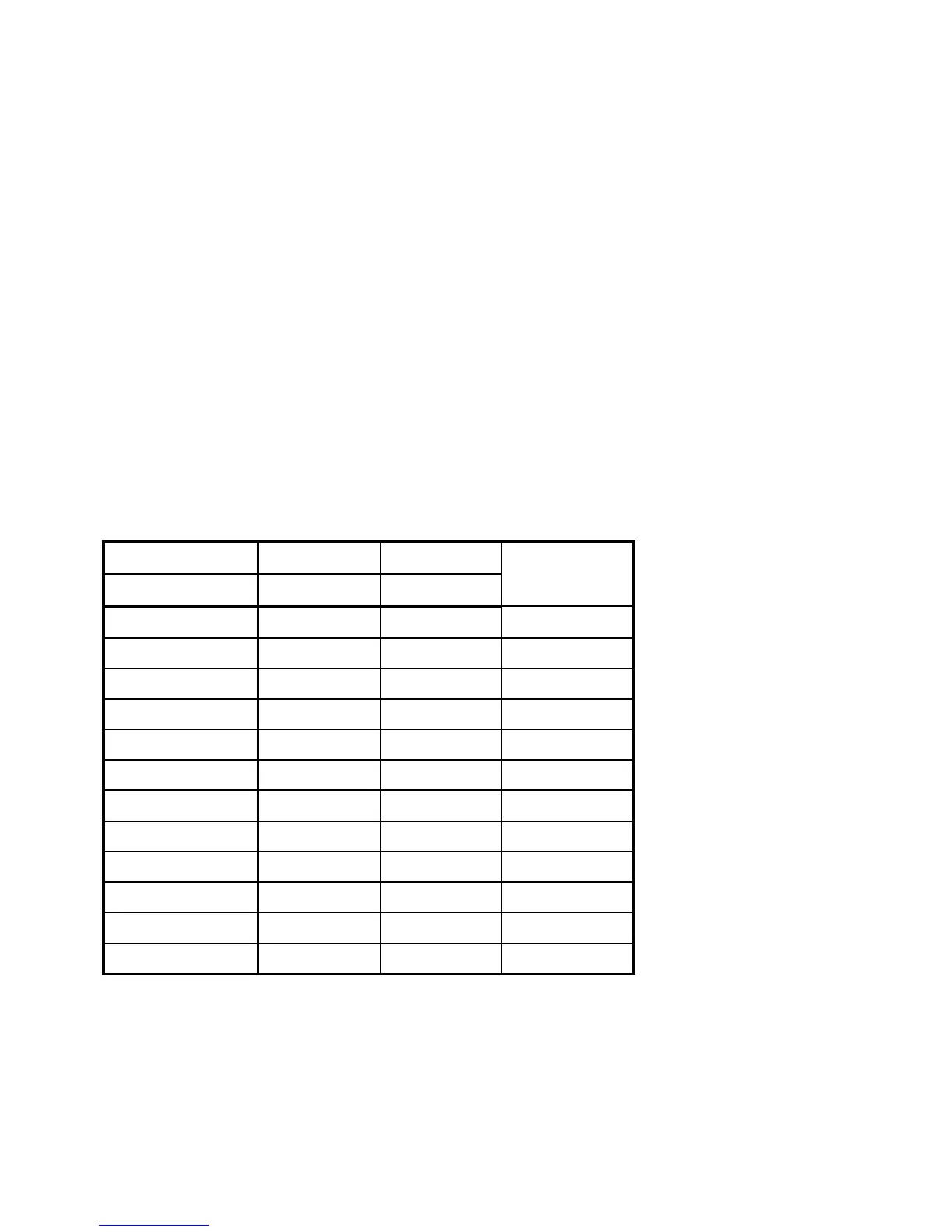
Table 1-3 lists some system memory configurations. You can combine DIMMs with
various capacities to form other combinations.
Table 1-3 Memory Configurations
Bank 0 Bank 1 Bank 2 Total
Memory
16 MB 16 MB
16 MB 16 MB 32 MB
16 MB 16 MB 16 MB 48 MB
32 MB 32 MB
32 MB 32 MB 64 MB
32 MB 32 MB 32 MB 96 MB
64 MB 64 MB
64 MB 64 MB 128 MB
64 MB 64 MB 64 MB 192 MB
128 MB 128 MB
128 MB 128 MB 256 MB
128 MB 128 MB 128 MB 384 MB








 To Next Page