Index
xcvii
3.5.7 Installing Drives
Observe the ESD Precautions before installing a
system component.
Installing a 3.5-inch Diskette Drive
The system housing comes with a 3.5-inch diskette drive installed in the upper 3.5-inch
diskette drive bay. However, you can install an additional 3.5-inch drive in the Hard disk
drive\external device bay.
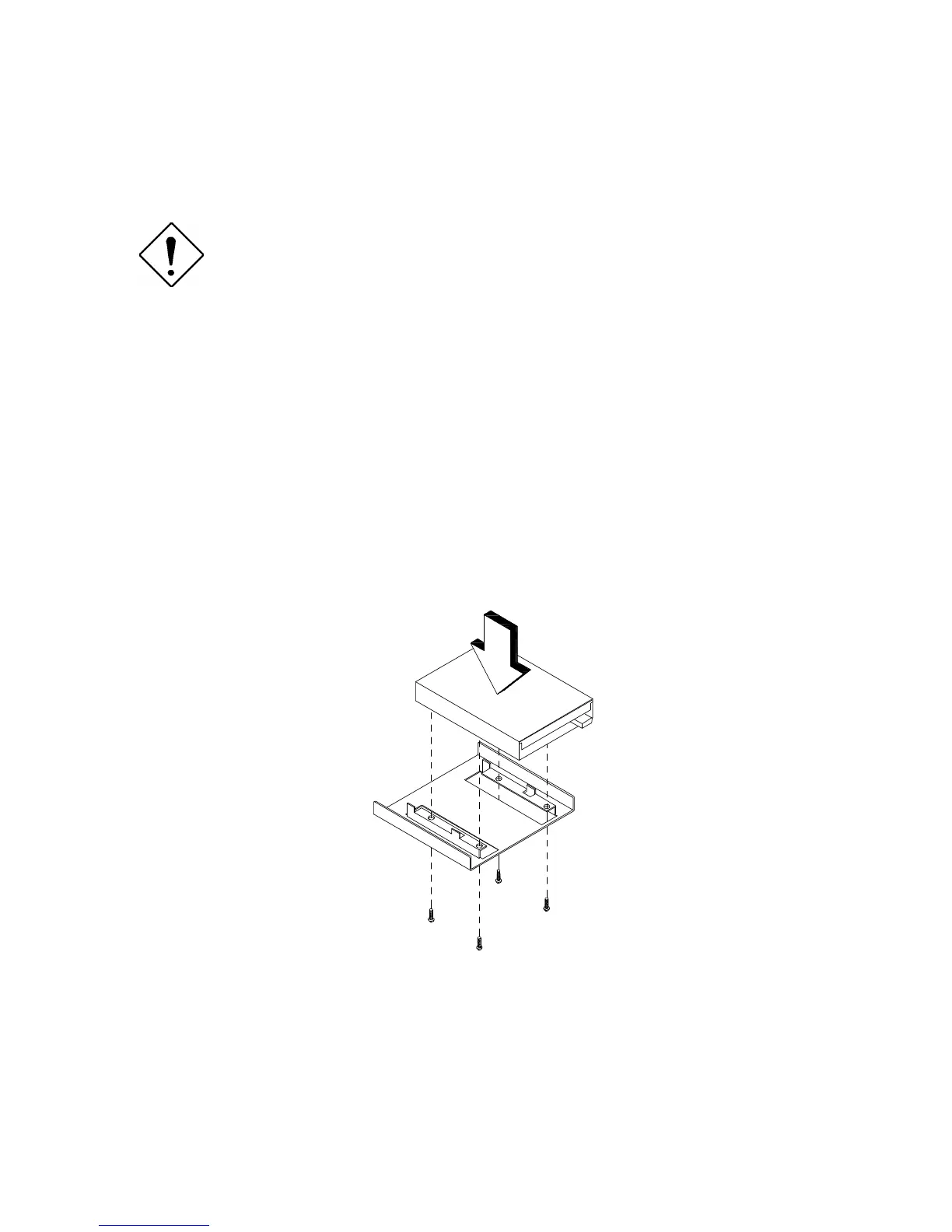
To install a 3.5-inch diskette drive in the external device bay:
1. Attach the 3.5-inch diskette drive to the 3.5-inch diskette drive frame with the
necessary screws as shown below.








 To Next Page