4. Software Operation
4.1 Turn on/off/Log in/Reboot
4.1.1 Turn on
Confirm that AC voltage accessible matches with DVR. Ensure that the DVR power outlet connect with
a good middle ground grounding. After switching power, the device started,【POWER】light is on. Turn
into system, if the pane l status light flashing, it’s normal conditions.
4.1.2 Log in
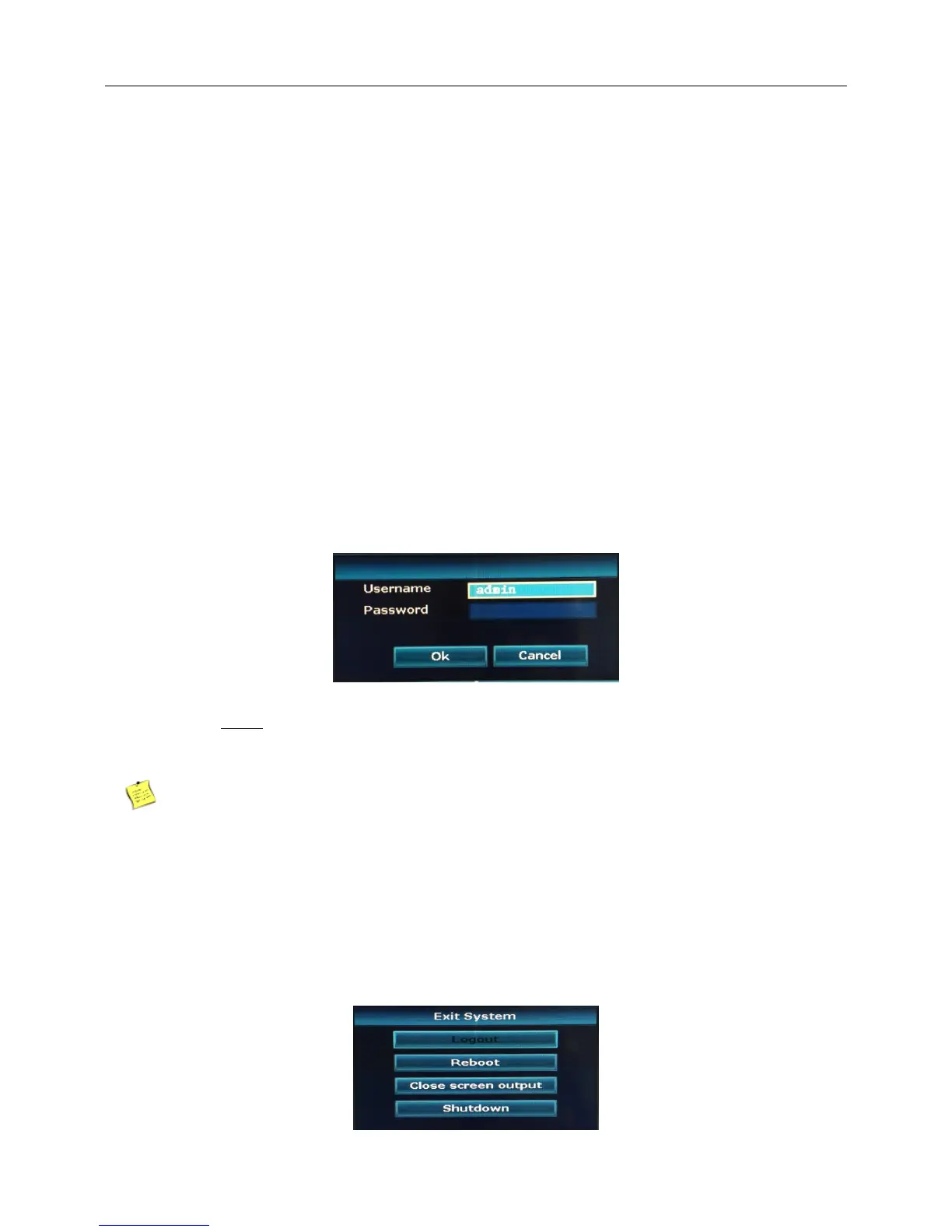
When the NVR boots up, the user must login and the system provides the corresponding functions with the
user purview. There is one user settings. The name is Admin and has no password. Admin is the super
user purview. User Admin’s password can be revised, while their permissions can’t be revised.
Step:
1.User name is admin and has no password.
2.click “YES”, Finish.
The password cannot exceed 10 characters.
4.1.3 Turn off
right click “Exit System”-> click “Shutdown”



 To Next Page