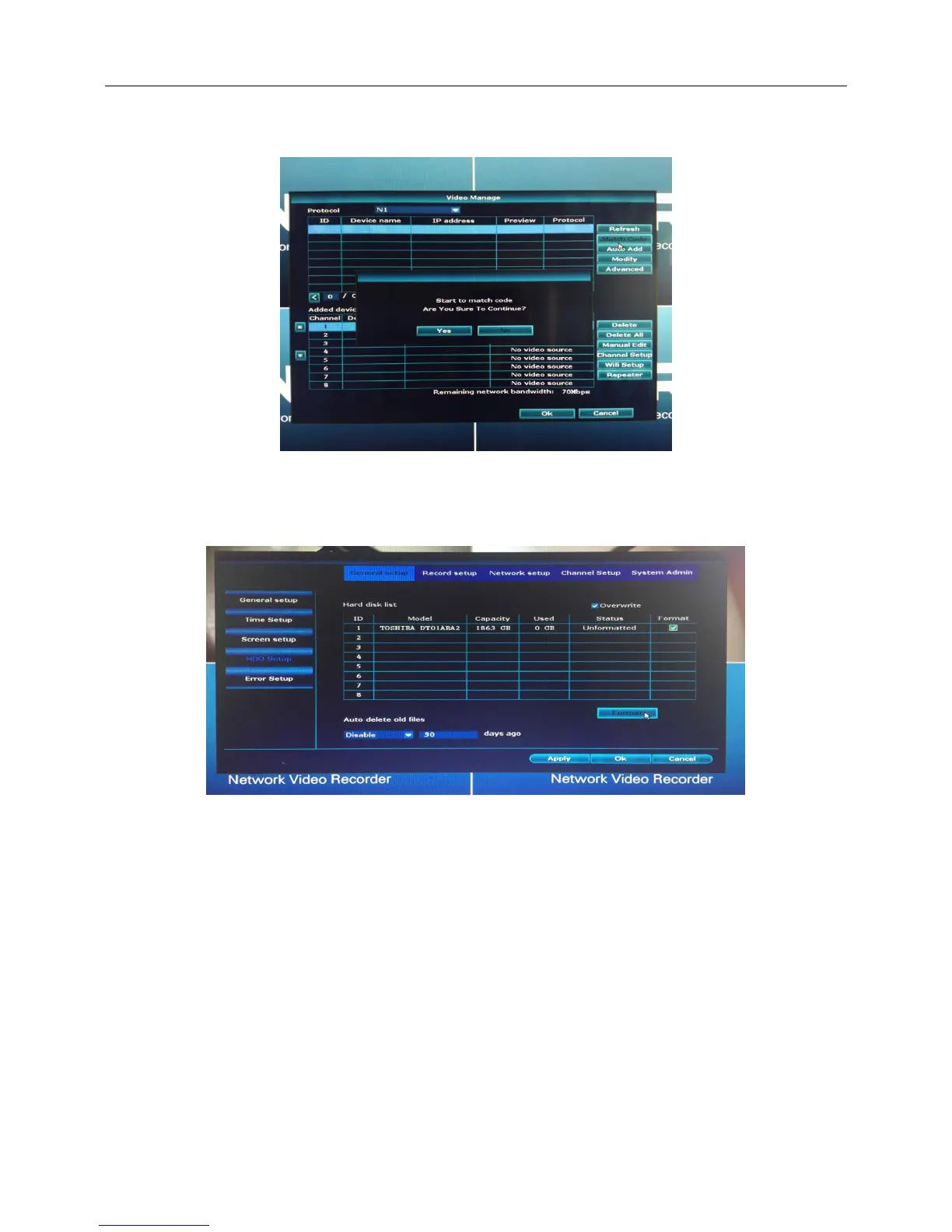
(3) Click “video manage”-> click “Match Code”-> start to match code.
(4) When one camera is matched code successful, take out the network cable for next camera with same
operation. You can take out or ignore the network cable after all cameras is matched code.
6、Format the HDD
The NVR will recording automatic after the HDD be formatted.
Click “System setup”-> “General setup”-> “HDD setup”-> tick “Format”-> “Format”
3.3 WIFI camera location
1. 12V power;
2. Installing wireless cameras inside WIFI signal.
3. If no image, indicating that the distance is too far, need to shorten the distance.
3.4 Antenna location
Installation diagram



 To Next Page