4.1.4 Reboot
right click “Exit System”-> click “Reboot”
4.2 Settings
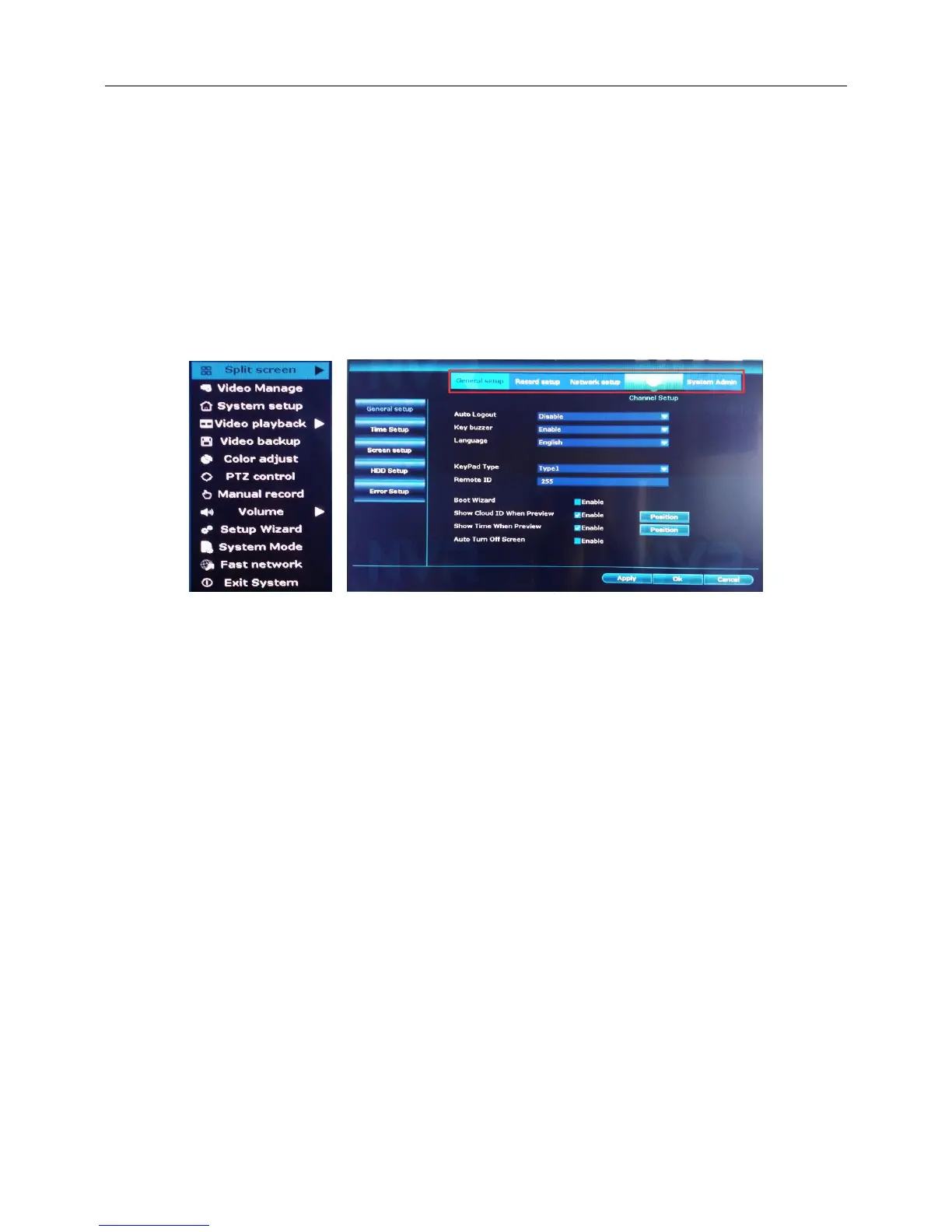
Right click the blank of main interface: In preview mode you can right click mouse to get a desktop shortcut
menu.
Right click the blank of main interface -> click “System setup”
Set the system parameters such as General, Encode, Network, Add IPC,System time,Video standard,
Resolution,Wireless,Color adjust,PTZ control.
4.3 Video Manage
4.3.1 Add device and Match code
Refresh
Introduction:Refresh IPC information
right click the blank of main interface -> click “video manage”



 To Next Page