4.4.2.DDNS
Introduction:It is the abbreviation of dynamic domain name server.
Step:
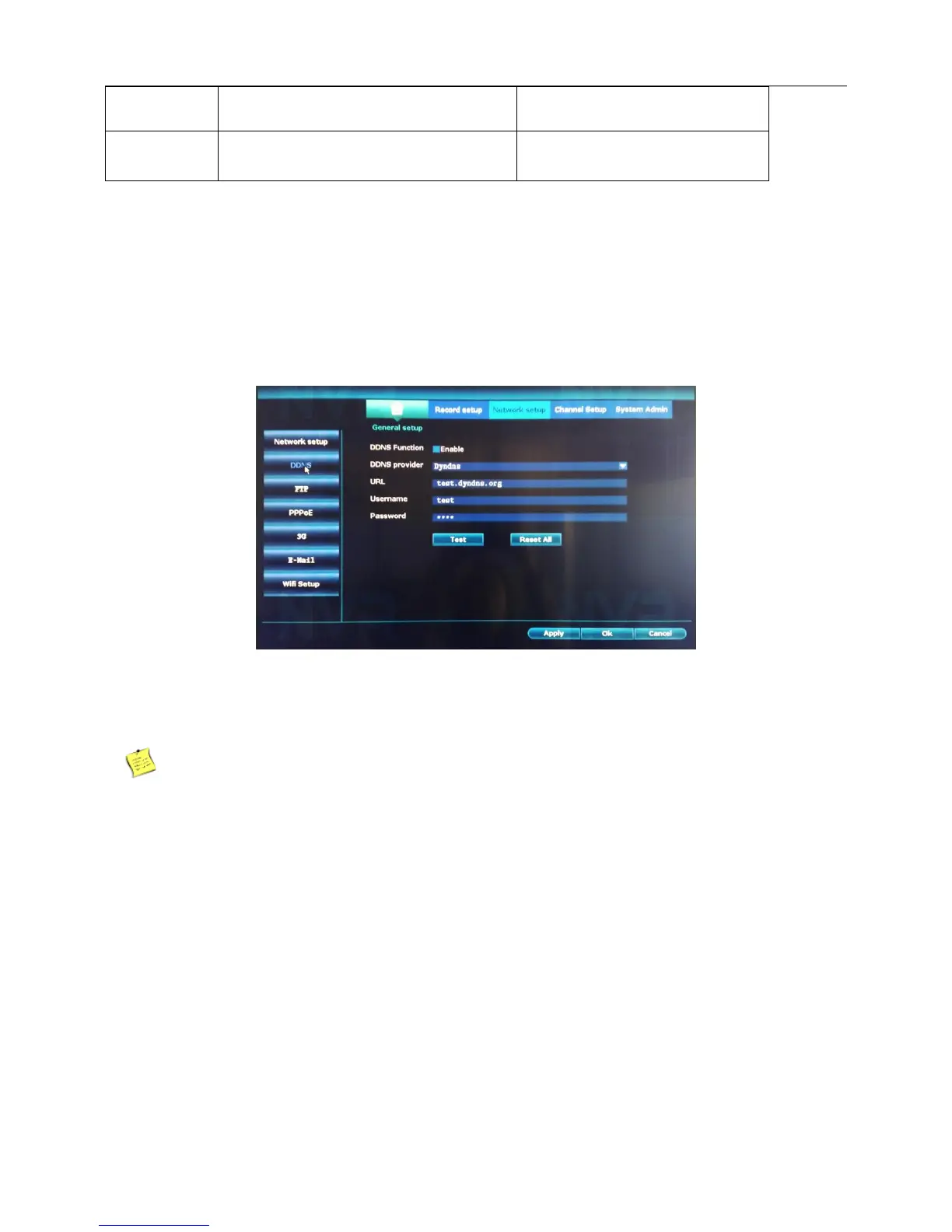
1、Right click the blank of main interface -> click “System setup”-> click “Network setup”-> click “DDNS”.
2、DDNS Function:Choose Enable.
3、Fill in information.Provide the account and password registered by DDNS.
4、Click“Apply”,finish.
Note:The DNS setup must be configured correctly in the network setup.
4.4.3.FTP
Introduction:FTP is available only when alarm happens,or alarm activates record and snapshot,it will
upload related snapshot pictures to FTP server.
Step:
1、Right click the blank of main interface -> click “System setup”-> click “Network setup”-> click “FTP”.



 To Next Page