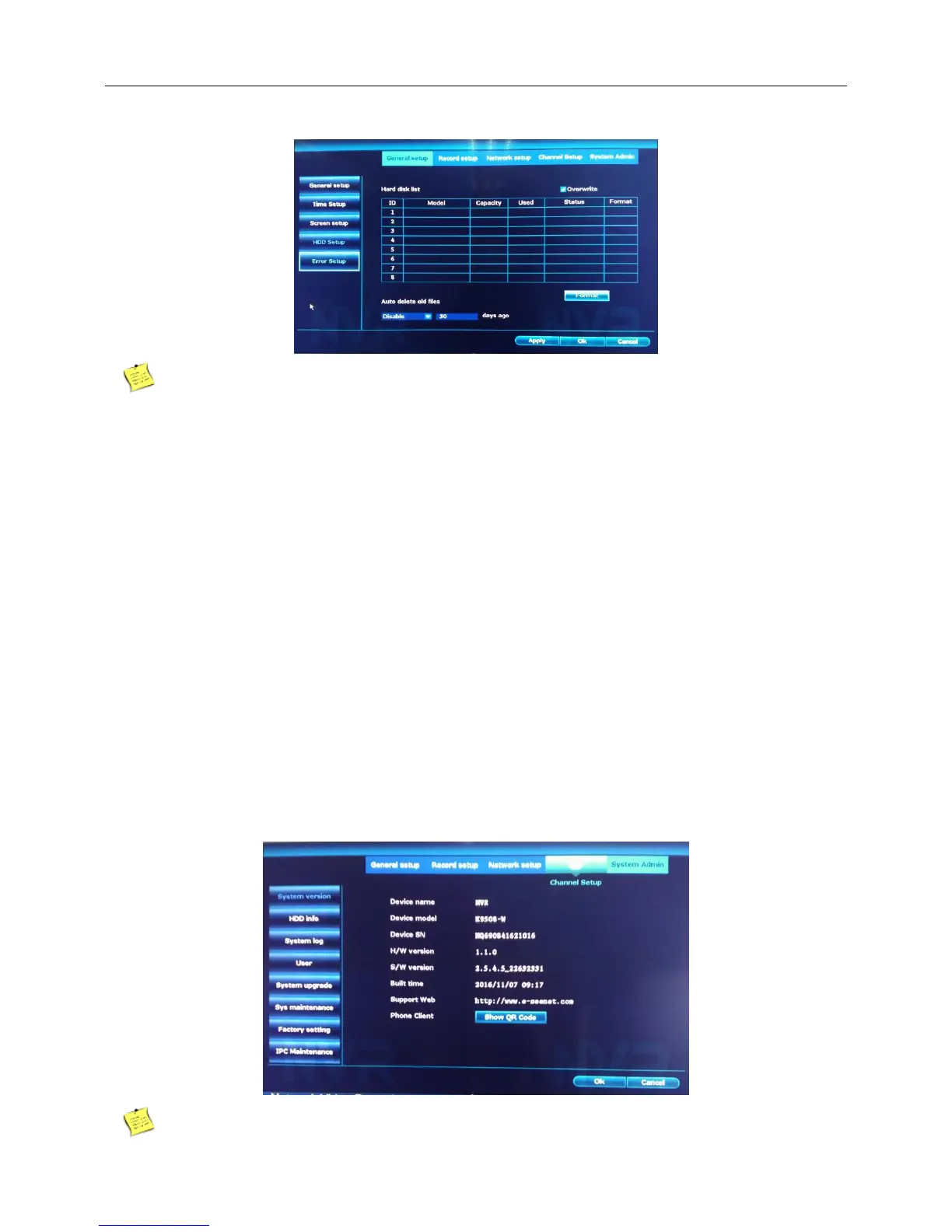
Right click the blank of main interface -> click “System setup”-> click “System Admin”-> click “HDD info”.
If the user need to change the damaged hard disk, you must shut down the NVR and take up all the
damaged hard disks,then install a new one.
After formatting the hard disk all data will be lost
Auto delete old files,The maximum value is 255 days.
4.11 System admin
4.11.1 System version
Version:
Introduction:Display the basic information such as hardware information, software edition, serial number
and so on.
Right click the blank of main interface -> click “System setup”-> click “System Admin”-> click “System
version”.



 To Next Page